
How do I change the currency of my account?
Changing the currency of your Hire insight account is managed in the Configure settings area.
Click on Configure settings in the lefthand toolbar
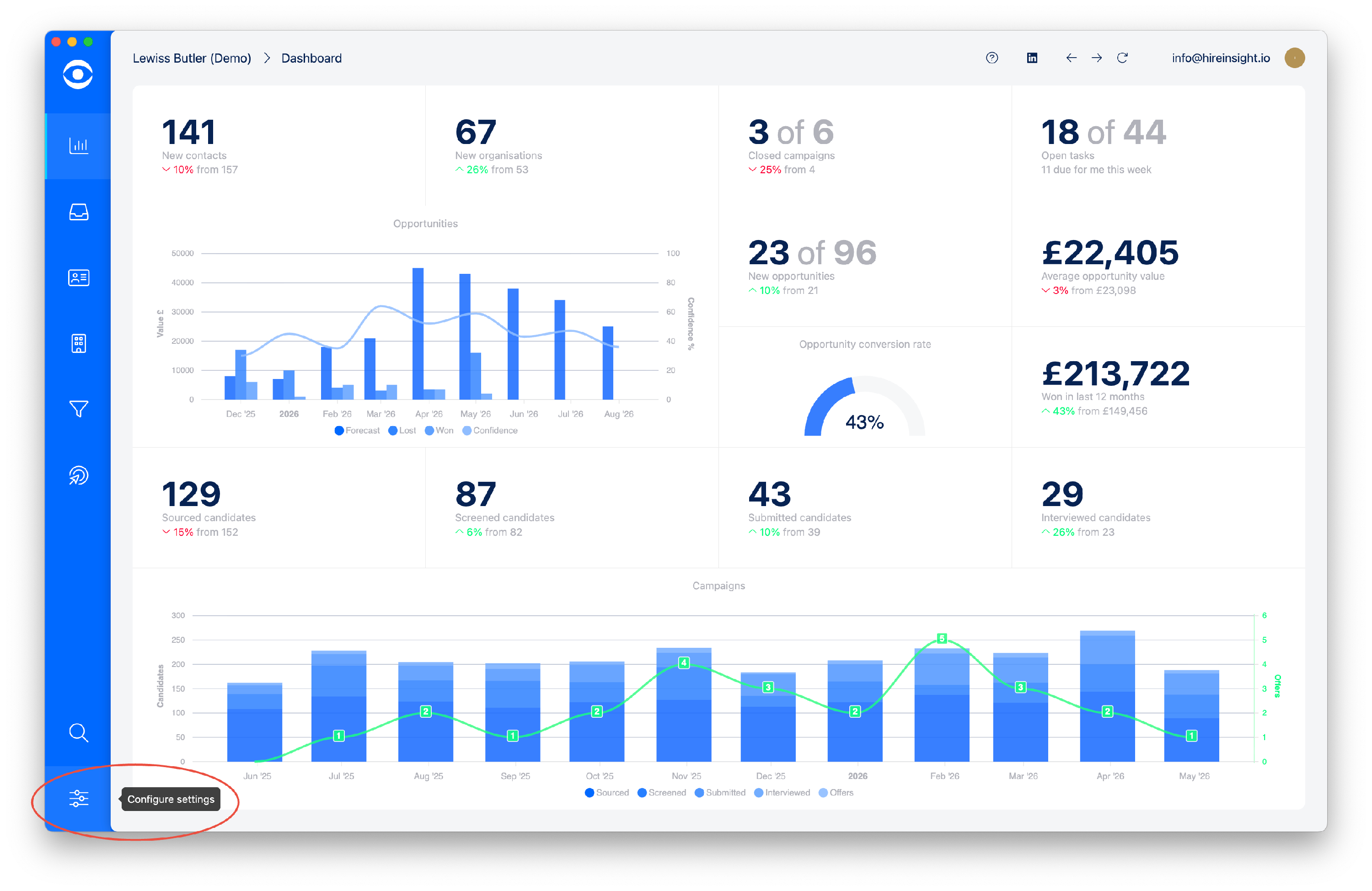
The Settings page will open.
Navigate to the Account tile.

In the Account page you will find Currency options at the bottom right. Click on the dropdown arrow for the options available and select the appropriate currency.

Click on Back to settings to close and save.
