
Adding or Removing Features
Tip: Features can be added or removed by Account Administrators.
If users don't have this permission they need to refer to their Account Administrator or email us at help@hireinsight.io
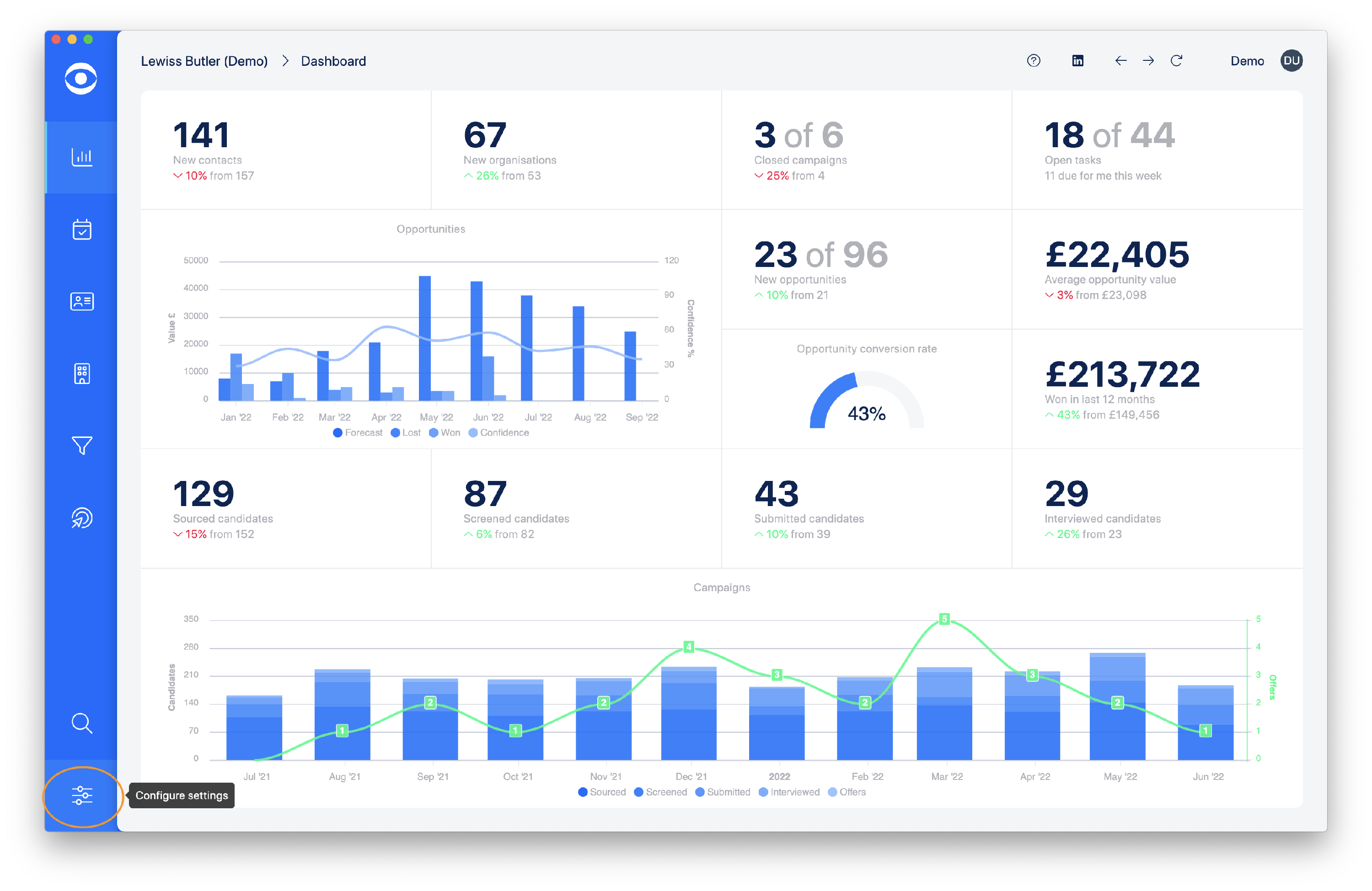
Click on Configure settings on the lefthand toolbar.
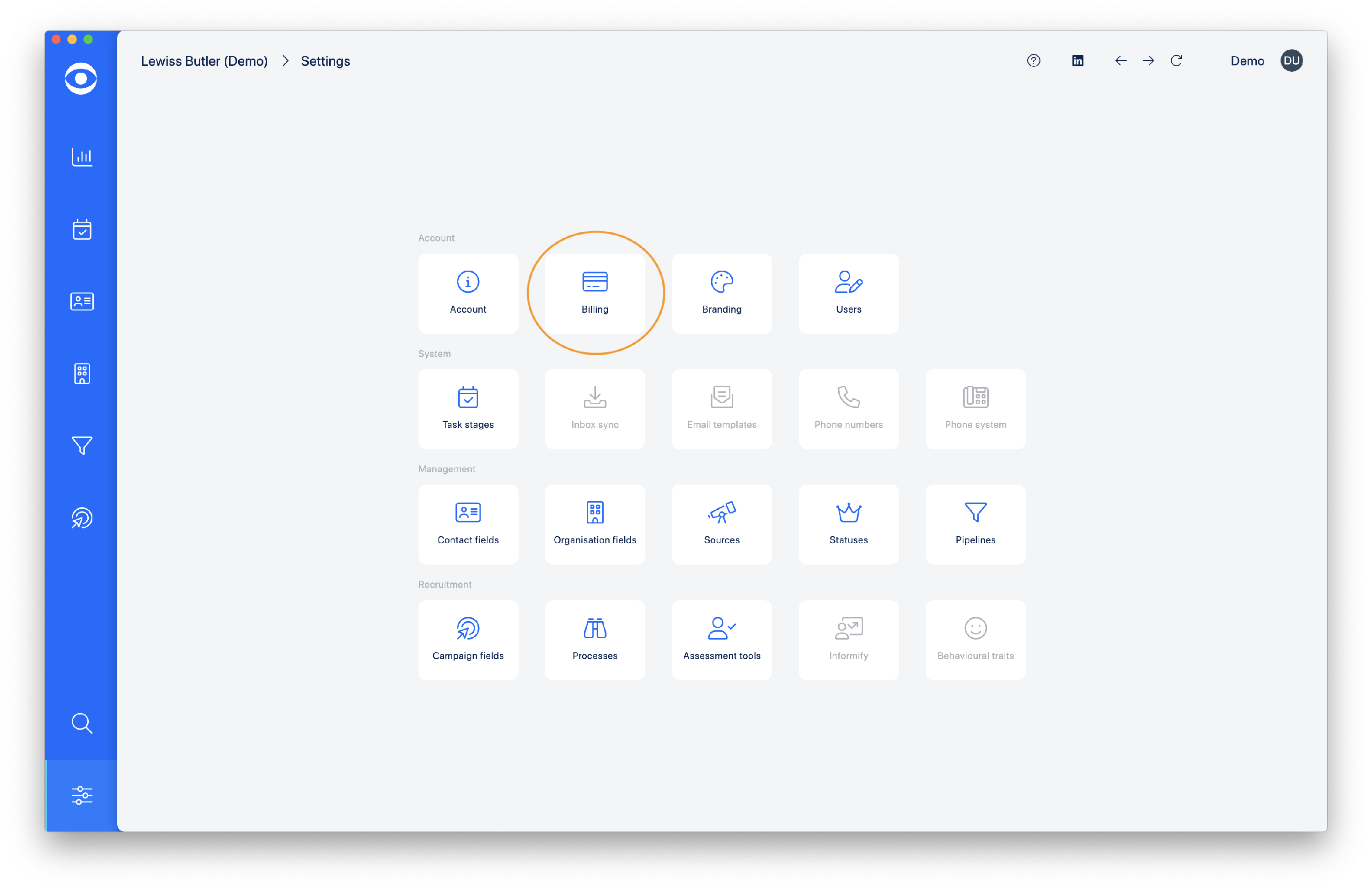
The Settings page will open, in the Account options click on Billing.
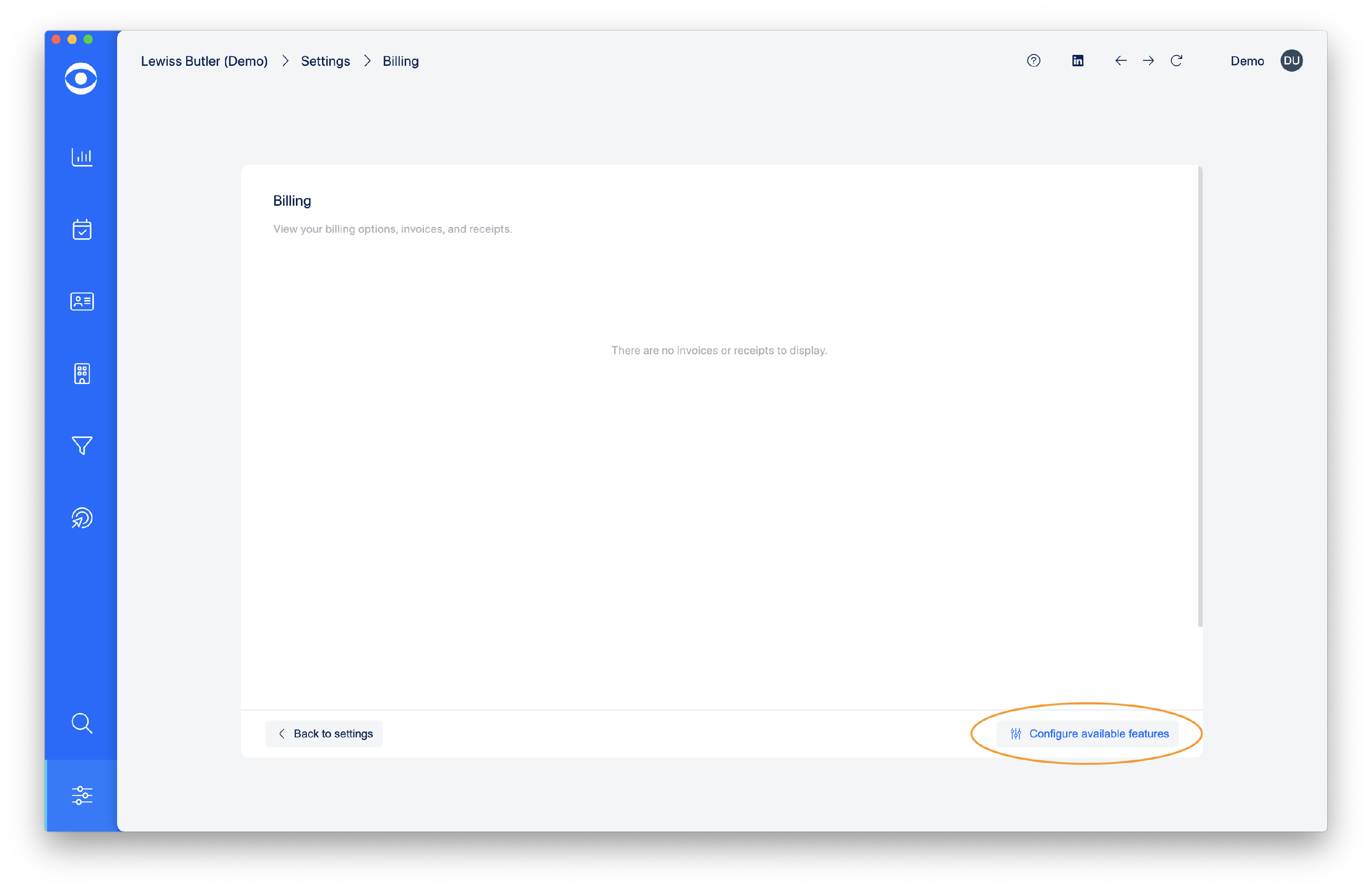
On the Billing page, click on Configure available features at the bottom right corner.
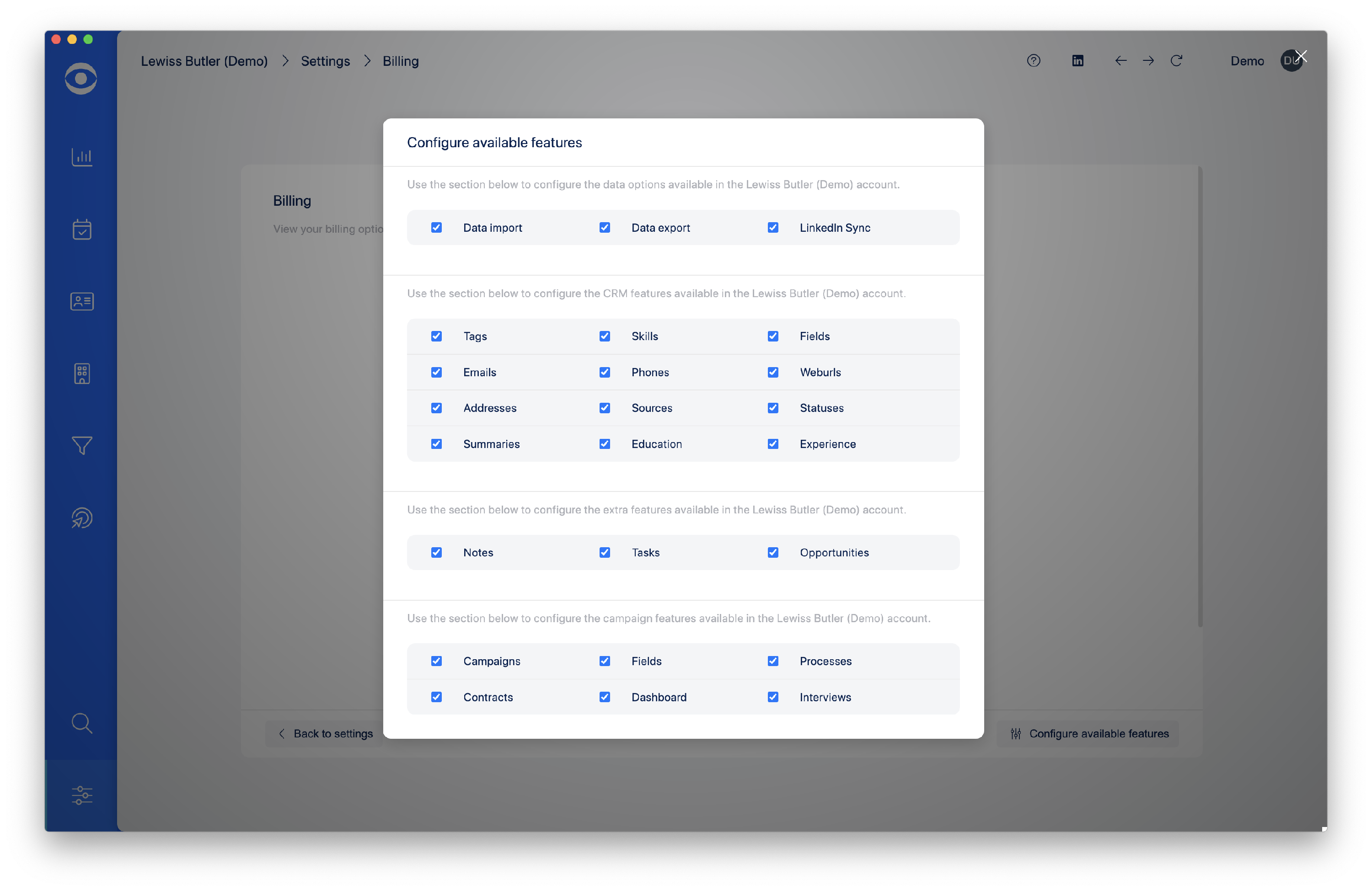
In the popup window, select and click on the features you want to add or remove from your account.
Tip: If there is a feature which would work for your account, but is not listed, email us at help@hireinsight.io and let us know what feature you require.