
How to Switch Accounts
Tip: This allows you to switch rapidly between your agency account and the Demo account, wherever you are working within Hire Insight
There are two options for switching between accounts:
OPTION 1 - HOVER OVER THE NAME OF THE ACCOUNT TOP LEFT
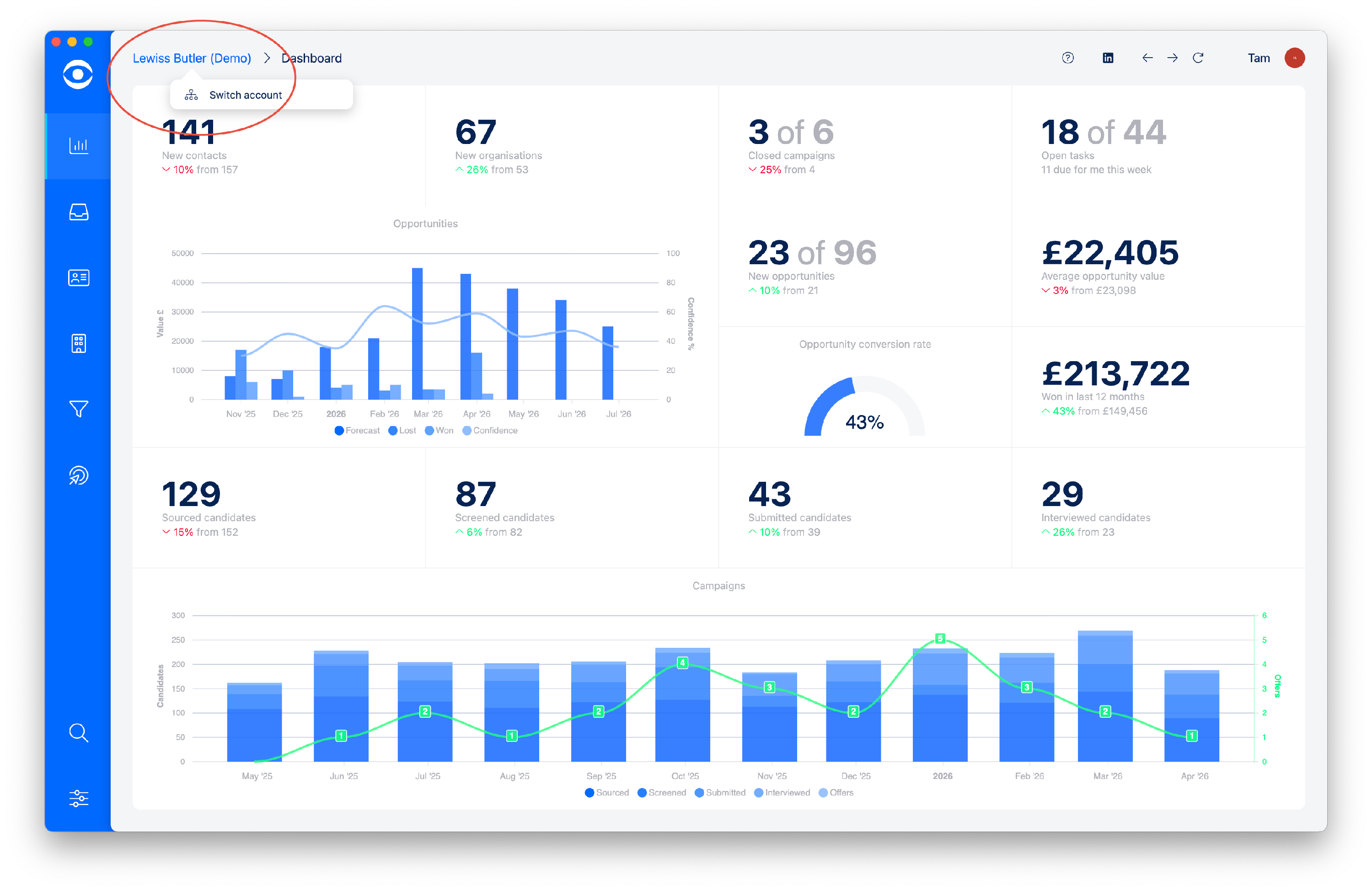
Hover mouse over the name of your account which appears on the top left of the Hire Insight screen.
The popup box appears, click on the option to Switch account.
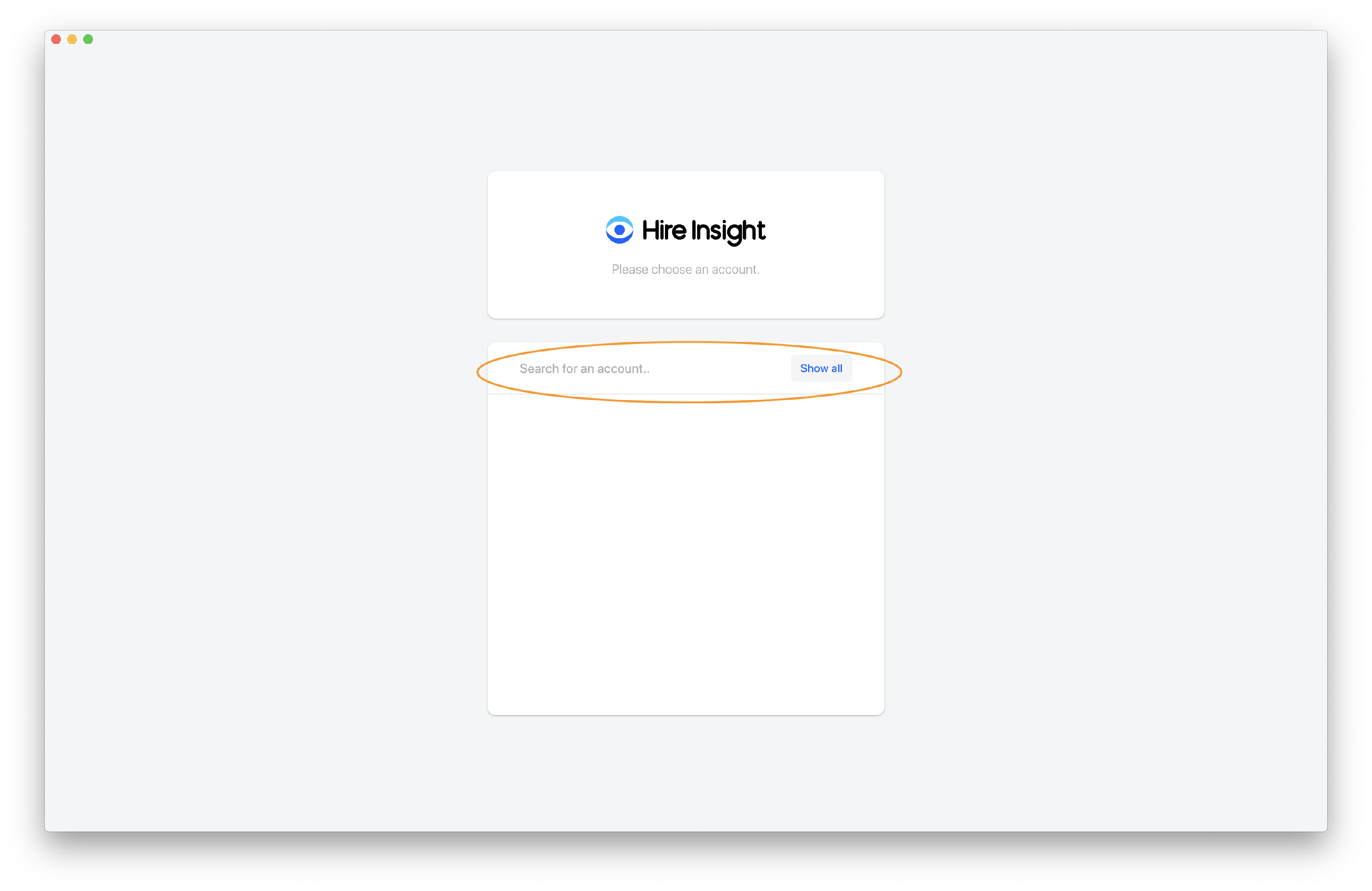
On the account switch page, either type in the account you want to switch to, or click the Show all box.
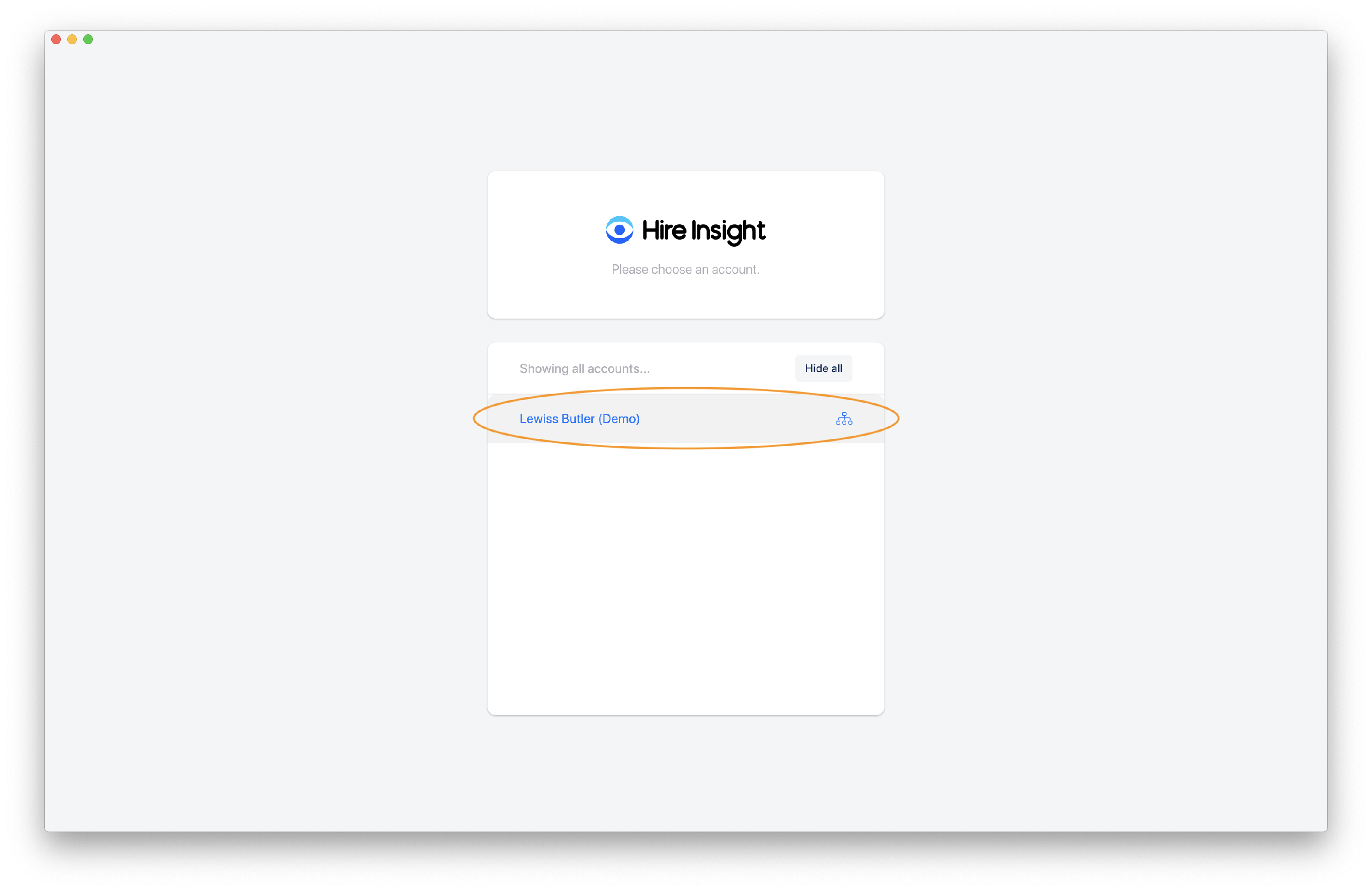
The Demo Account will show on the drop down list, click to select.
OPTION 2 - HOVER OVER DETAILS ON TOP RIGHT
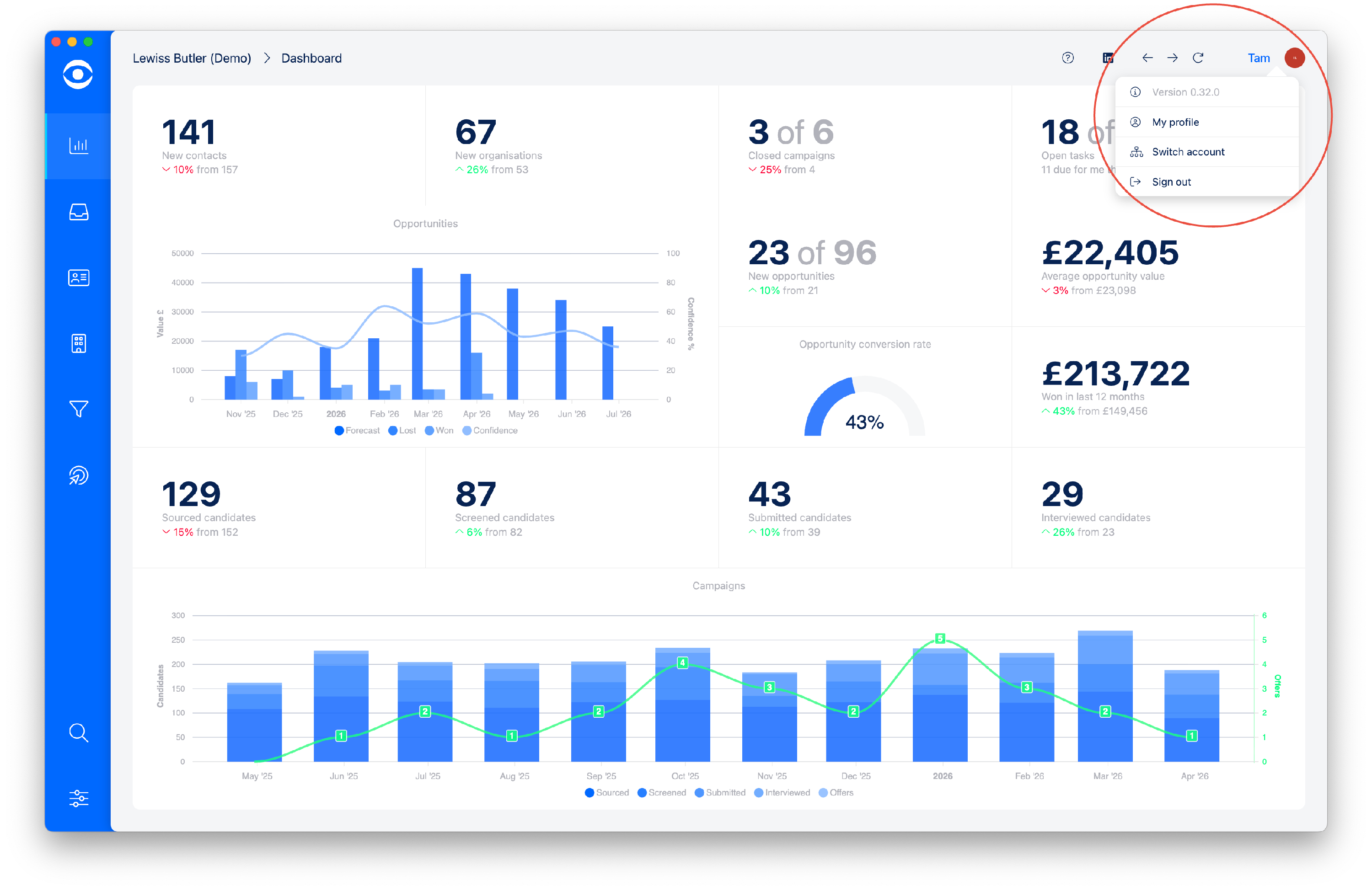
Hover mouse over your details which appears on the top right of the Hire Insight screen.
In the drop down menu, click on Switch account.
On the account switch page, either type in the account you want to switch to, or click the Show all box.
The Demo Account will show on the drop down list, click to select.