How to Login to the Hire Insight Desktop App
Locate the Hire Insight desktop App icon in your toolbar or dock. Click to open the App.
Read here how to install the Hire Insight App for Mac
Read here how to install the Hire Insight App for Windows
The Hire Insight login window will open, click on the Login with email button.

Enter your email address and click Continue with email.

A random login code is generated and sent by email from no-reply@hireinsight.io, subject: Confirm your email for Hire Insight.
Ensure that you have allowed this address to avoid the email being sent to your Junk mail folder.
Check you inbox to retrieve the login code email. As the code is case sensitive, it is best to copy and paste it into the Hire Insight App.

Copy the login code into the Hire Insight App login window and click Continue with login code.

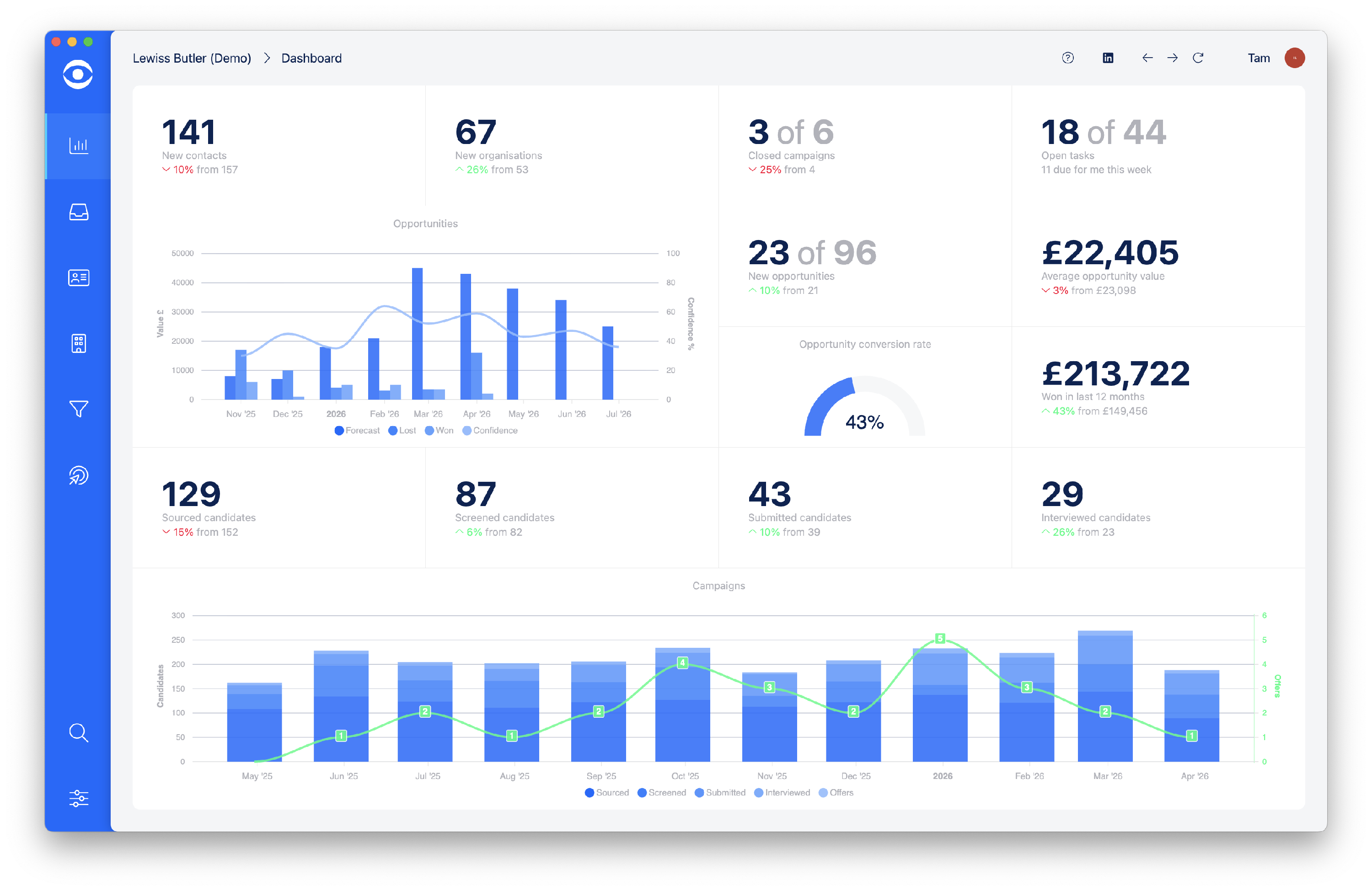
The Hire Insight desktop App will open on the Dashboard page.