How to View Client Activity in a Campaign
The Audit Trail tool in Hire Insight allows you to view which Clients have viewed the Campaign and specific Candidates.
CONTENTS:
- HOW TO VIEW THE ACTIVITY FOR A CAMPAIGN
- HOW TO VIEW THE ACTIVITY FOR A SPECIFIC CANDIDATE IN A CAMPAIGN
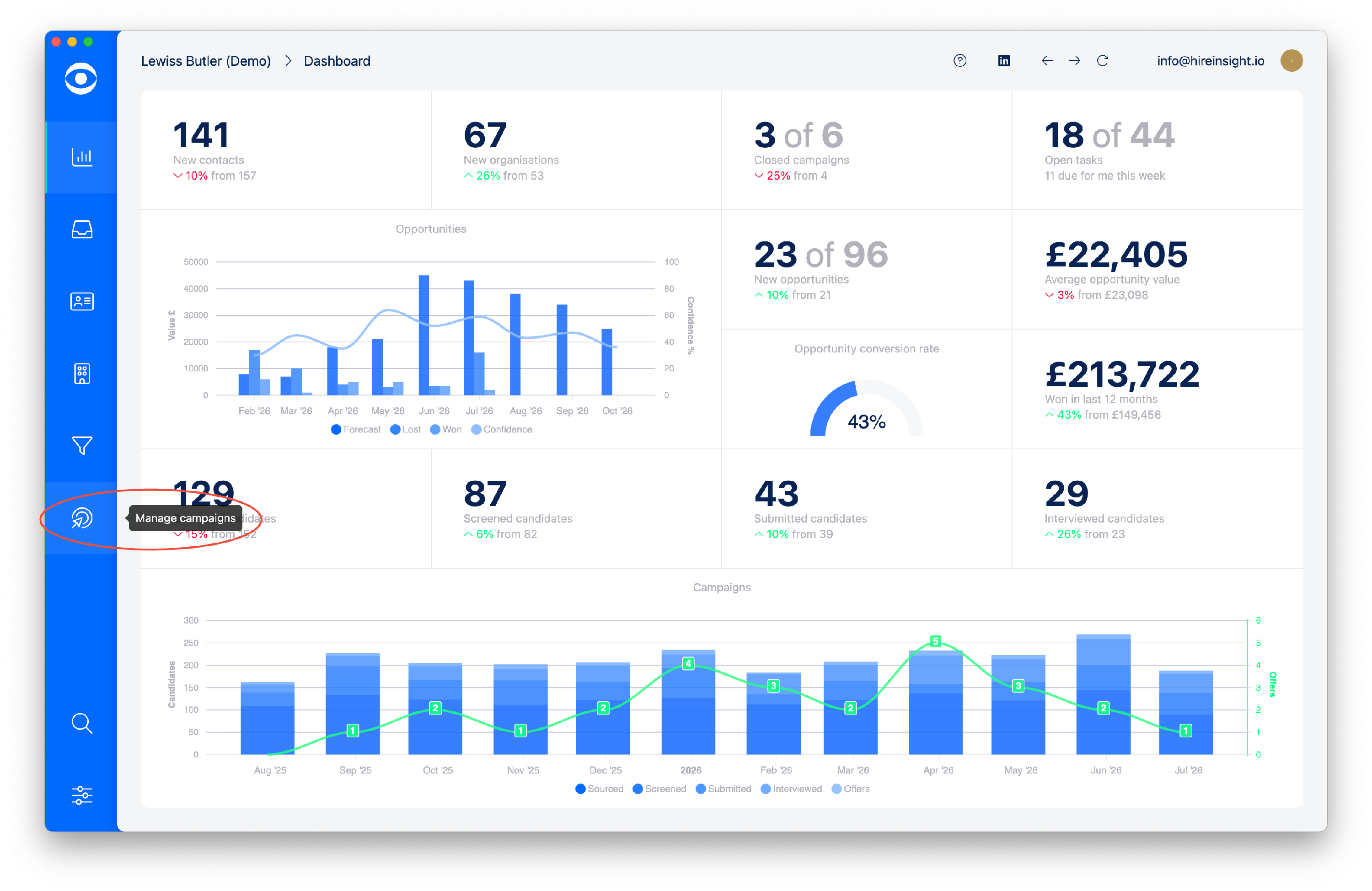
Navigate to Campaigns by clicking the tab on the lefthand toolbar.
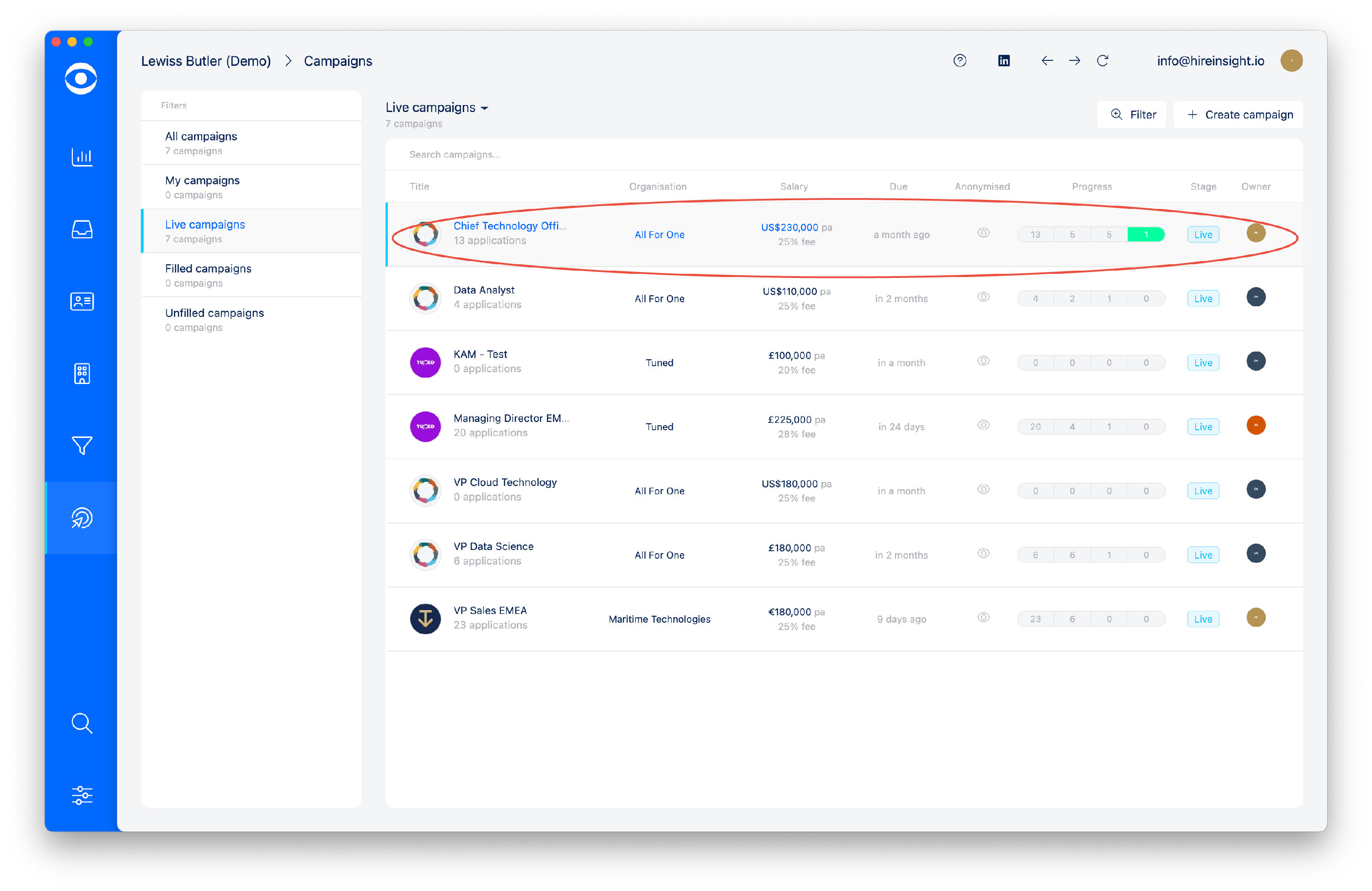
Select the Campaign you want to view from the list of Campaigns.
-
How to View the Activity for a Campaign
In the top tool bar, select Audit trail
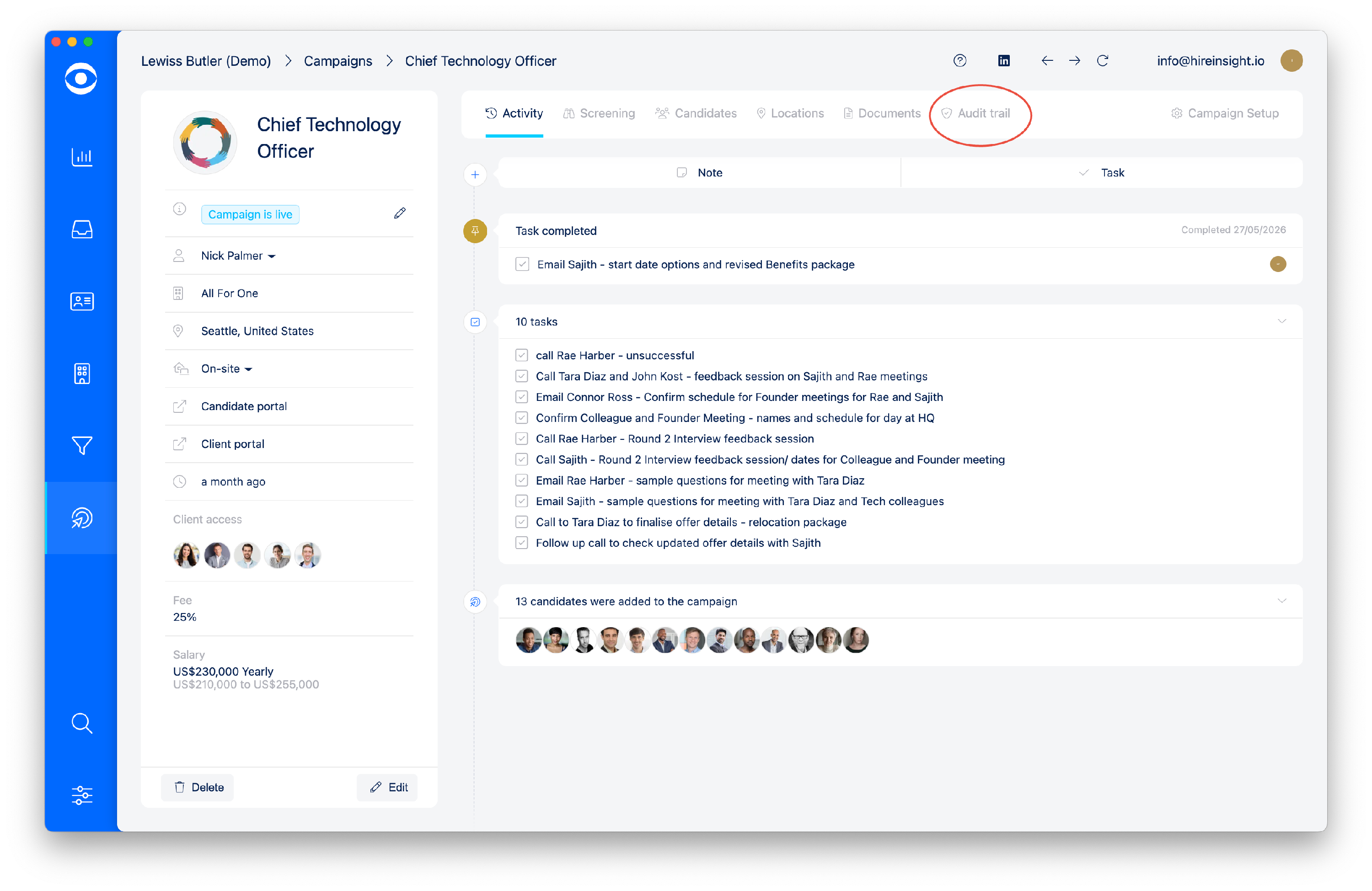
Click on Audit trail to see a summary of activity for the Campaign.
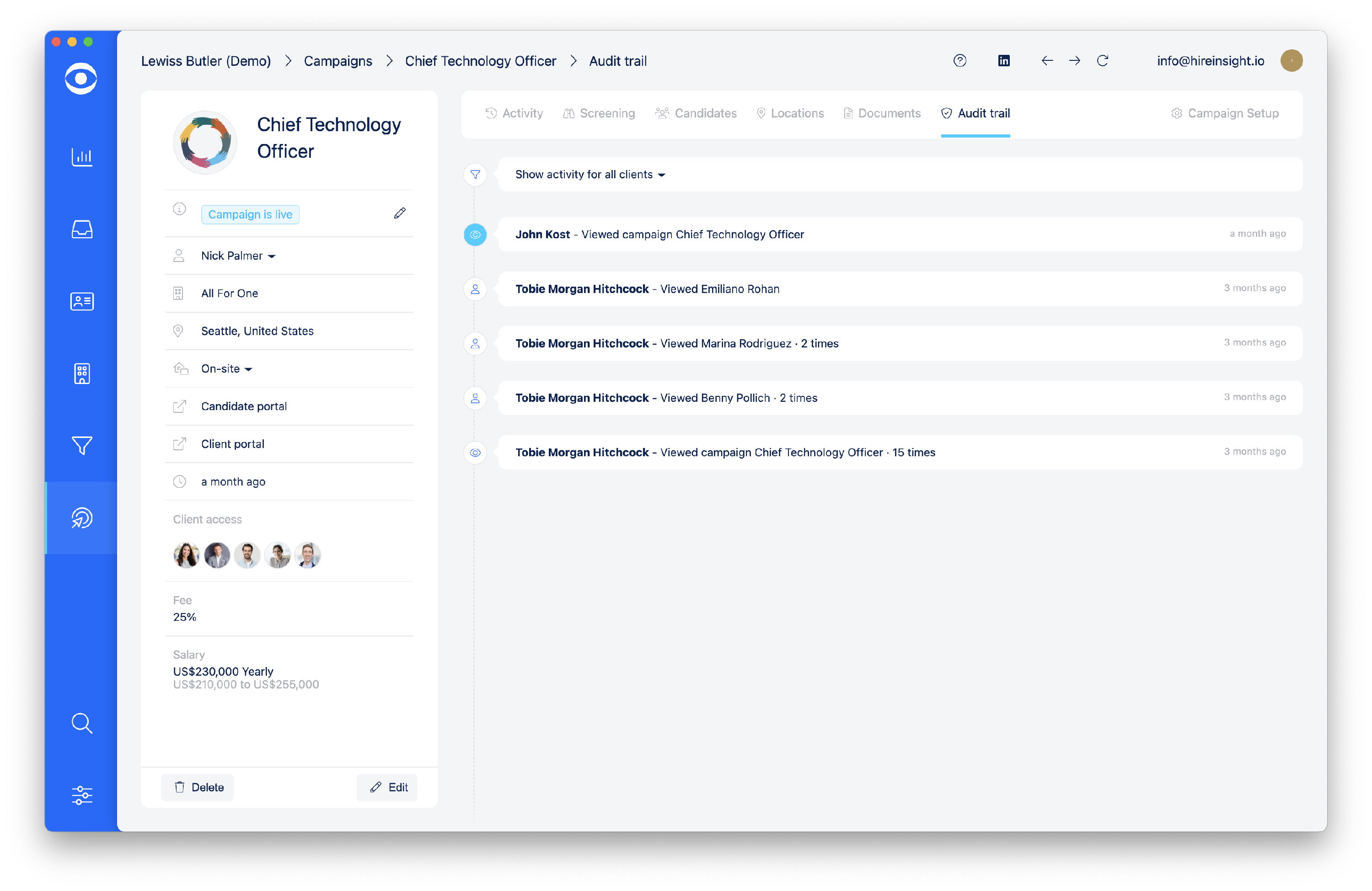
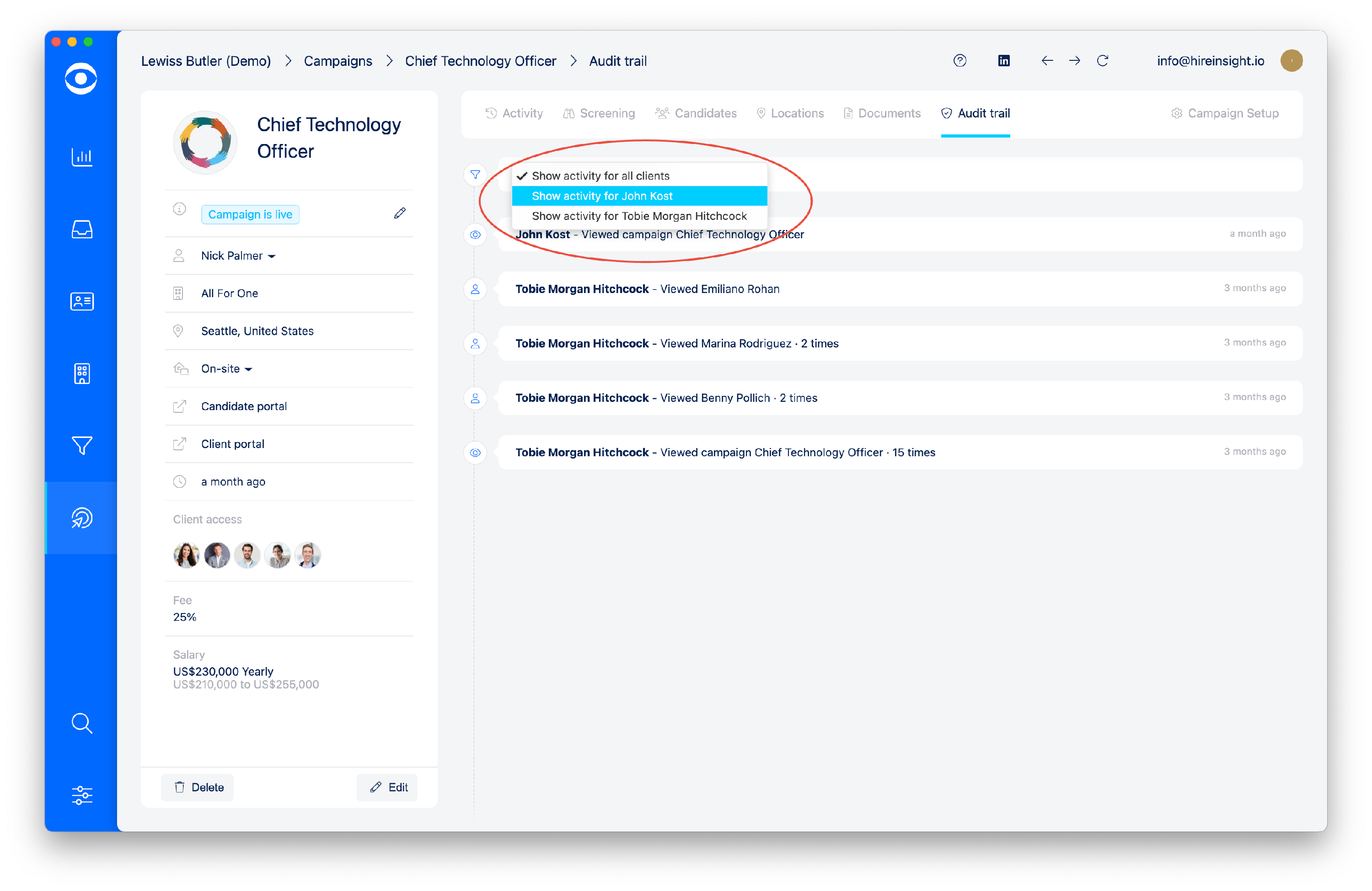
The Summary may be filtered to show activity by Client users.
-
How to View the Activity for a Specific Candidate in a Campaign
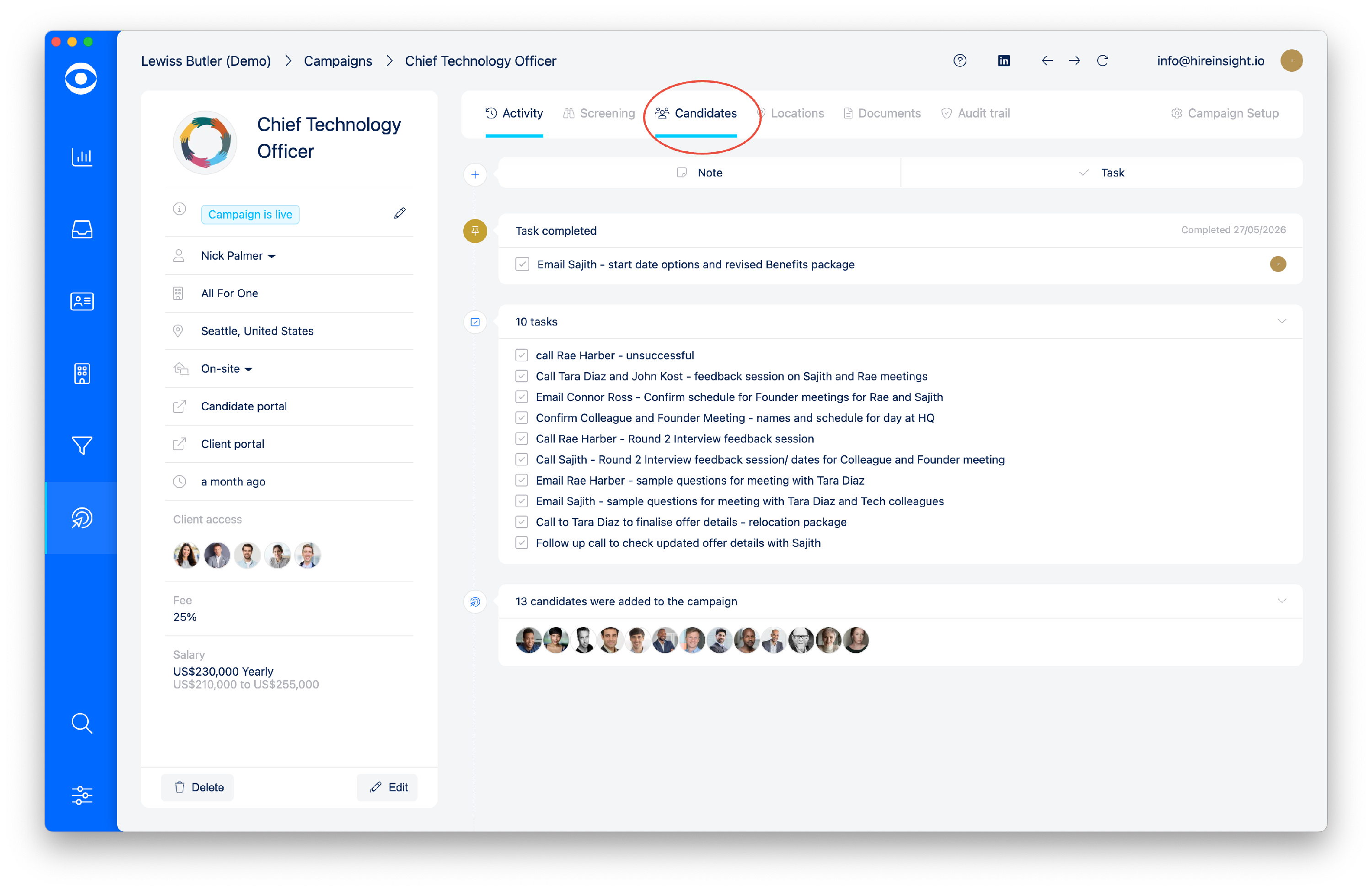
In the top tool bar, select Candidates.
-
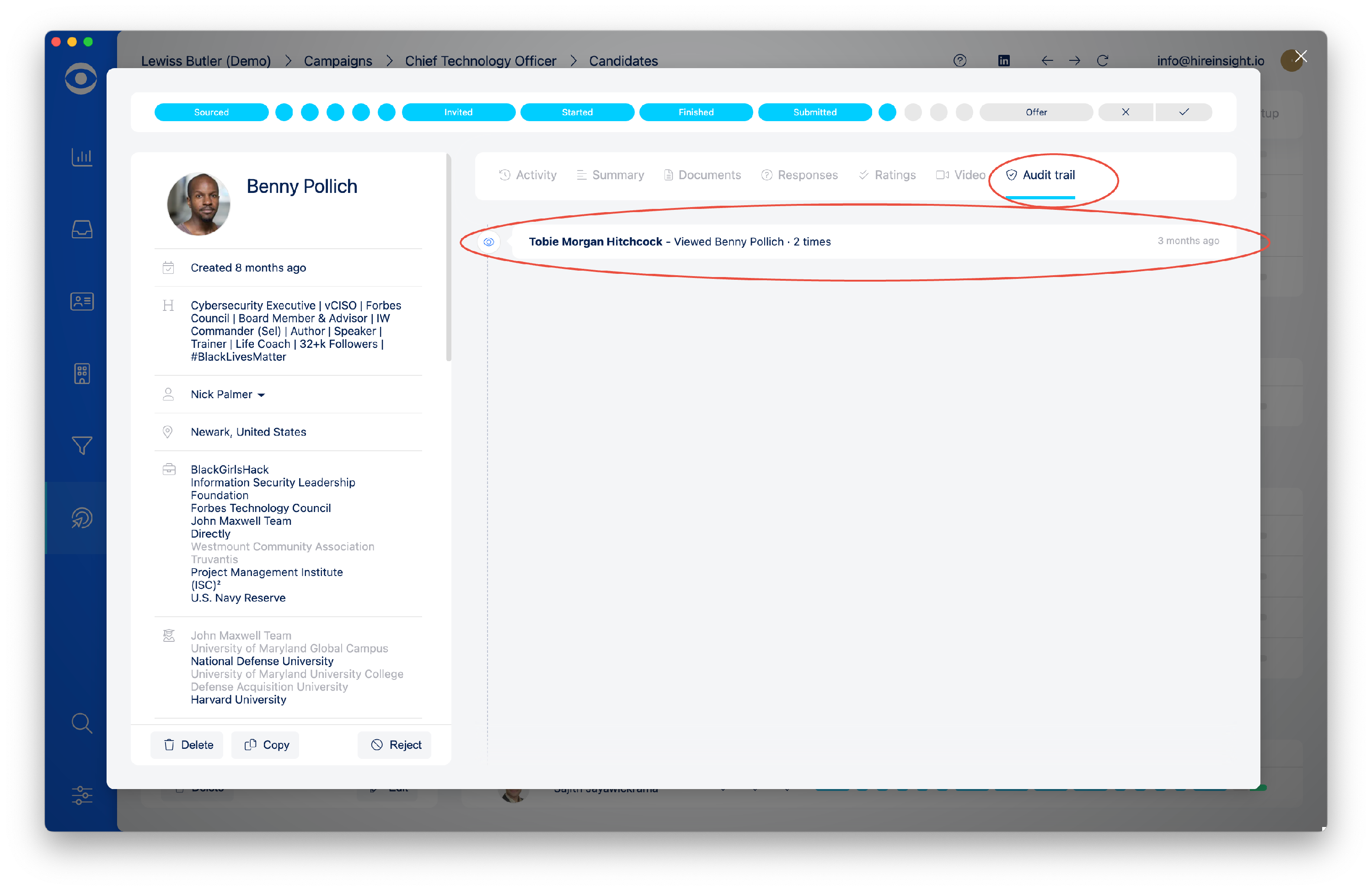
Open the selected Candidate, and navigate to Audit trail.
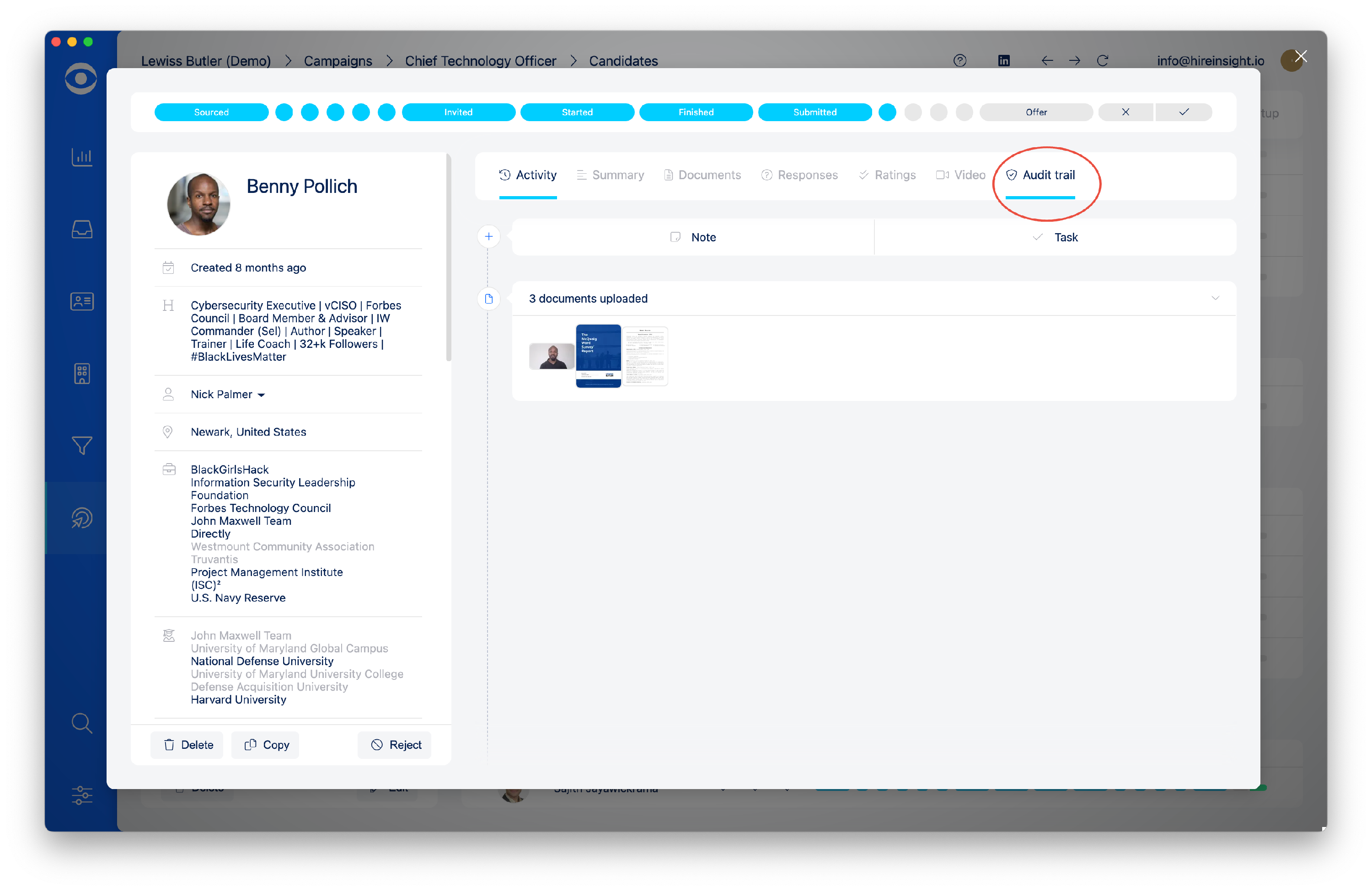
Click on Audit trail to open up activity log.