How do I add an Organisation Logo?
.PNG, .PDF and .JPG can be used for Organisation logos, however for the best resolution use .PNG files
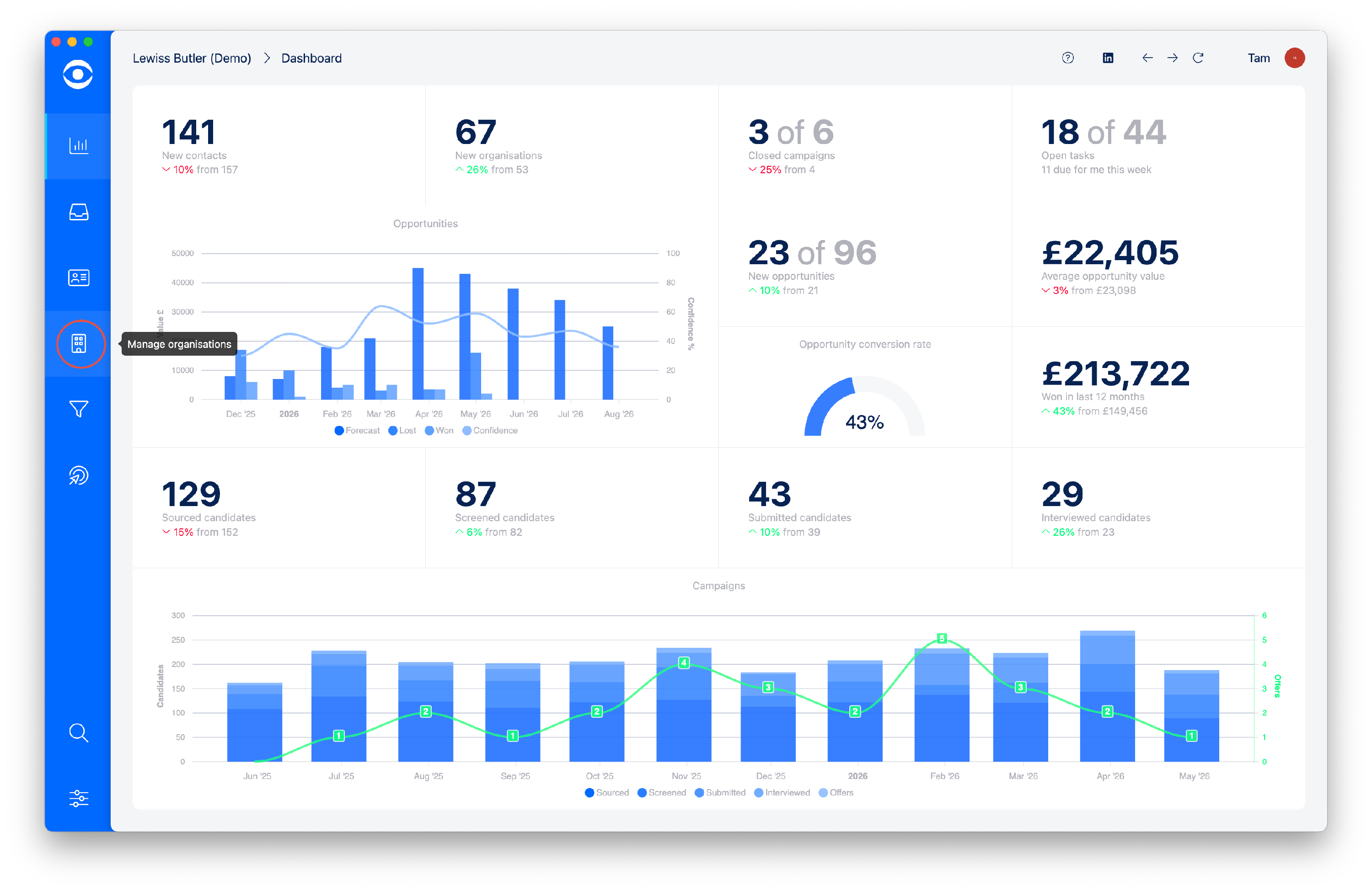
Click on Manage organisations on the lefthand toolbar.
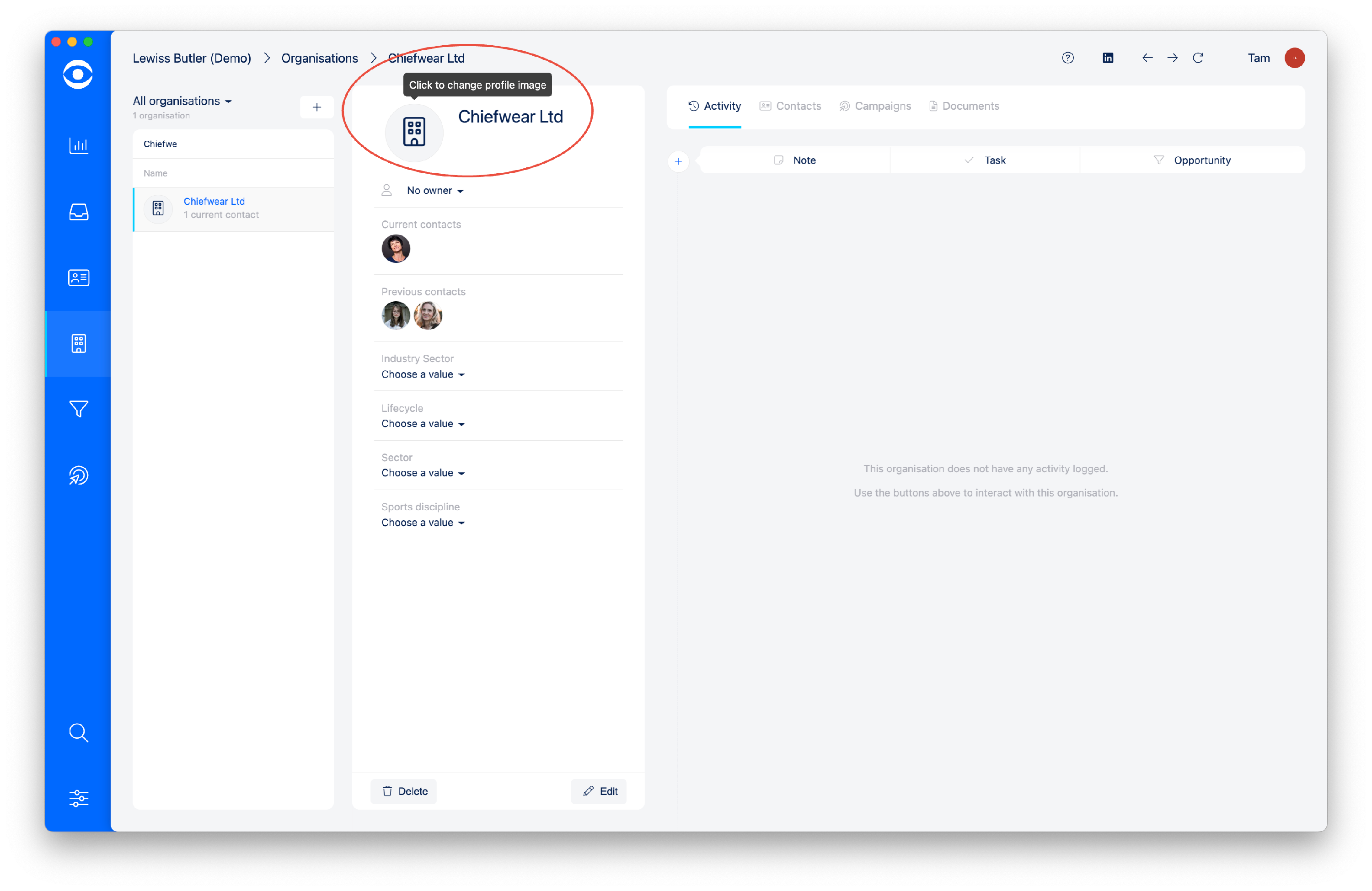
Select the Organisation and from the Organisation profile page, click on the Organisation avatar.
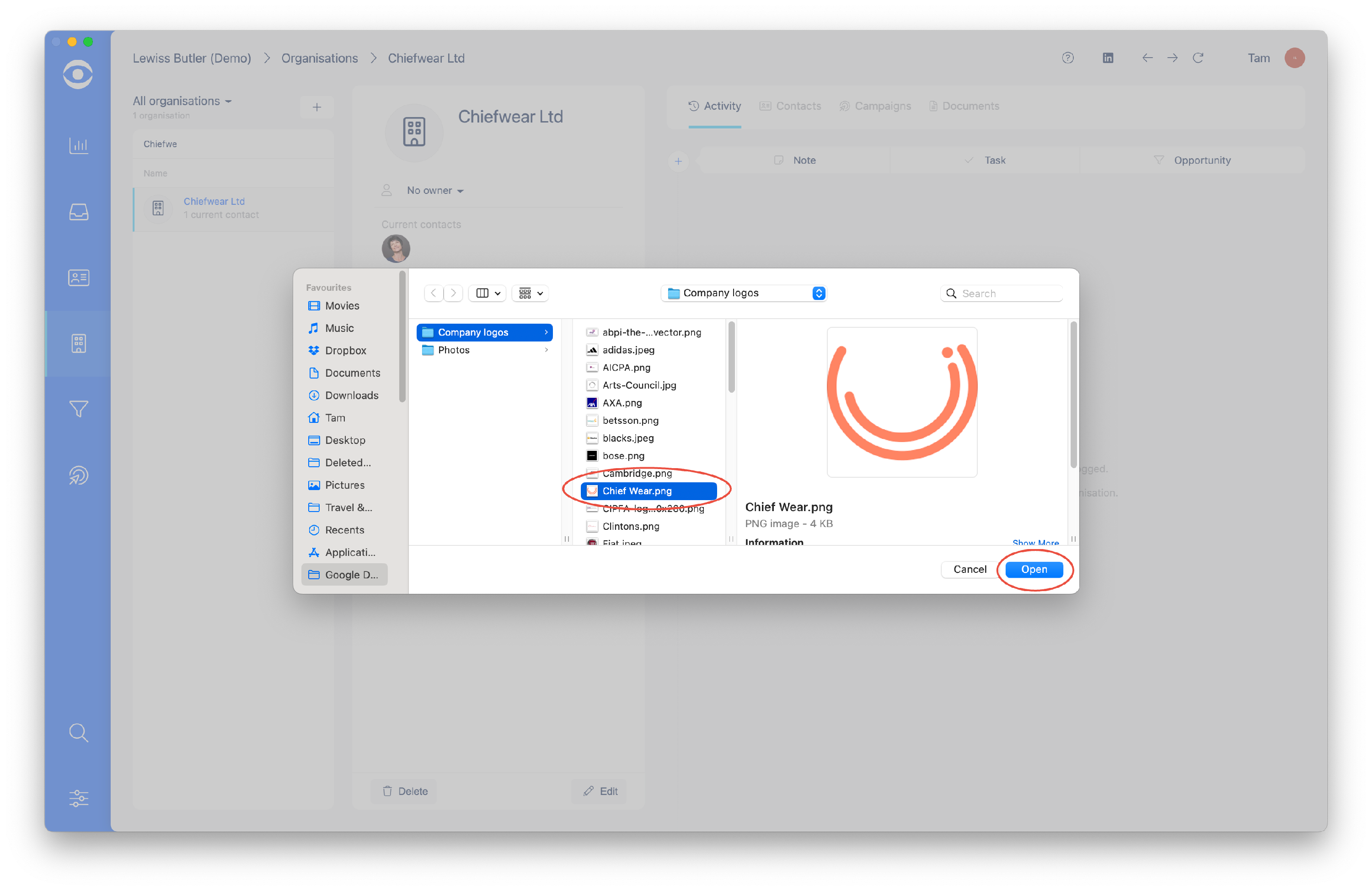
In the popup window select the previously saved Organisation logo from your stored image files, and click Open.
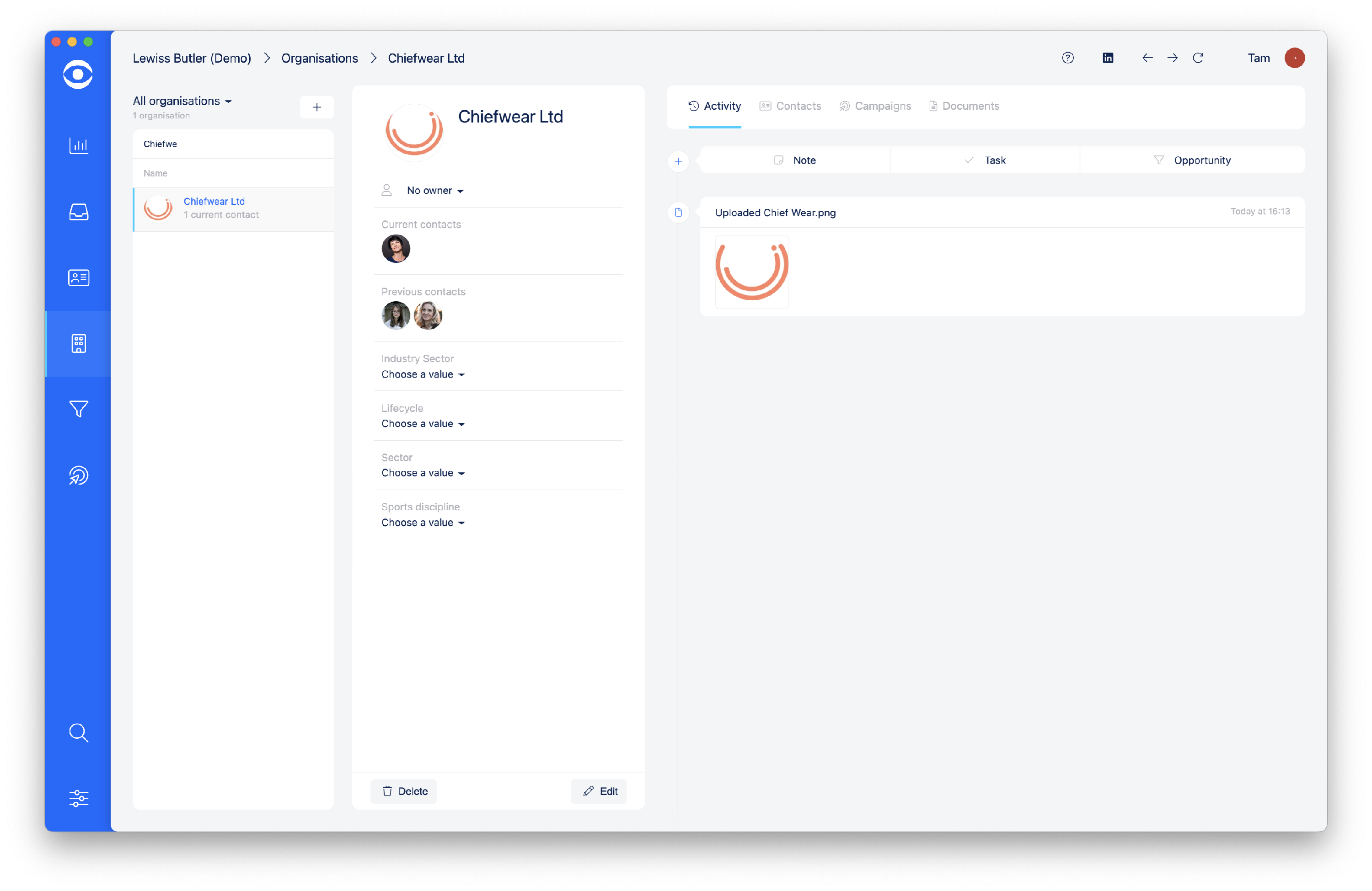
The selected logo file will automatically replace the avatar.