
How to Edit or Update a Contact Profile
There are two options for updating Contact information in HireInsight.io:
- Resync the Contact with LinkedIn
- Manually enter new information in the Contact profile
-
RESYNCING WITH LINKEDIN
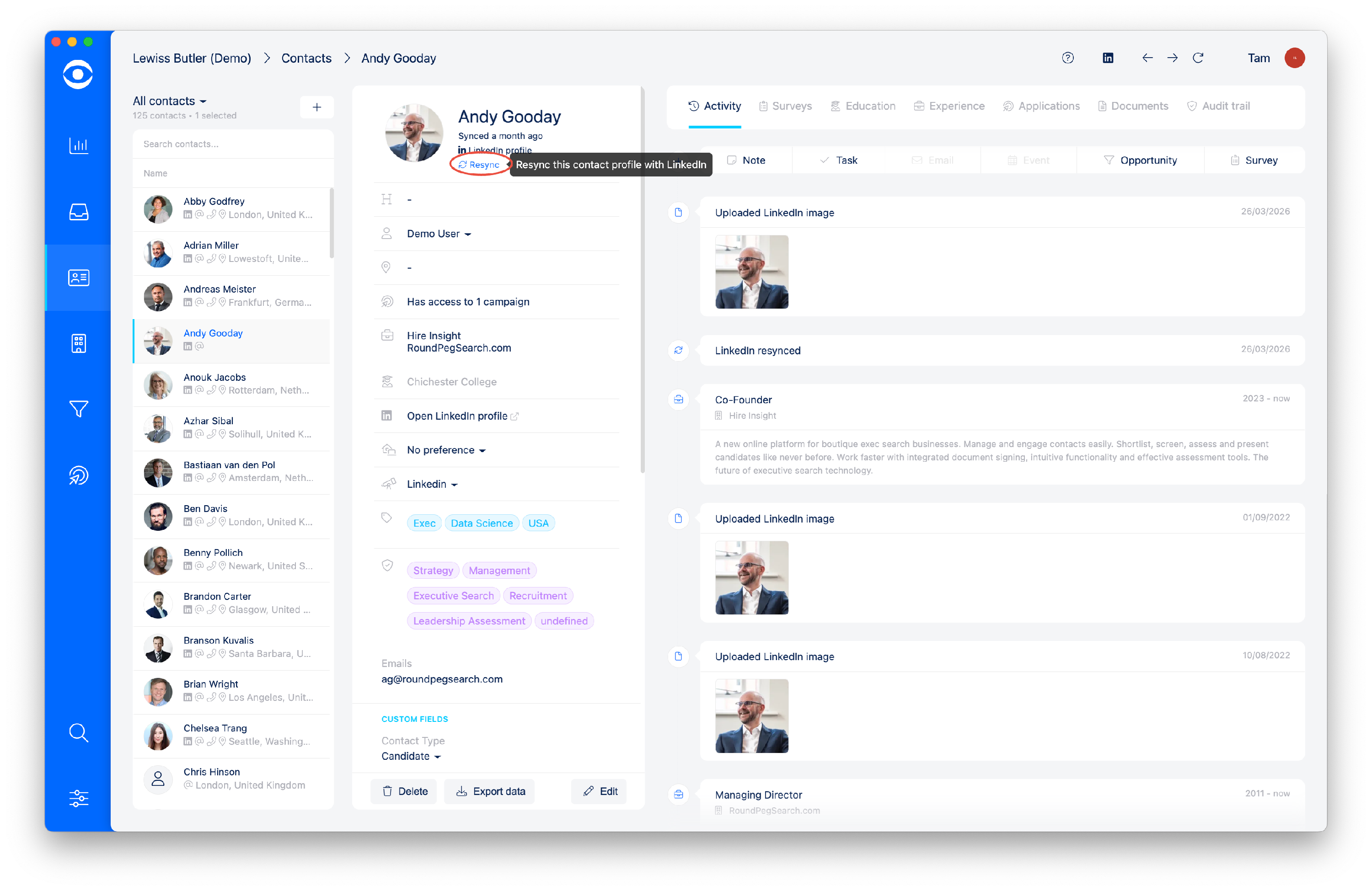
To update the Contact details with new LinkedIn information, click on the Resync icon below the Contact name. This will automatically refresh elements, including image, Experience, tags, and Summary.
Tip: LinkedIn Resync will not work unless you are logged in to your Linkedin Account
2. MANUALLY EDIT A CONTACT PROFILE
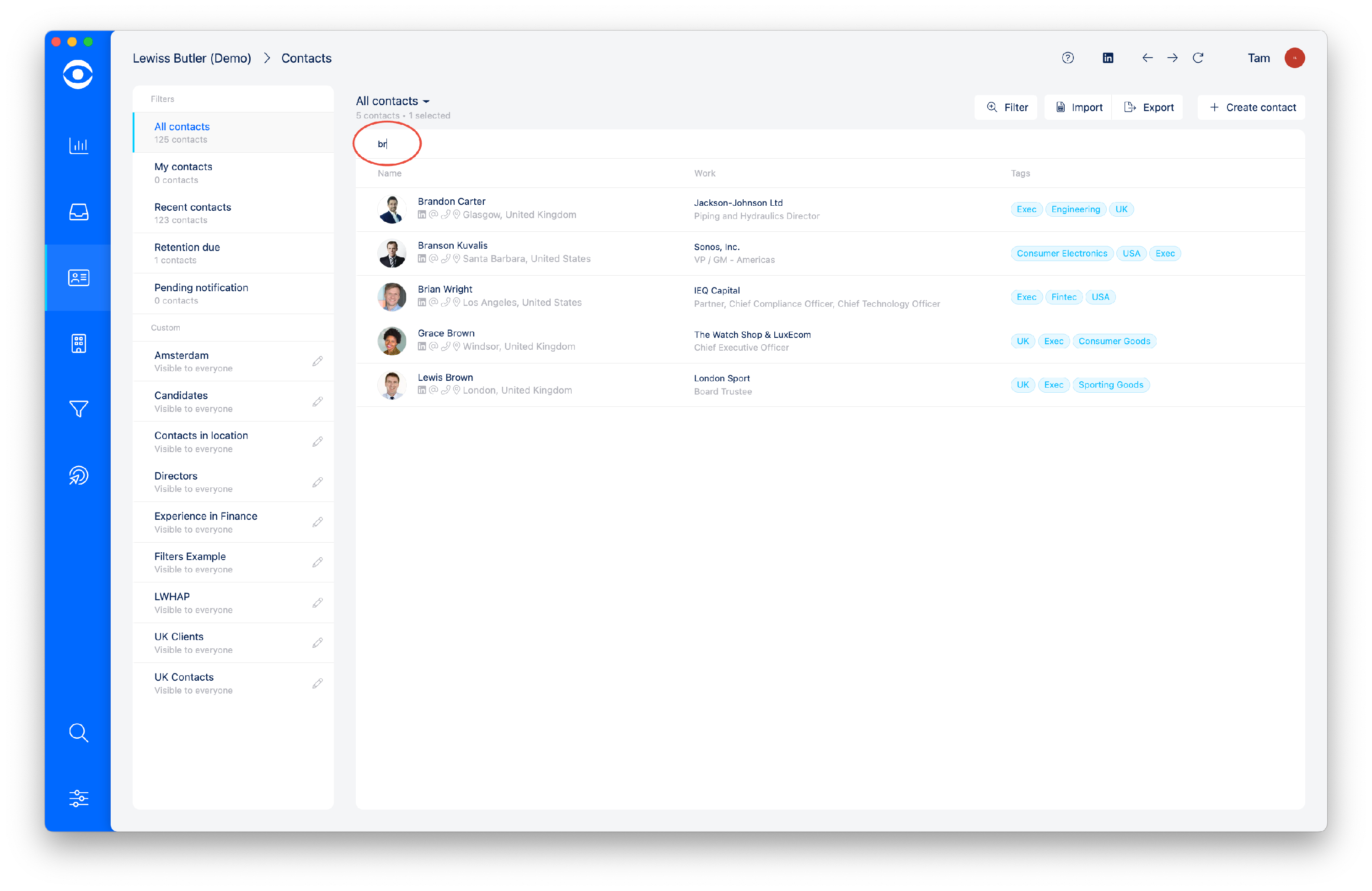
Use the search function in Contacts to select the right person. The intelligent Search function will automatically select saved contacts as the name is typed.
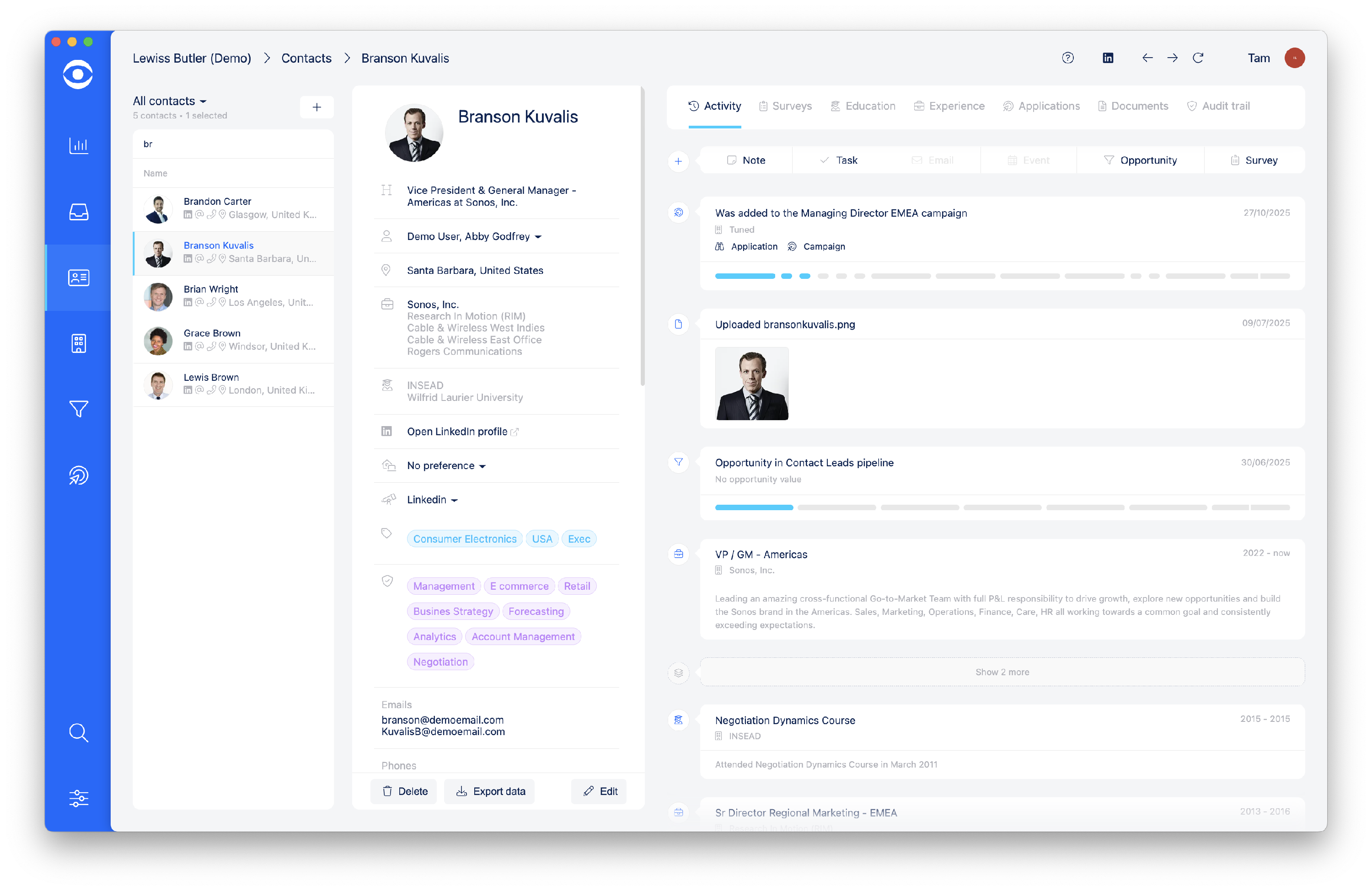
Select the Contact to see the profile summary
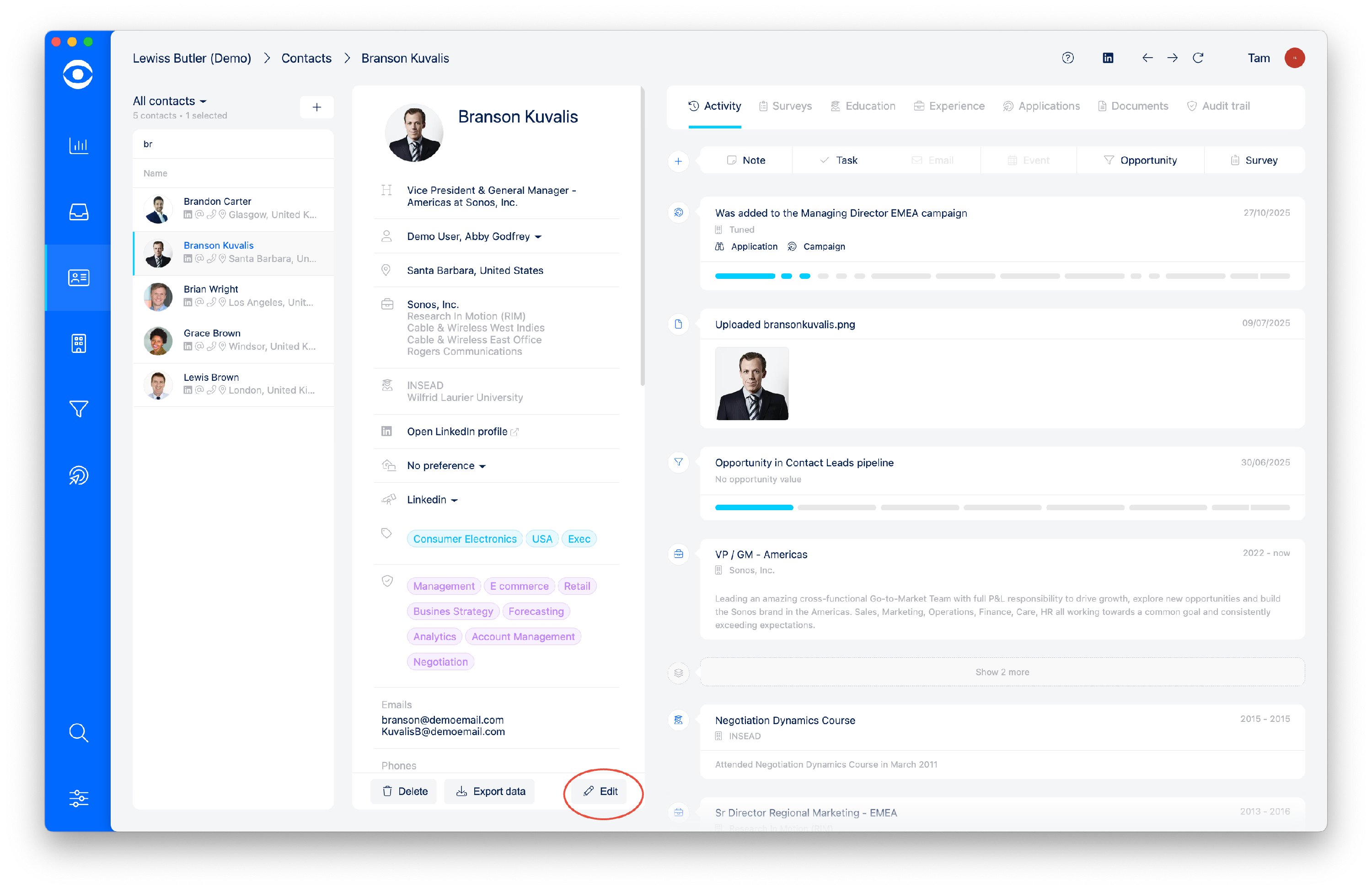
At the bottom of the summary box, click the grey Edit button
The Edit Contact pop-up will open where details can be manually added. The click on the pop-up tabs to add information to Skills, Social and Summary.
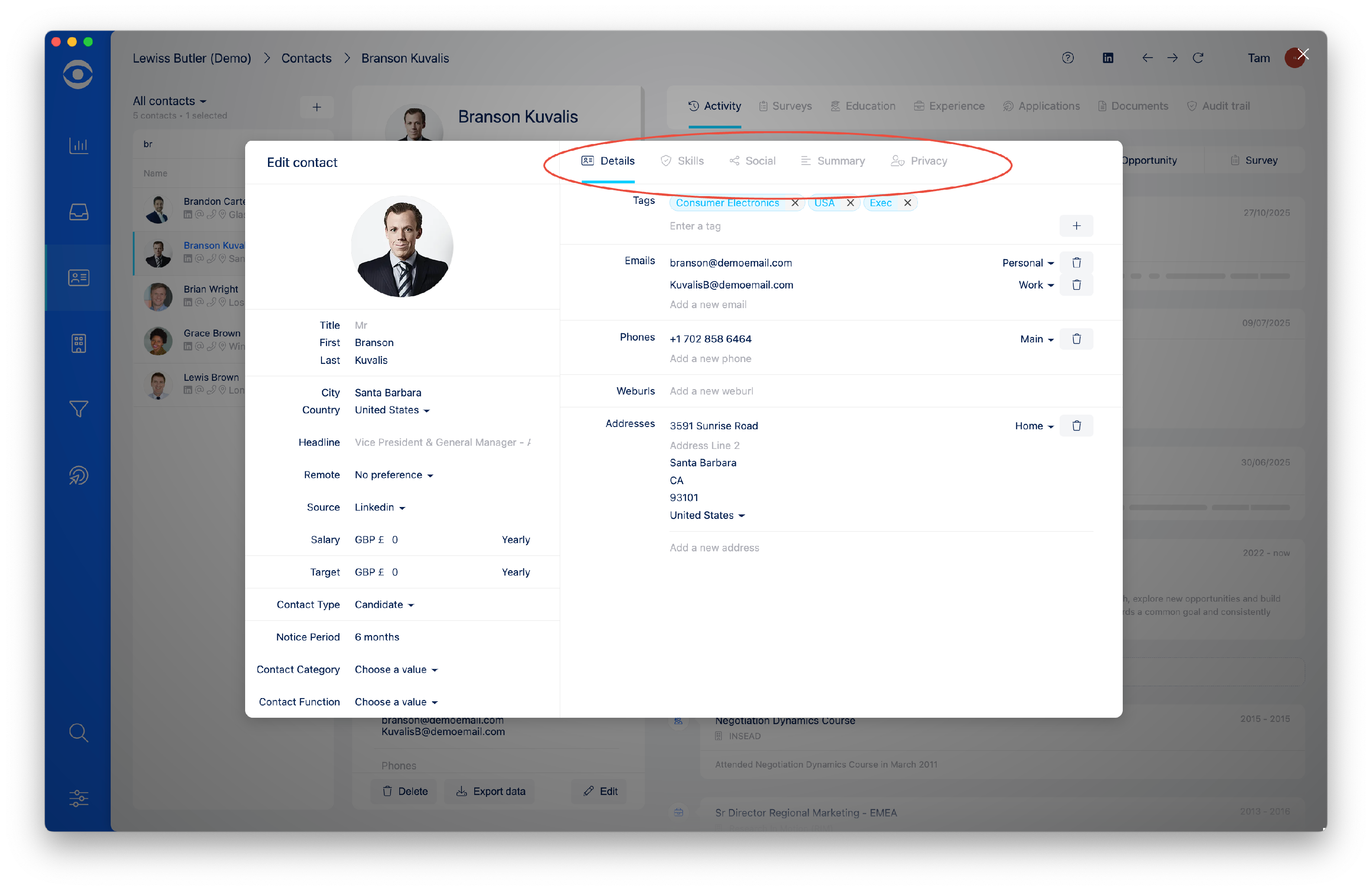
On the Details tab you can amend Tags, Email addresses, Phone numbers and Addresses. Once the new information is created, click the + button to add, this autosaves your new information.

To remove outdated information click the trash bin icon in the relevant section. When the mouse hovers over the trash bin it turns to red, click to remove.

To remove a tag from the Skills tab, click on the X next to the tag and the skill will be removed.
