
How do I add a Contact Manually?
Tip: Use the handy LinkedIn importer to import Contact details in to Hire Insight.
If you're adding a Contact on-the-go, you can manually set up a new Contact with basic details.
Navigate to the lefthand toolbar and select Manage contacts.

On the Contacts page, select +Create contact in the top righthand corner.

A smaller Create contact window will appear, here you can enter the basic Contact details and when complete click Create contact button on the bottom right.
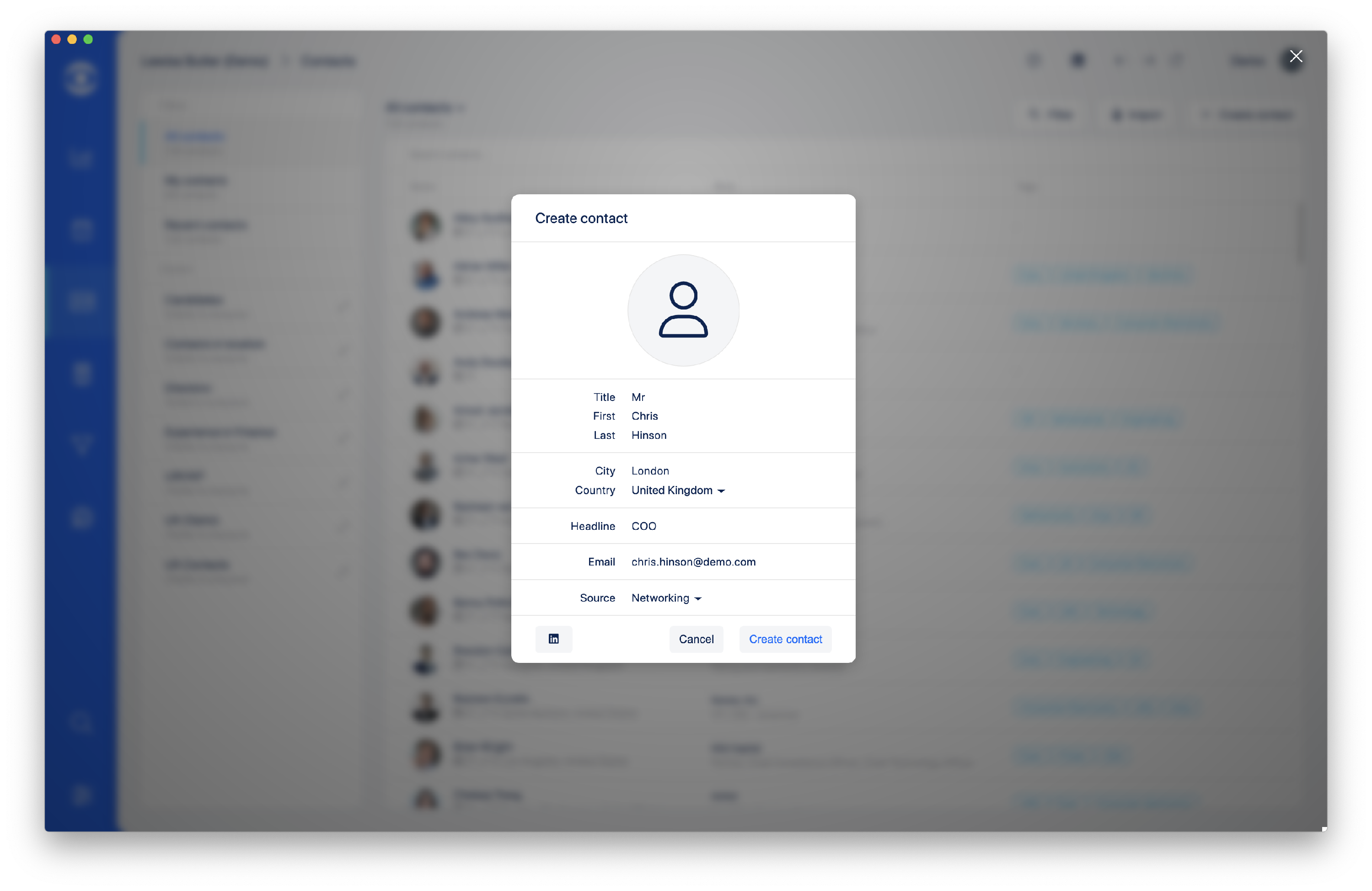
Tip: Use the drop down menus to select Country and Source.
Or, you can still use the Linkedin importer from the Create contact pop up window
Start typing the country and the drop down menu will offer relevant options.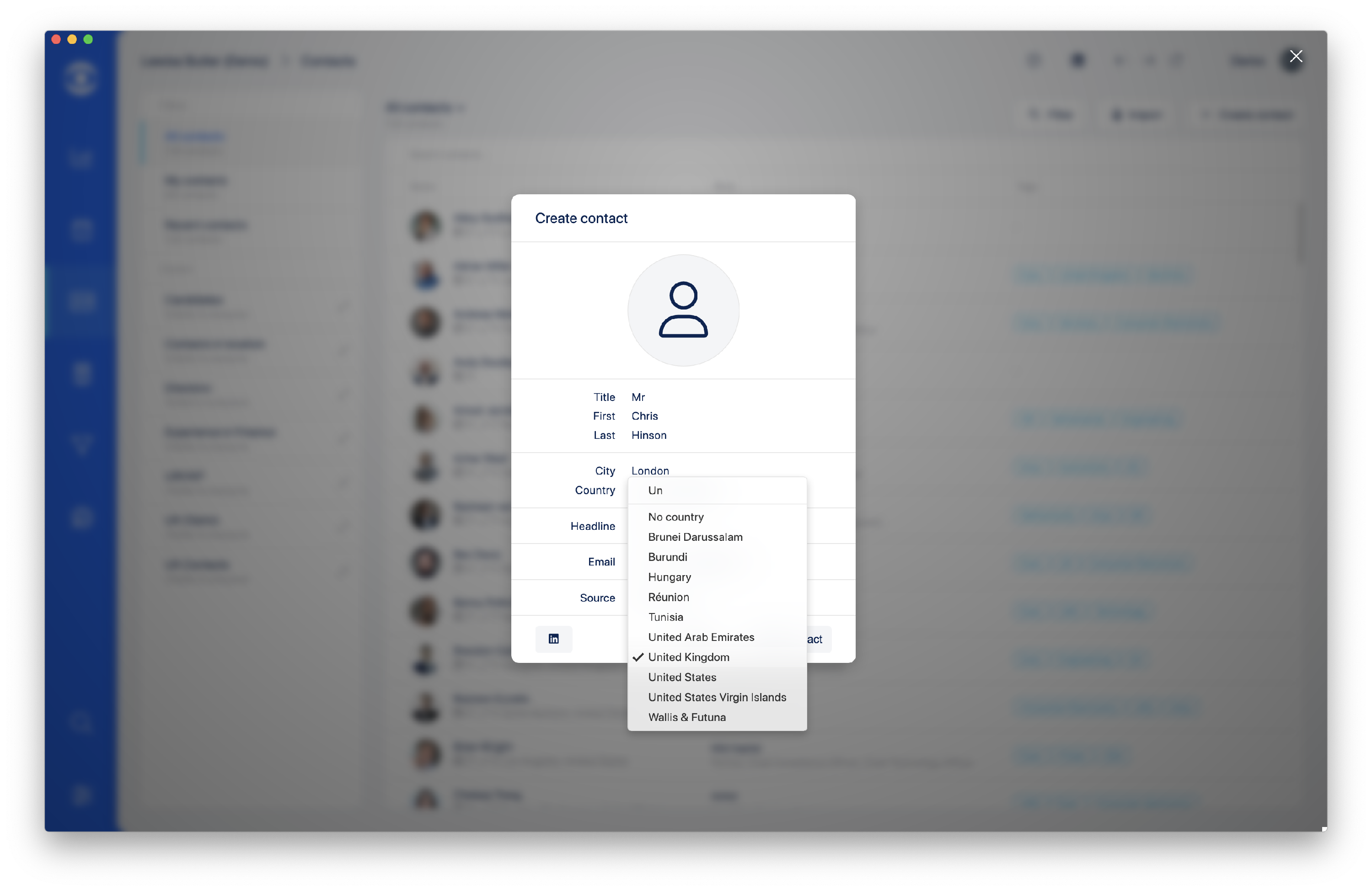
The Source menu allows you to select the source of the Contact for easy reference in the future.

Once the Create contact button is clicked the new Contact will appear listed, further details and a photo can be added by clicking on the Edit button.
