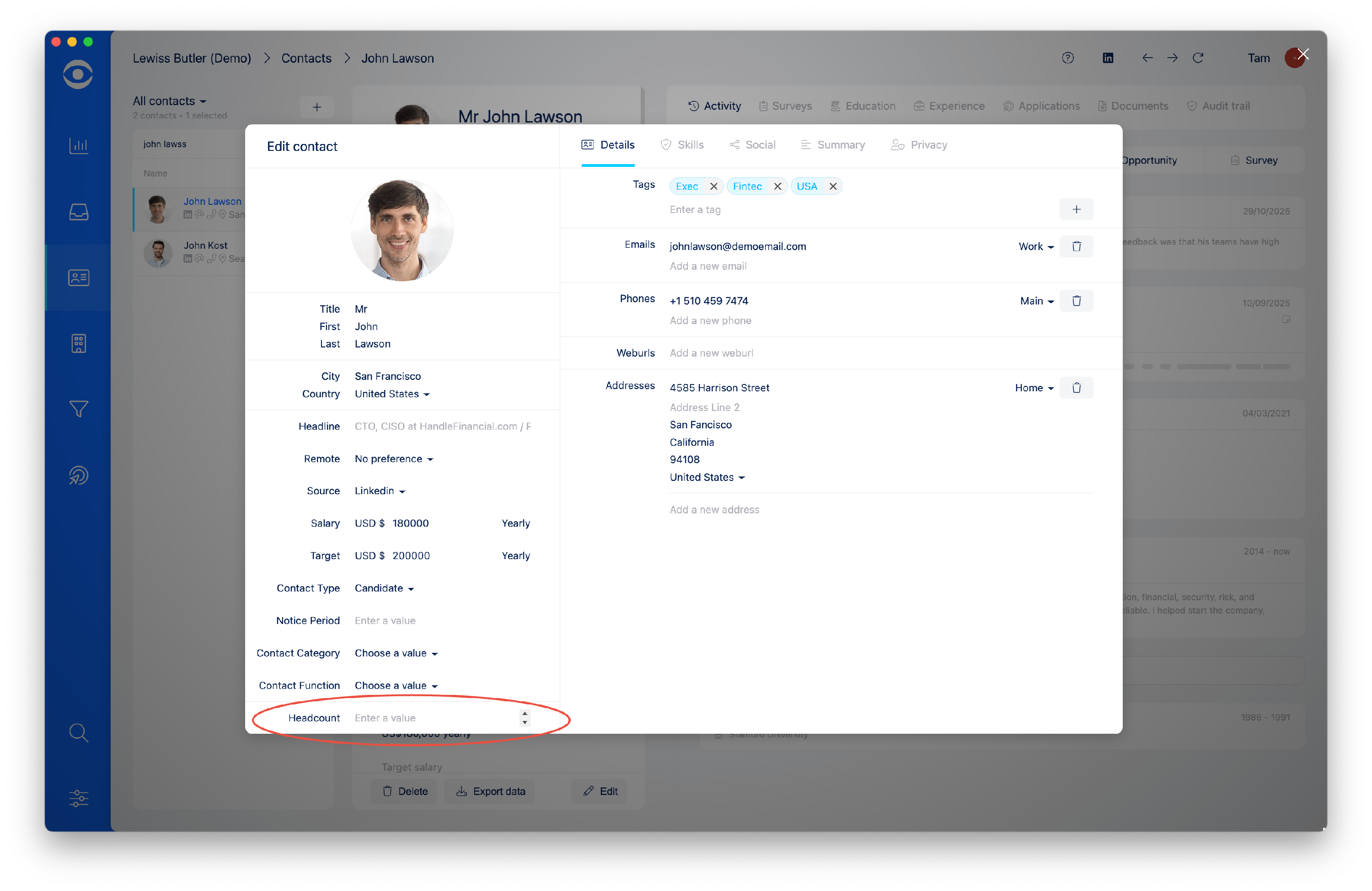
How do I Create a Custom Contact Field?
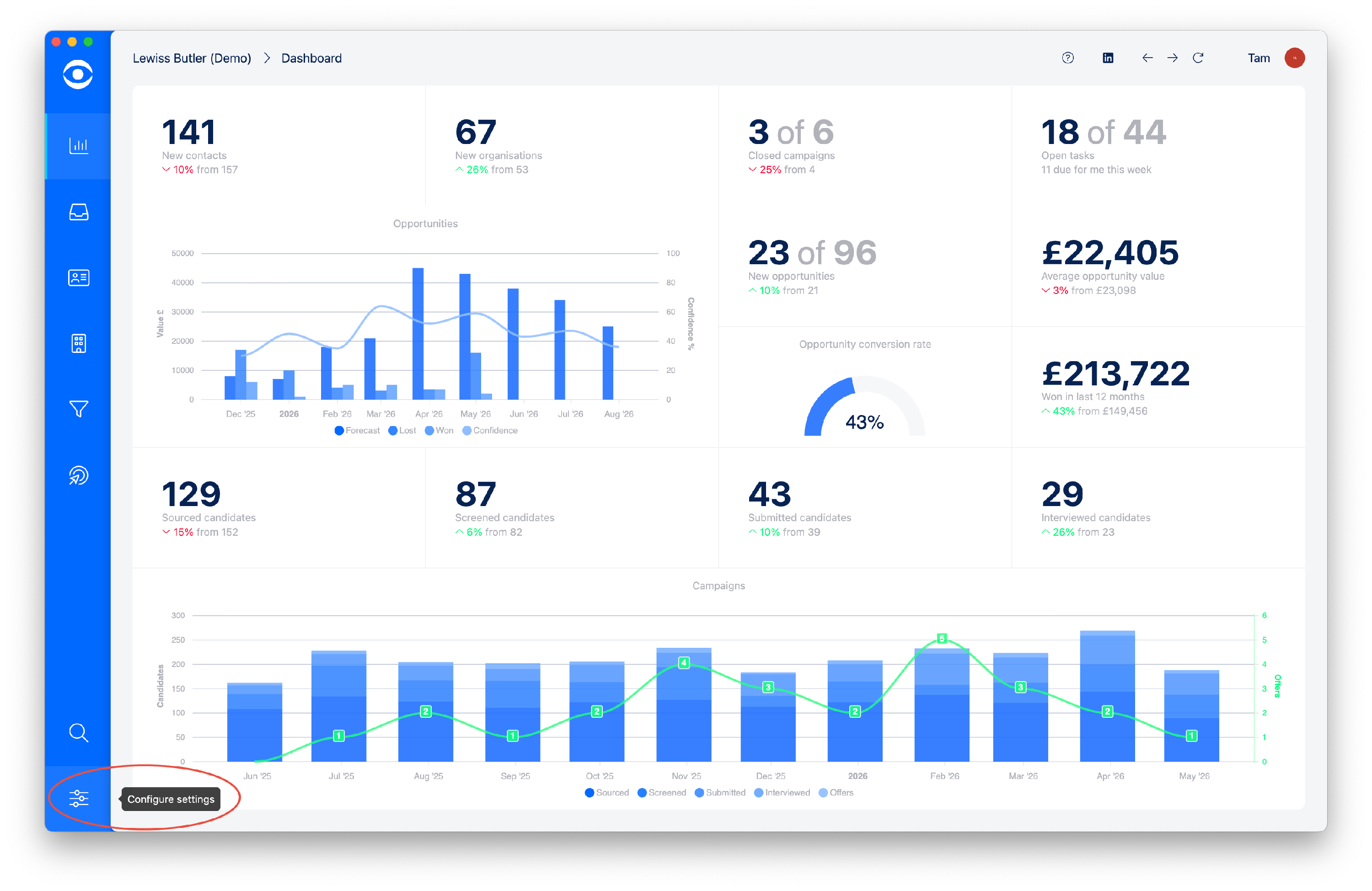
Click on Configure settings on the lefthand toolbar.
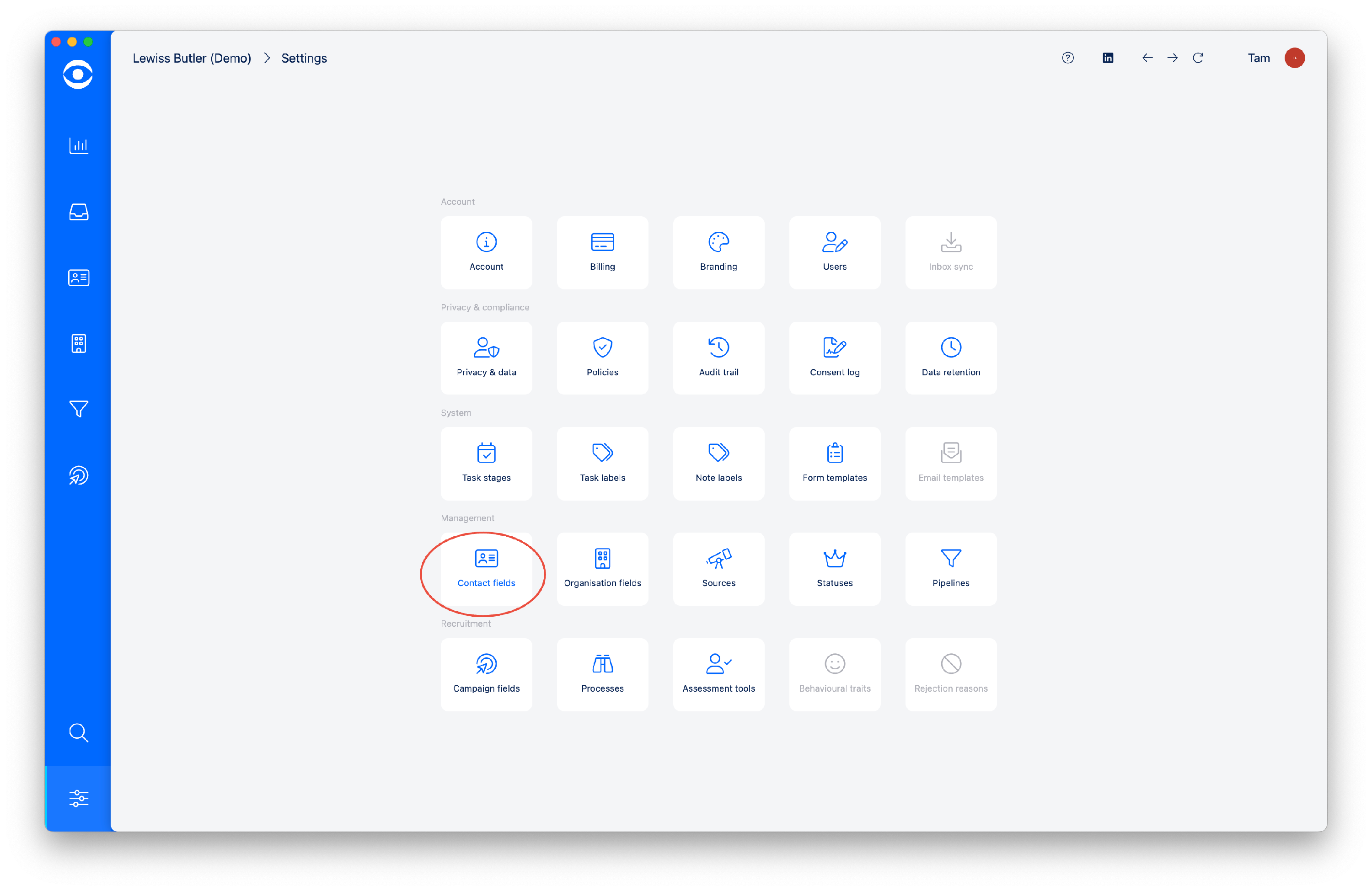
In the Management tiles of the Settings area, click on the Contact fields tile.
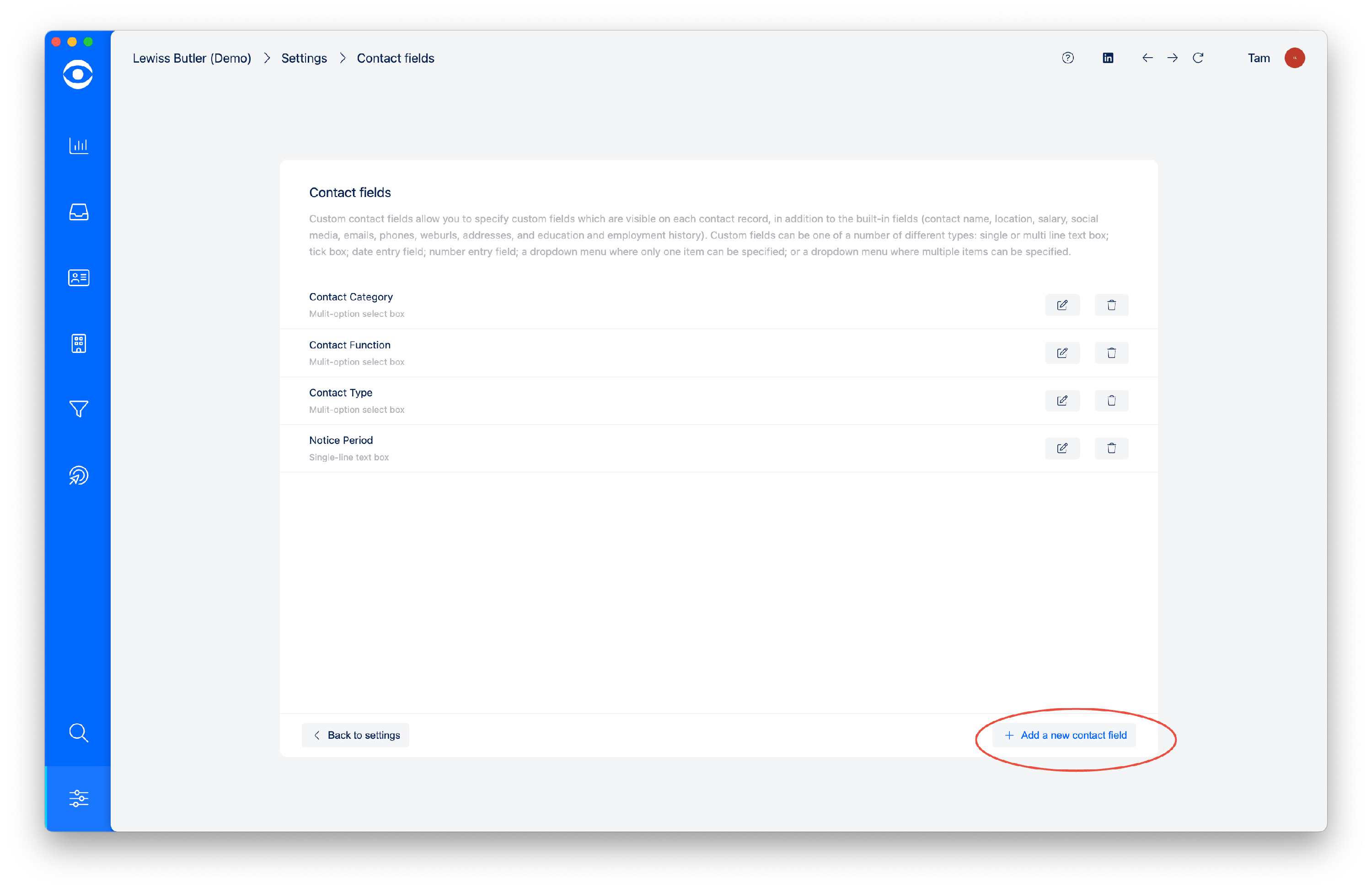
In the Contact fields window you can edit and delete existing Contact Fields.
To add a new Contact field, click on +Add new contact field.
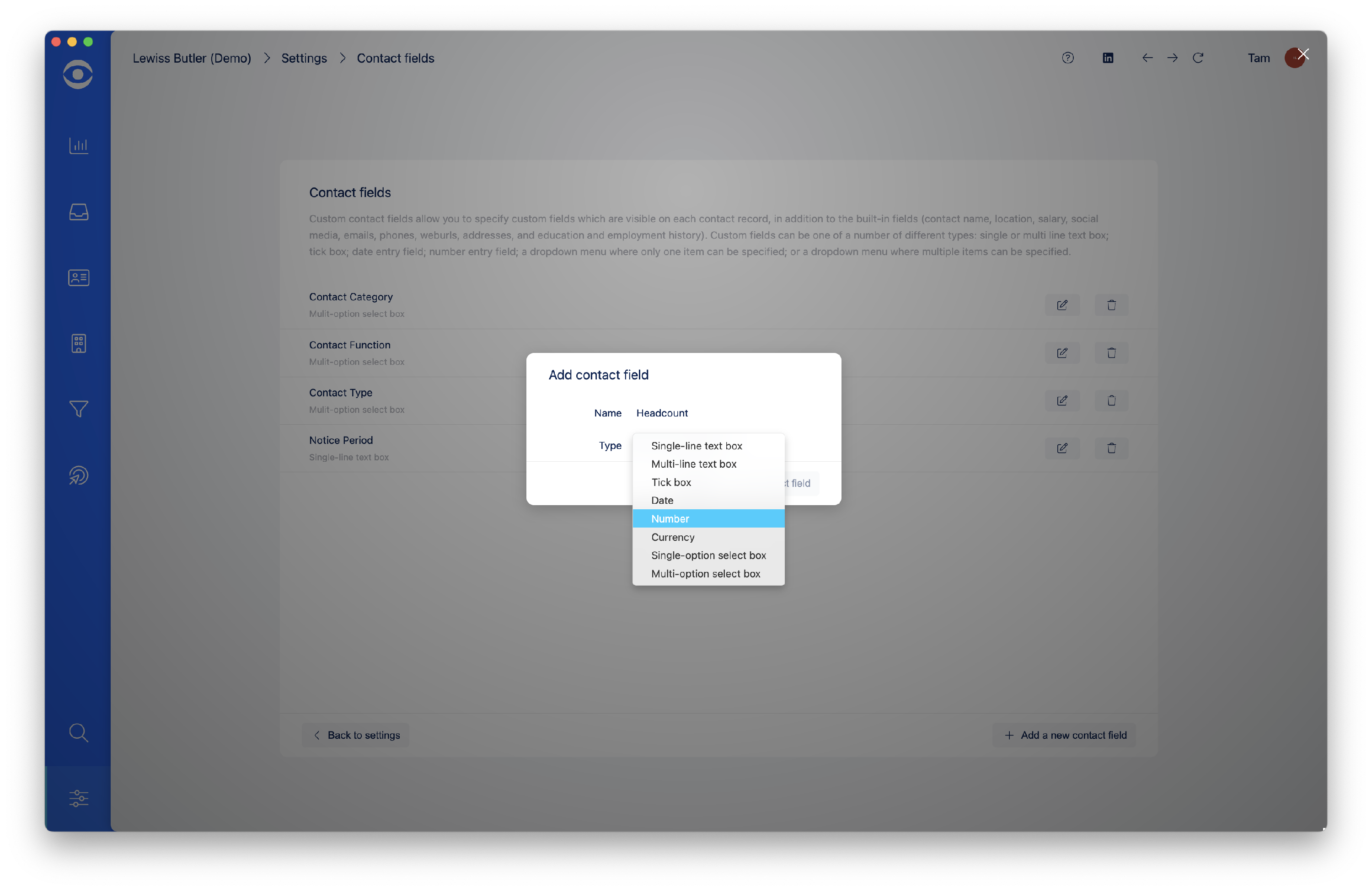
In the Add contact field popup window, give the new Contact field a name and select from the drop down menu the information type. When completed click Add contact field.
The new Contact field will show in the Contact fields window.
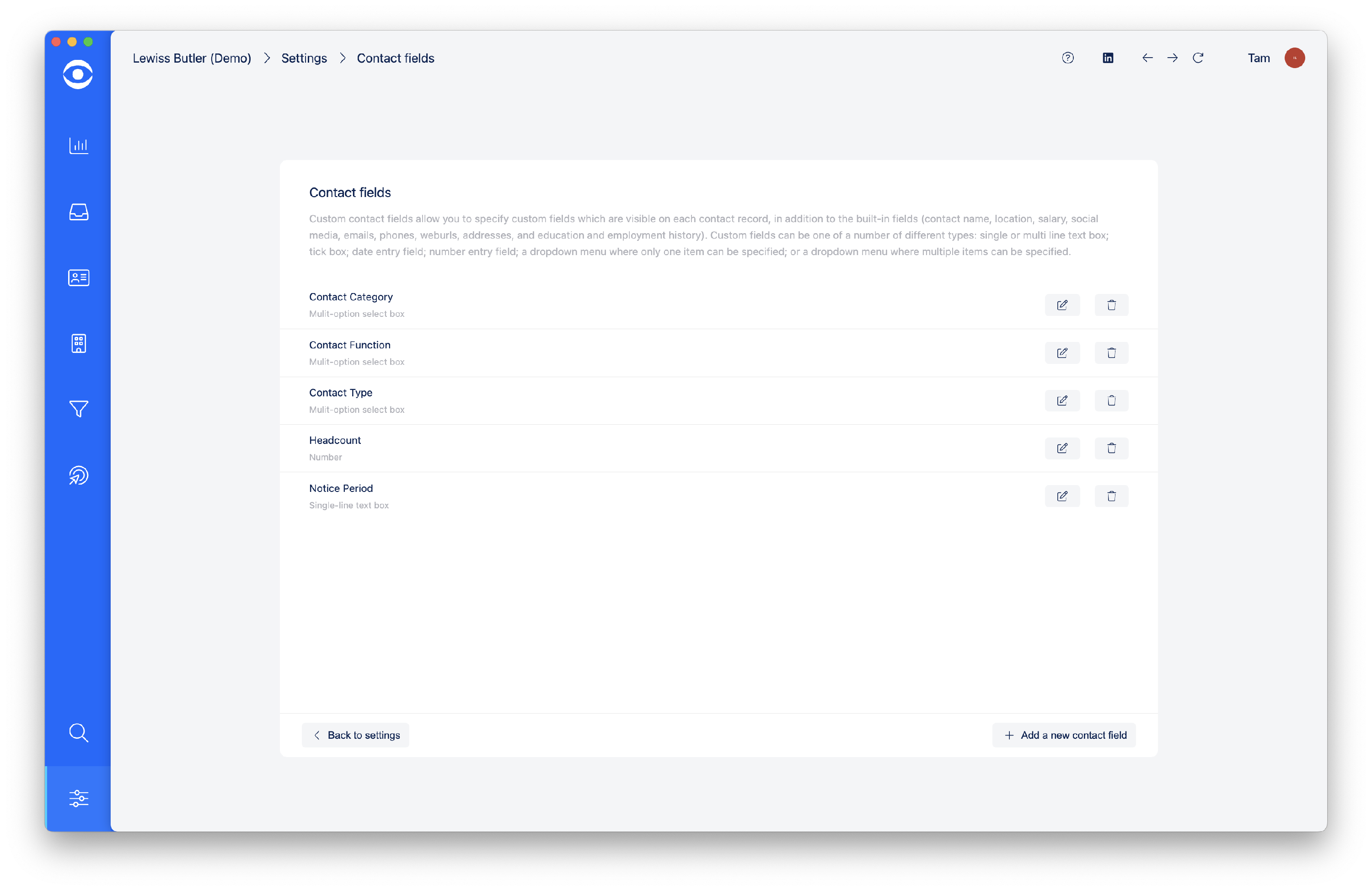
The Contact field will now show as an option for all Contact profiles in your account.