How to Import Skills from LinkedIn to a Hire Insight Contact Profile
One of the benefits of Hire Insight is the variety and richness of the content that can be added to a Contact profile; the more detail you are able to include, the more functional Hire Insight will become. This doesn’t have to be an arduous manual task because it’s been automated with a single click in Hire Insight.
Skills & endorsements are listed in a LinkedIn profile page.
These are a specific type of tagging based on the professional skills and attributes listed by a person on LinkedIn.
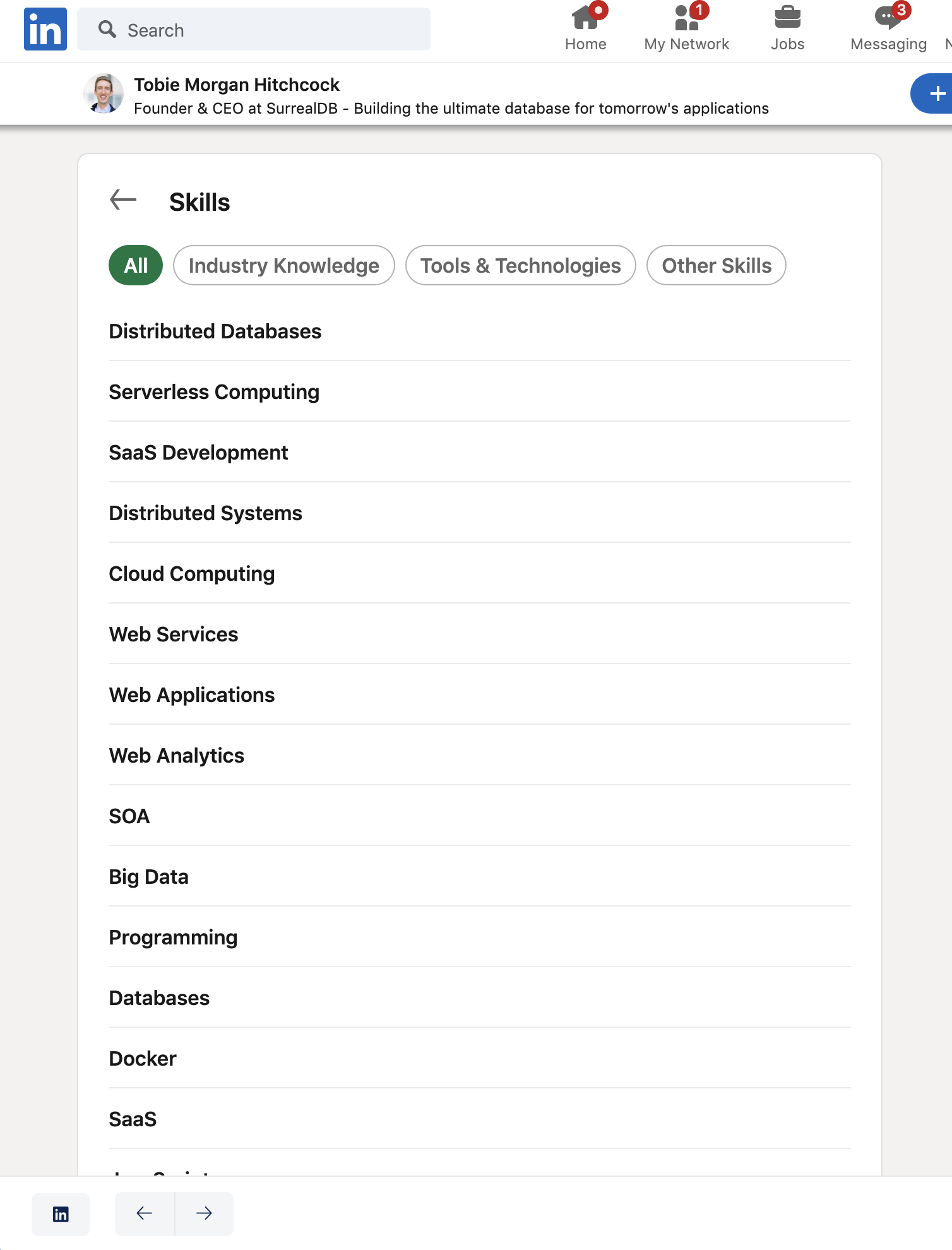
Importing Skills information from LinkedIn will take place automatically when an individual’s profile information is imported using the LinkedIn import button.
Read more here about how to import a profile from Linkedin
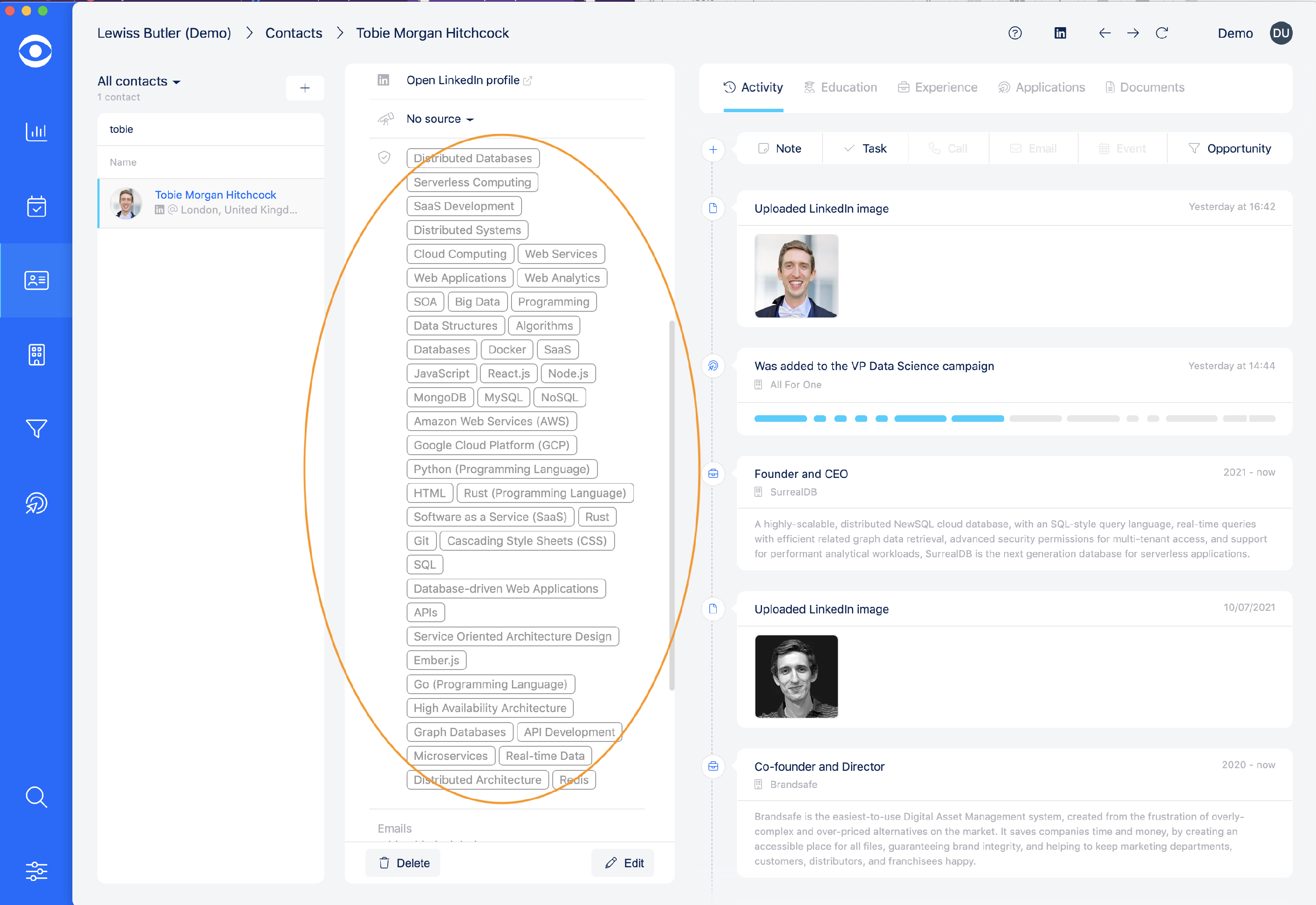
After these details are imported into HireInsight.io they will appear in a Contact’s Summary.
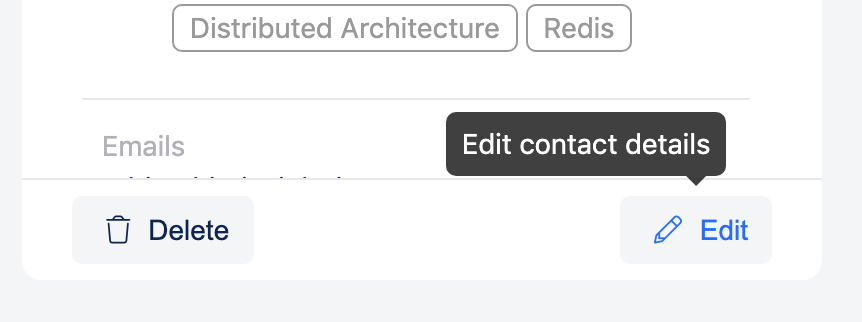
Skills can also be viewed and edited in the Edit Contact mode, click the Edit button at the bottom of the profile summary
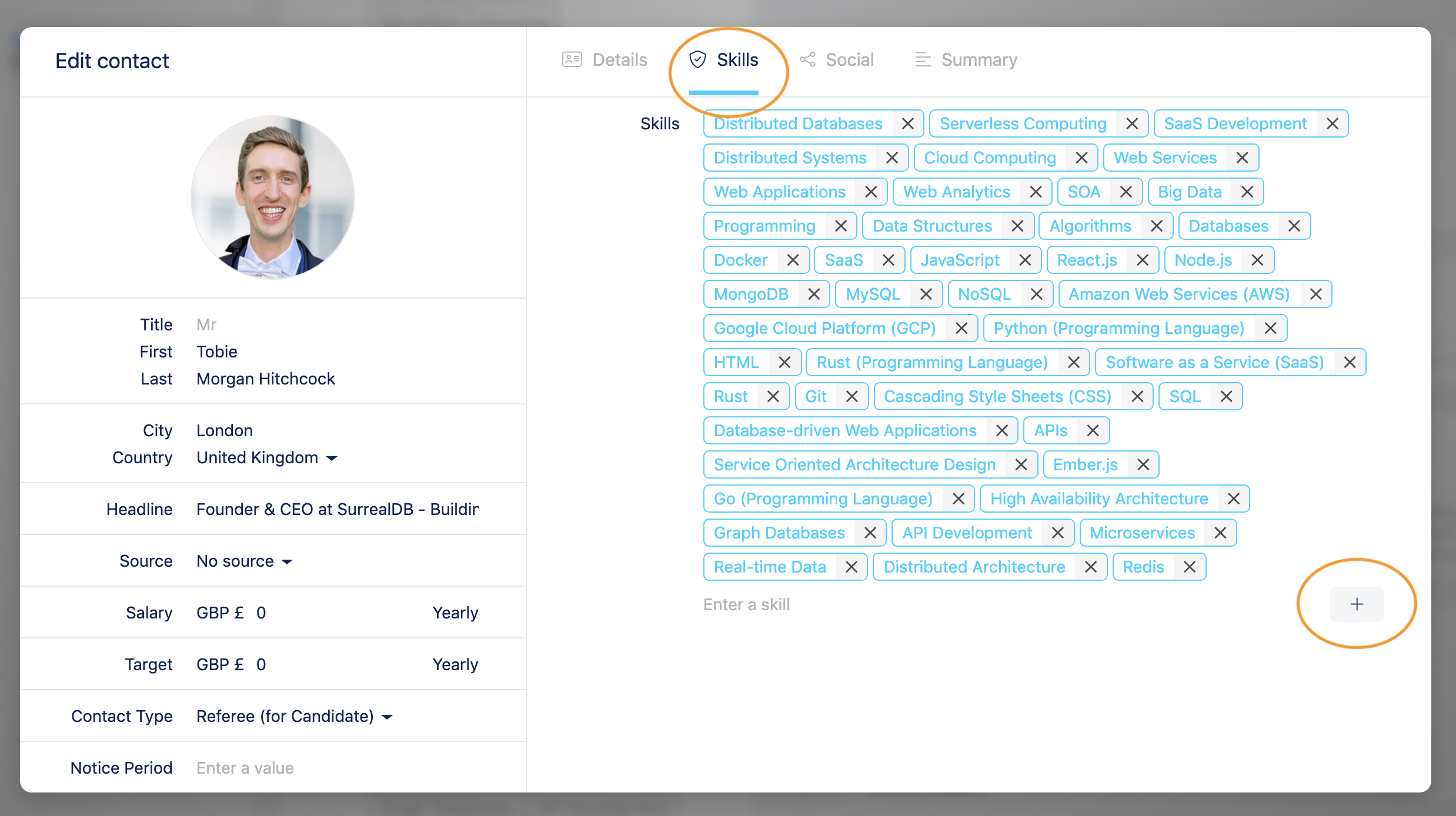
In the pop-out window navigate to the skills tab, this is where you will find all the imported skills from LinkedIn. Additional skills can be added manually by typing the skill and clicking the + button.