How to change the Colour Accent of your portal
Tip: The colour accent of your portal can be customised to any colour to provide a seamless link with your company colour scheme
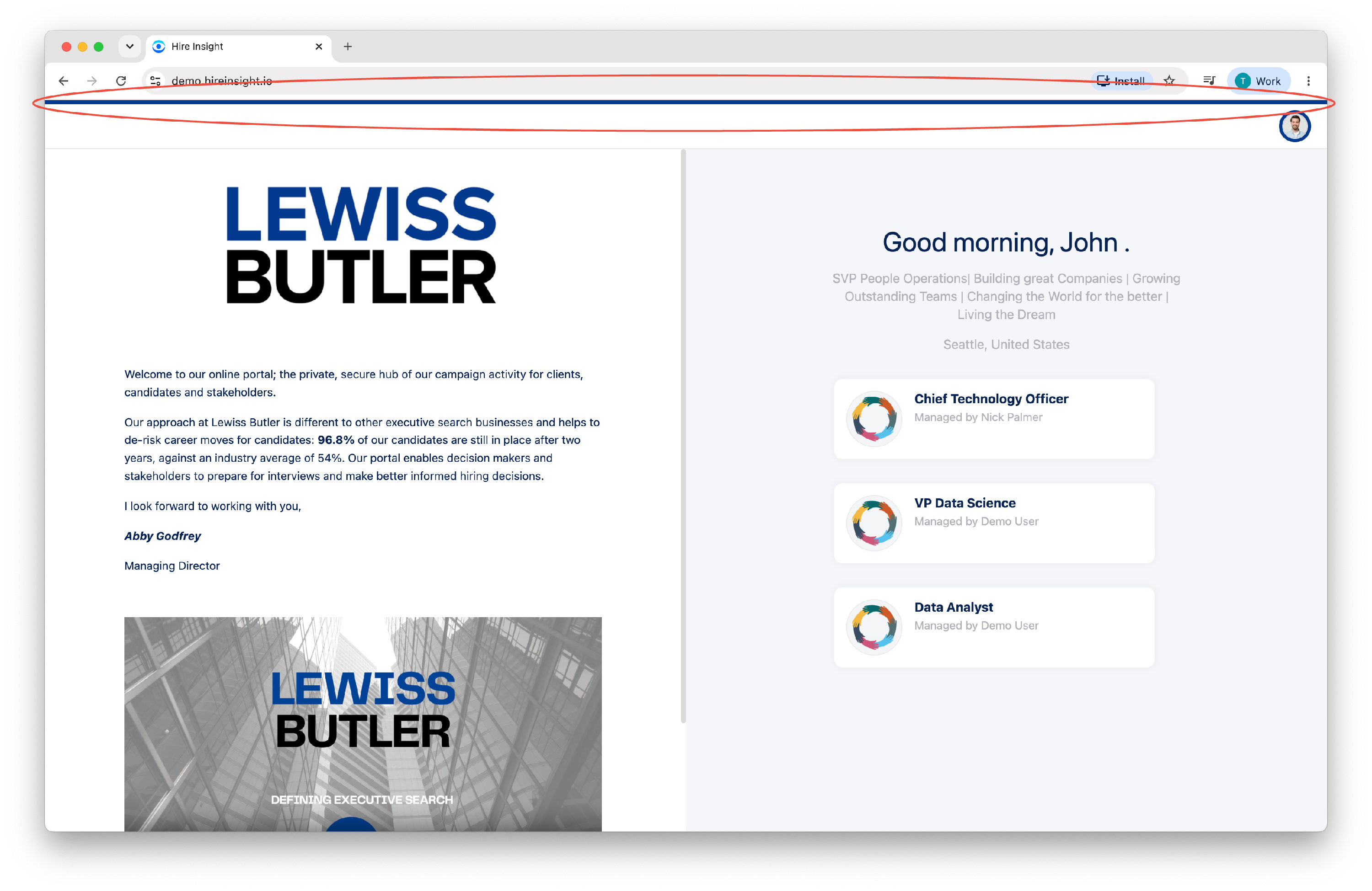
The colour accent in the client and candidate portal can be viewed by logging in to your account portal.
Log in to your portal using the recruiter's account name as a prefix.
[account name]@hireinsight.io
On the home page the colour accent appears along the top of the page.
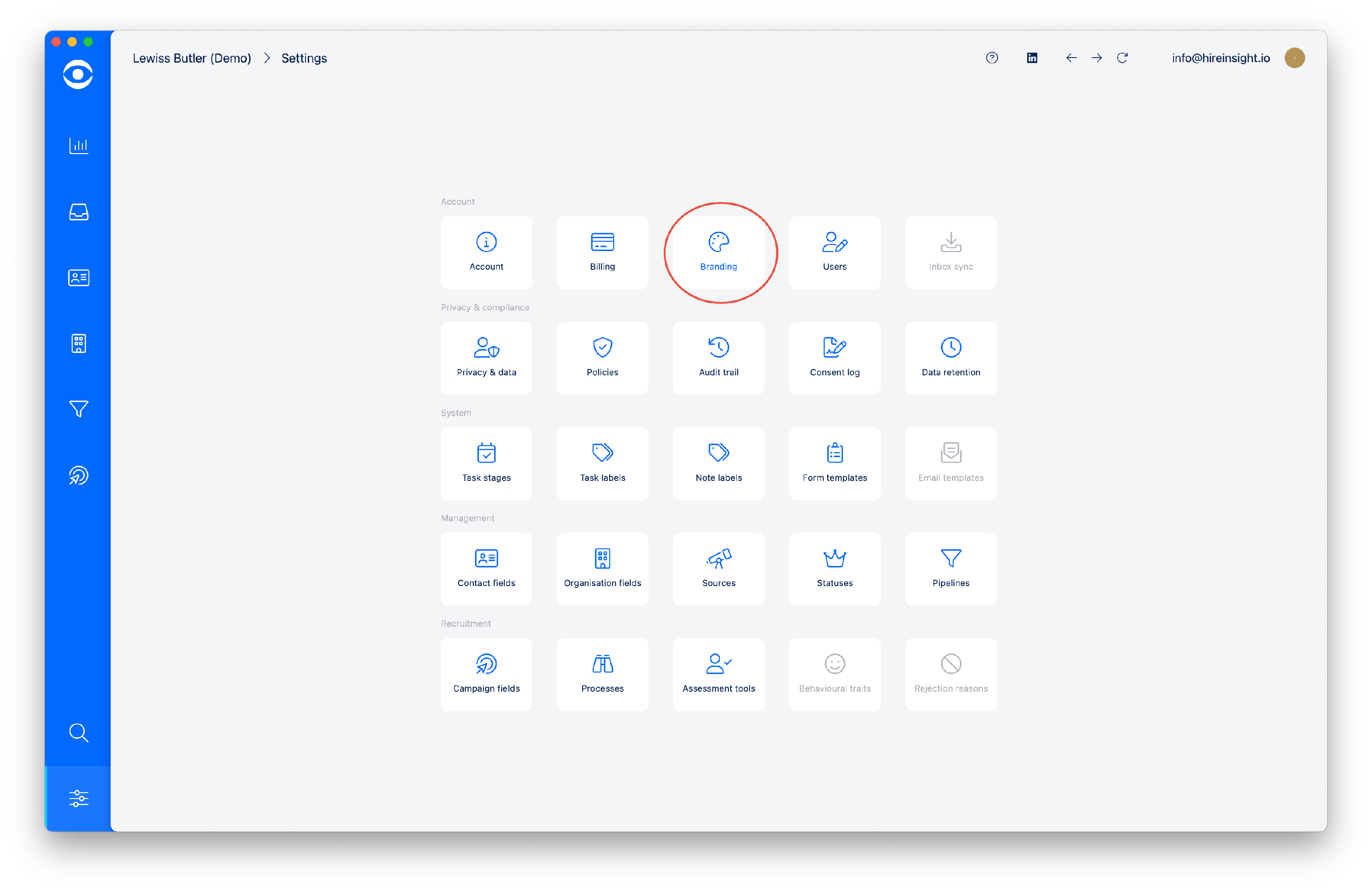
To edit the colour accent, navigate to the app and Configure settings.

In the Settings window, navigate to the Management section and click on the Branding tile.
The Branding window will open and the Accent colour is visible in the Account colour section of the page.
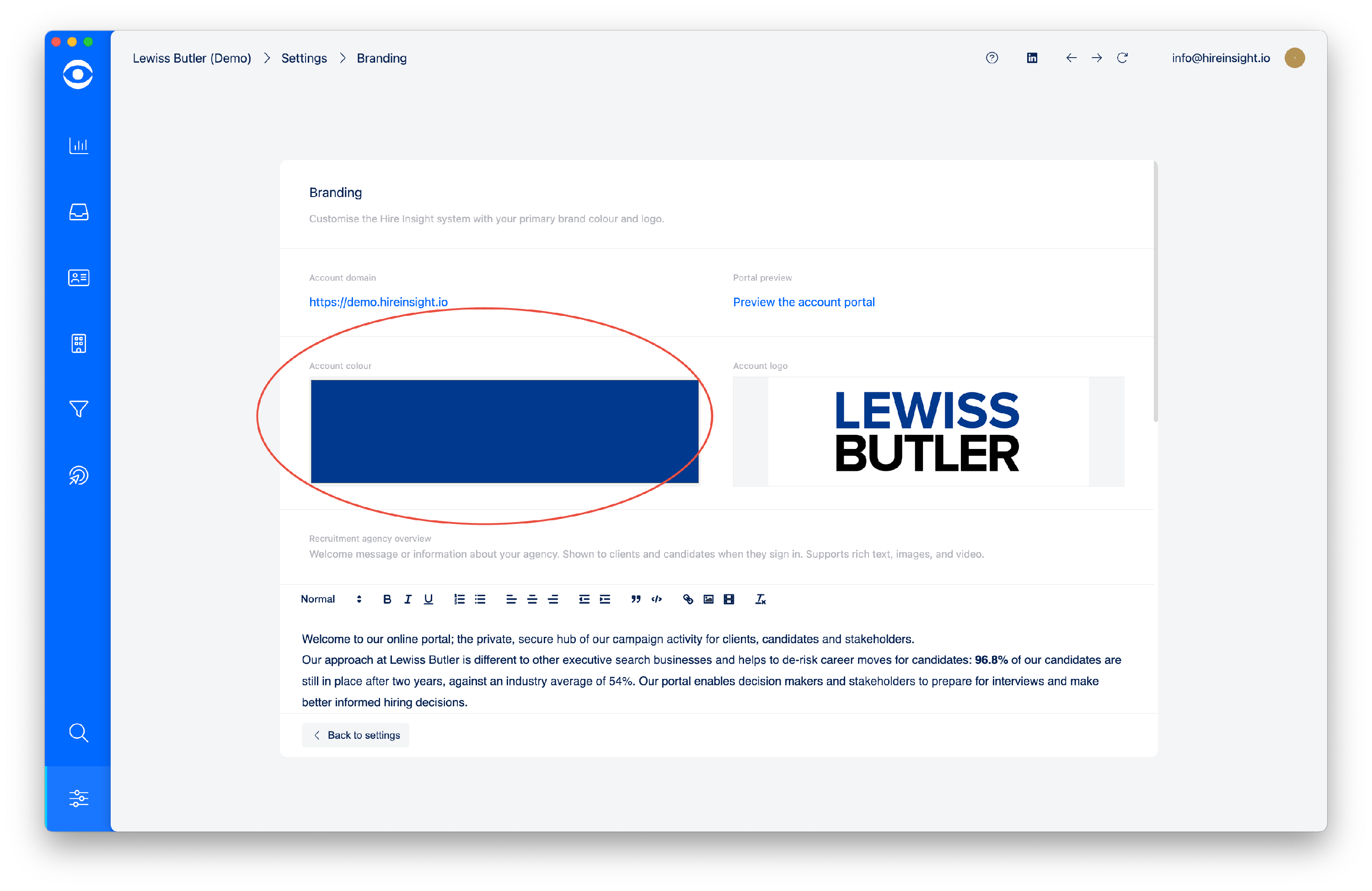
Click on the colour block to open the colour selector popup.
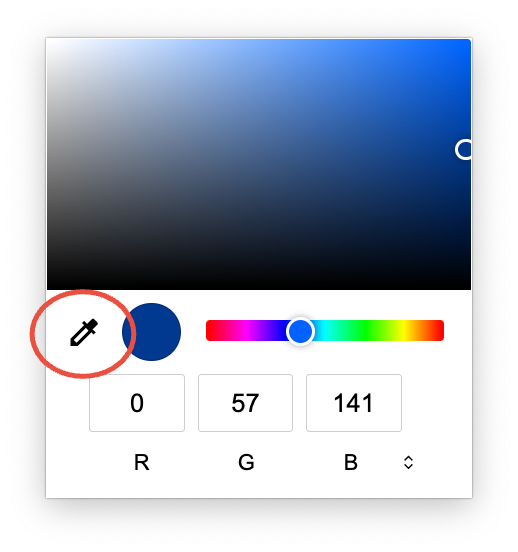
In the popup, scroll through to select HEX, RGB or HSL colour reference.
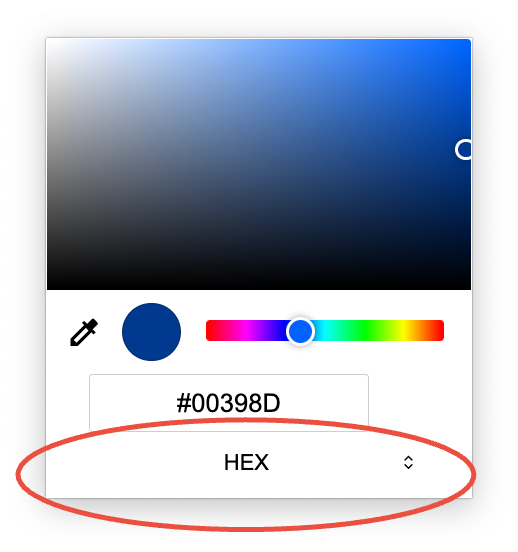
Alternatively, use the colour picker tool to hover over the correct colour on your screen and automatically collect the correct colour reference.