
My Client can't see the Campaign when they Login
If the Client can login but can't see the Campaign this will be because they have not been given access.
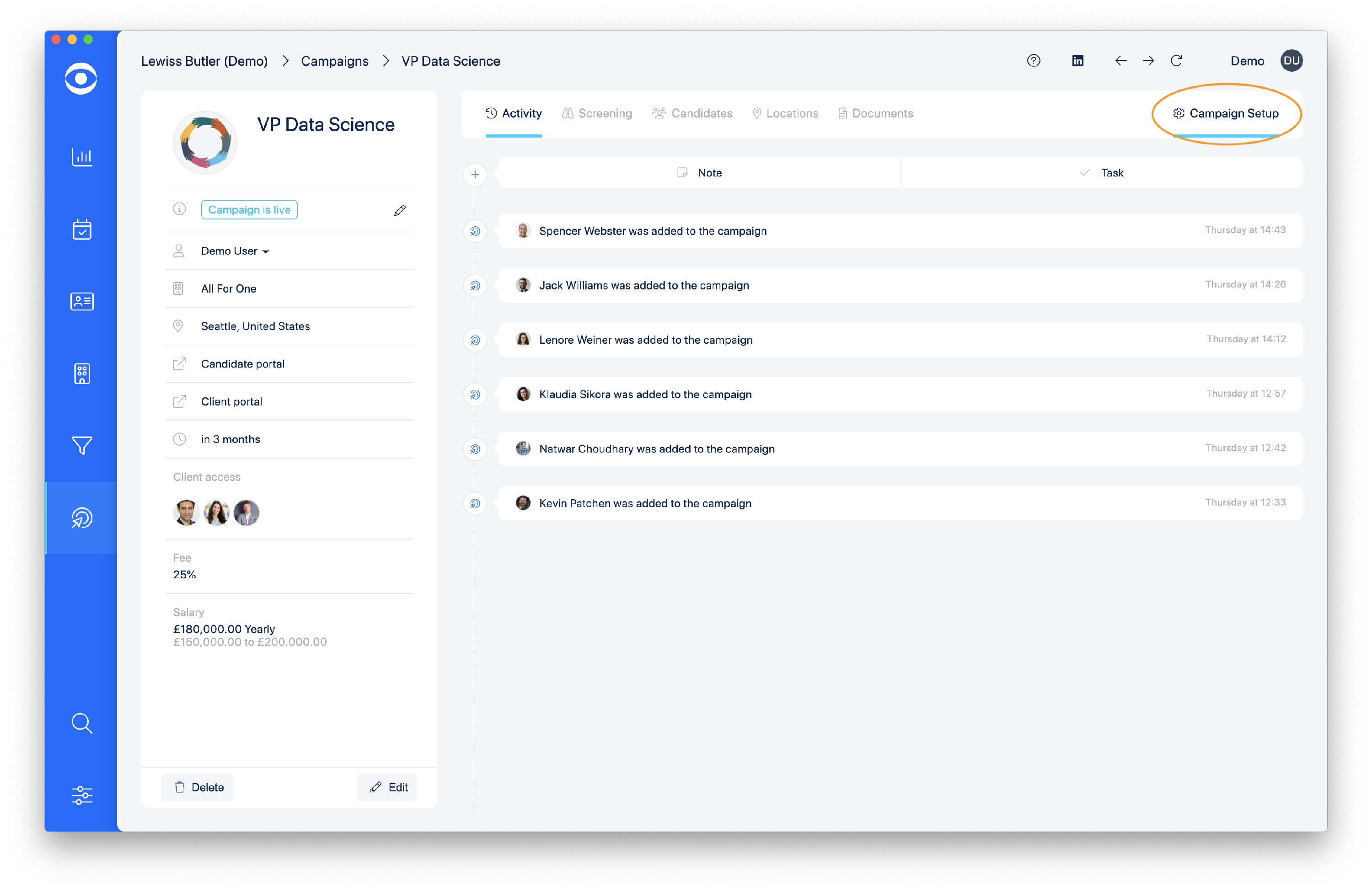
To give a Client access to the Campaign, navigate to the Campaign screen and click on Campaign setup.
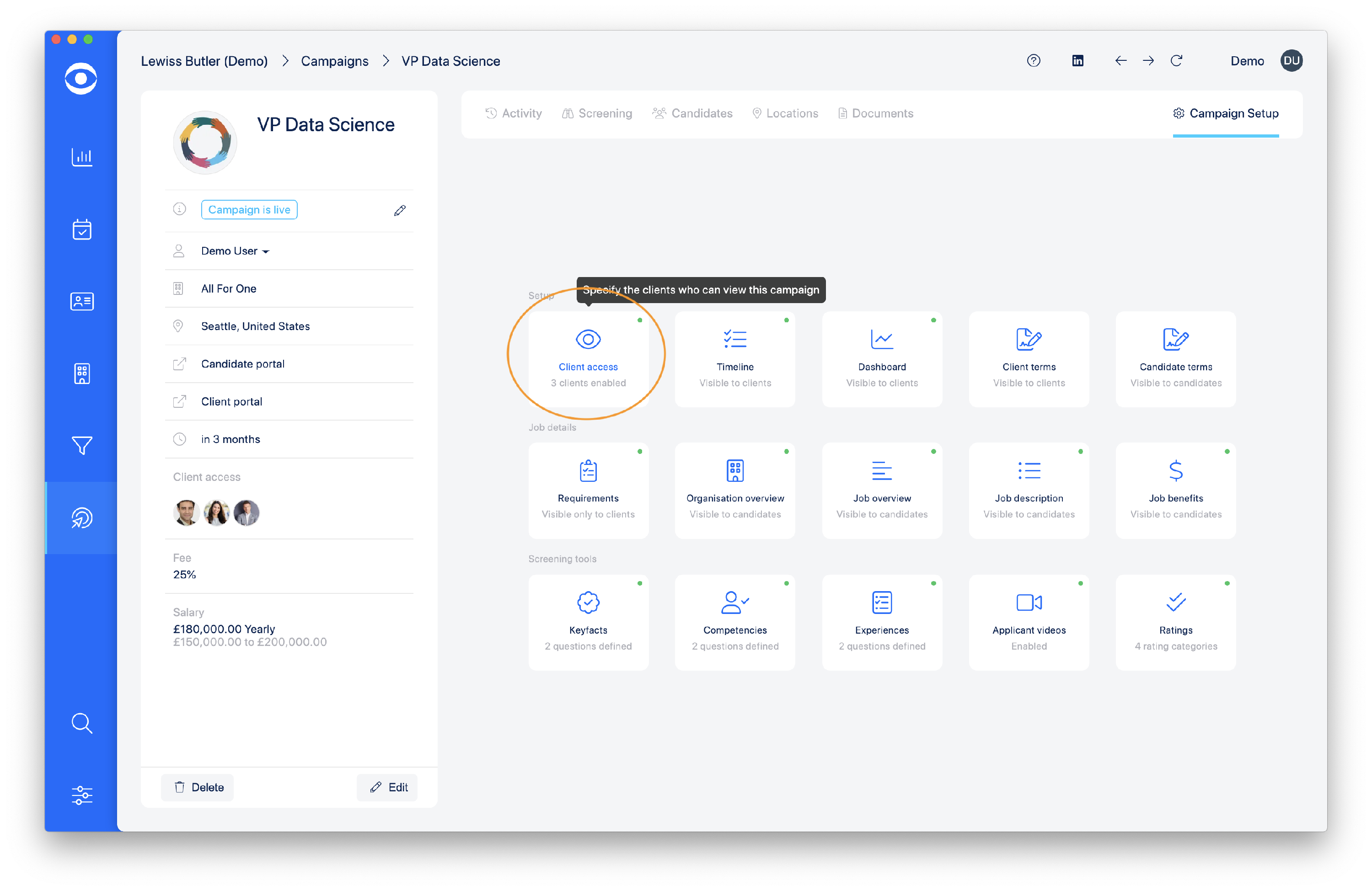
In the Campaign Setup screen, click on Client access in the Set Up options.
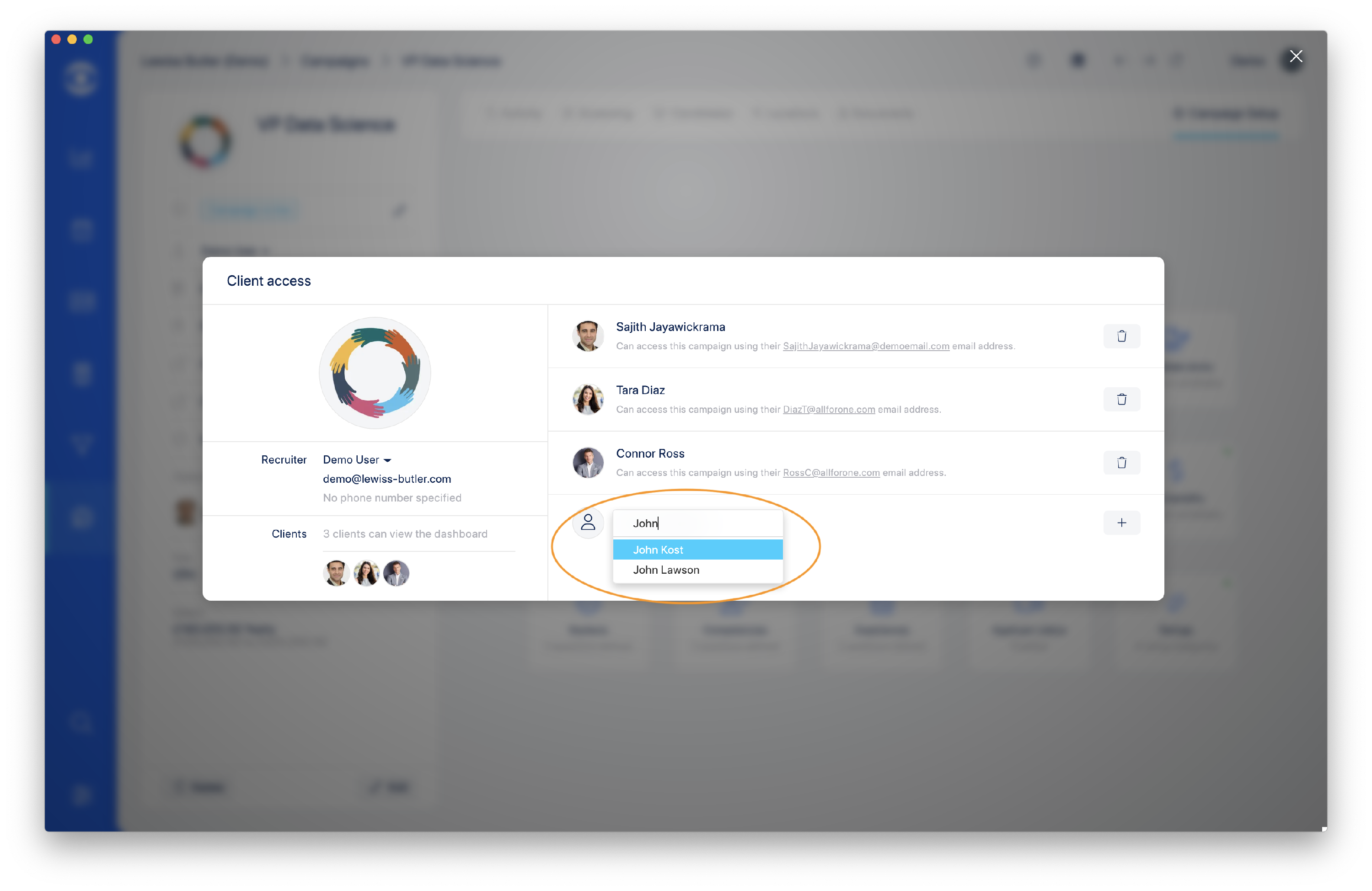
In the Client access popup window select the Contact you wish to give access. When selected click on the + button to save.
Tip: The Client must already be set up with a Contact profile in your Hire Insight account.
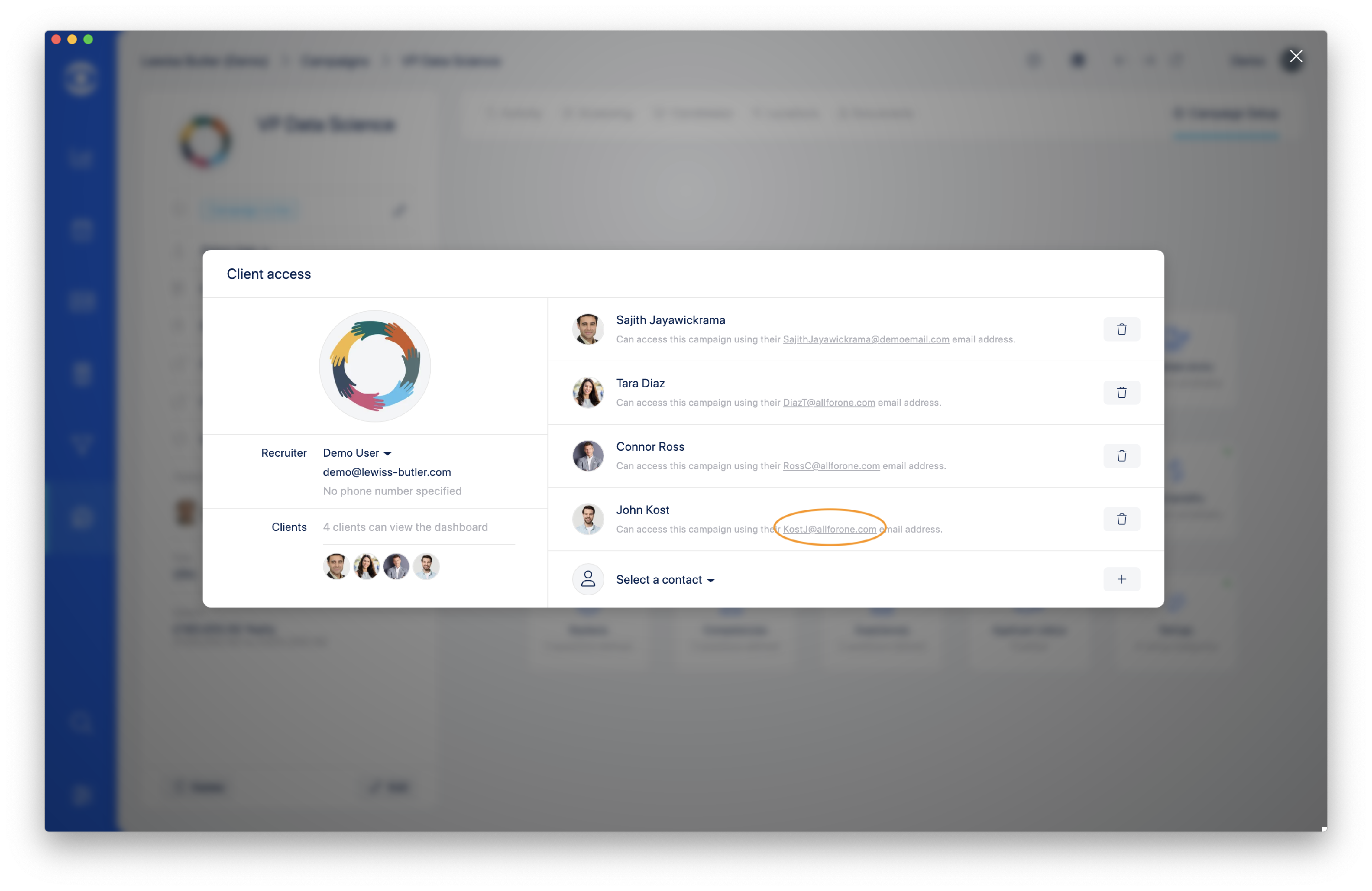
The Client will now show in the list of Contacts with access to the Campaign. The Client's email address shown will be the one they need to use to login to the Hire Insight Client Portal.
Tip: If a client has two email addresses, they can be added twice in the Campaign with each separate email.
Click here to access Client invitation email templates.