
I can't see my Candidate Ratings
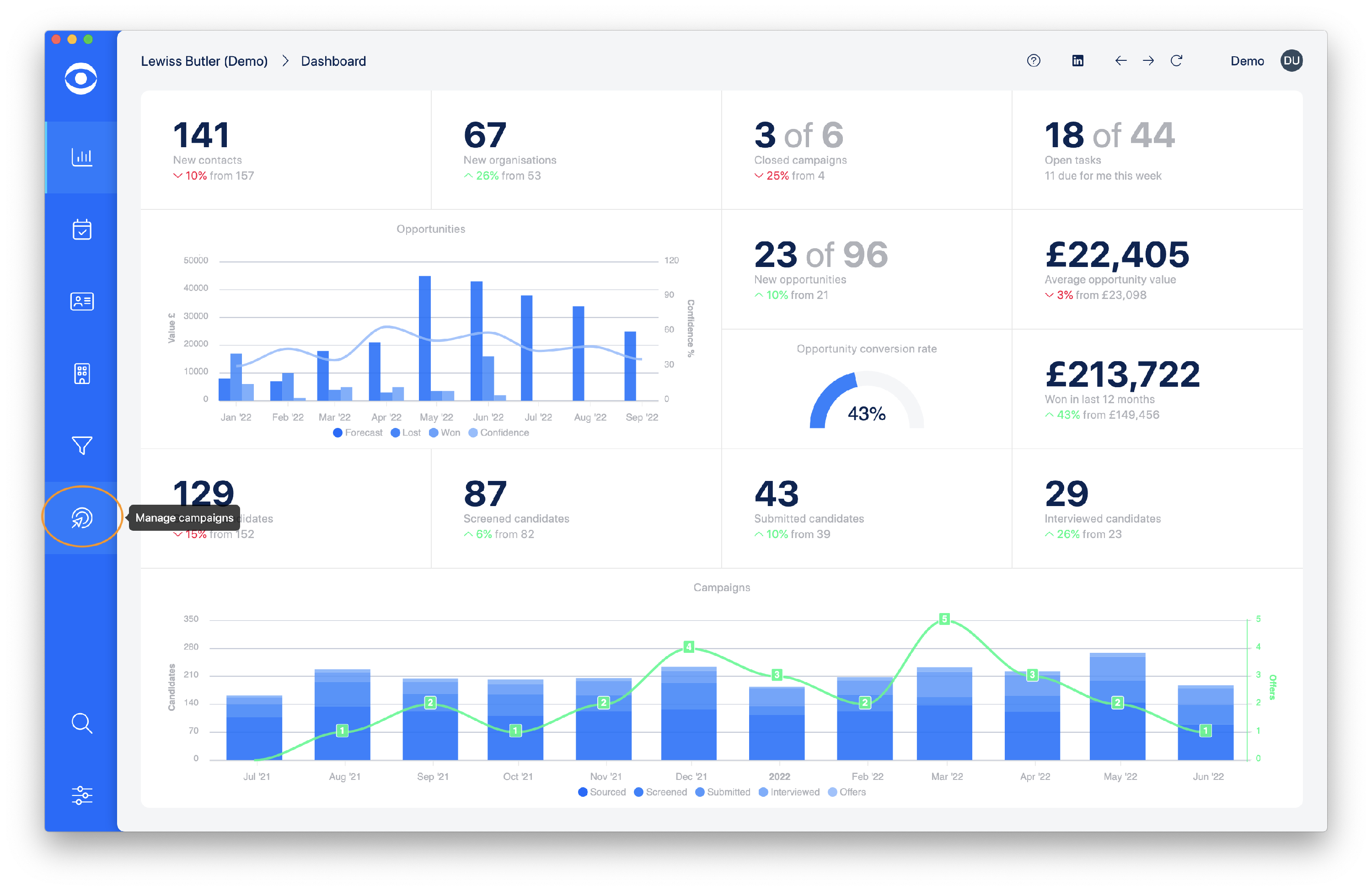
Click on Manage campaigns on the lefthand toolbar.
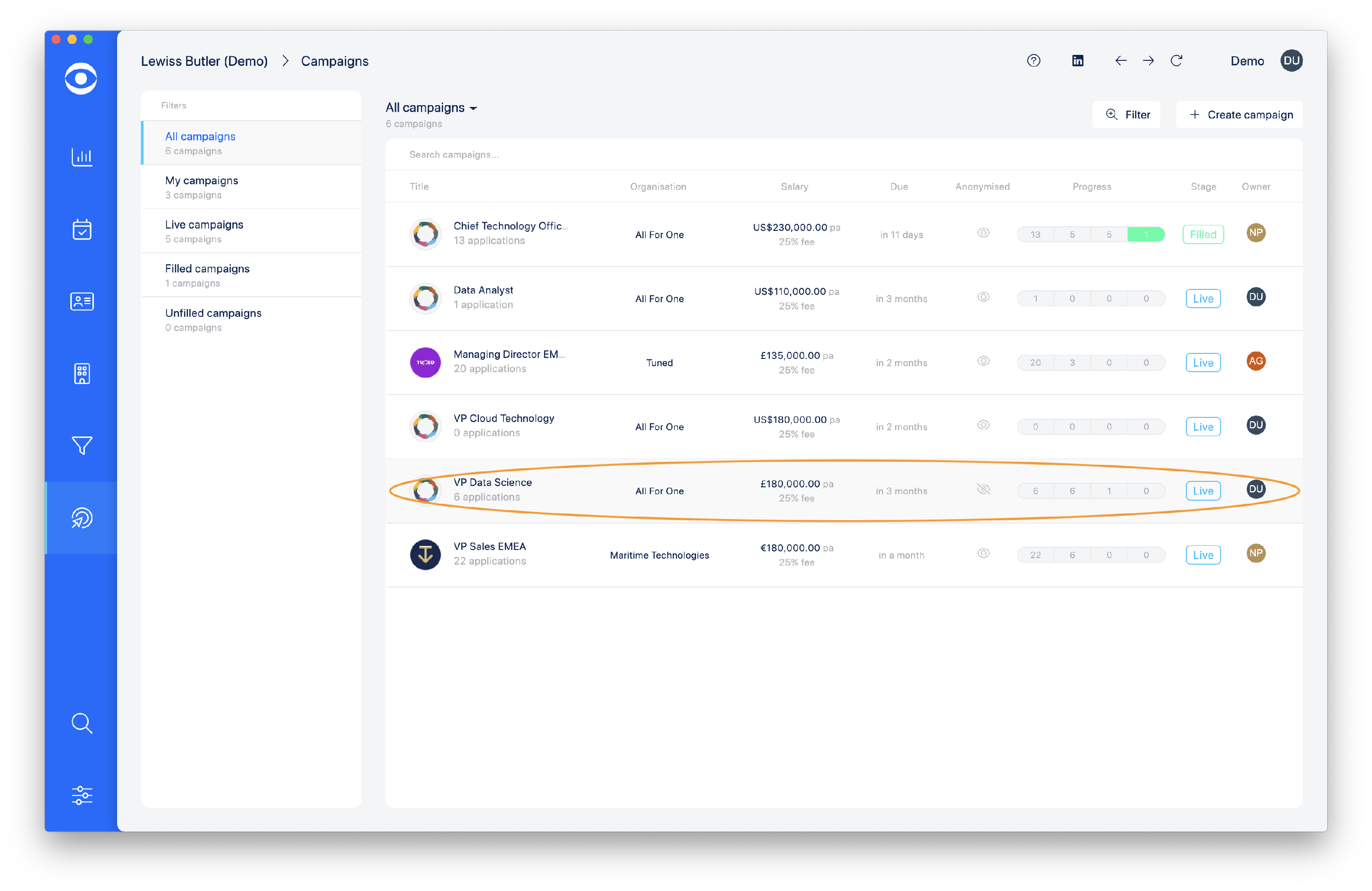
Select and click on the Campaign required.
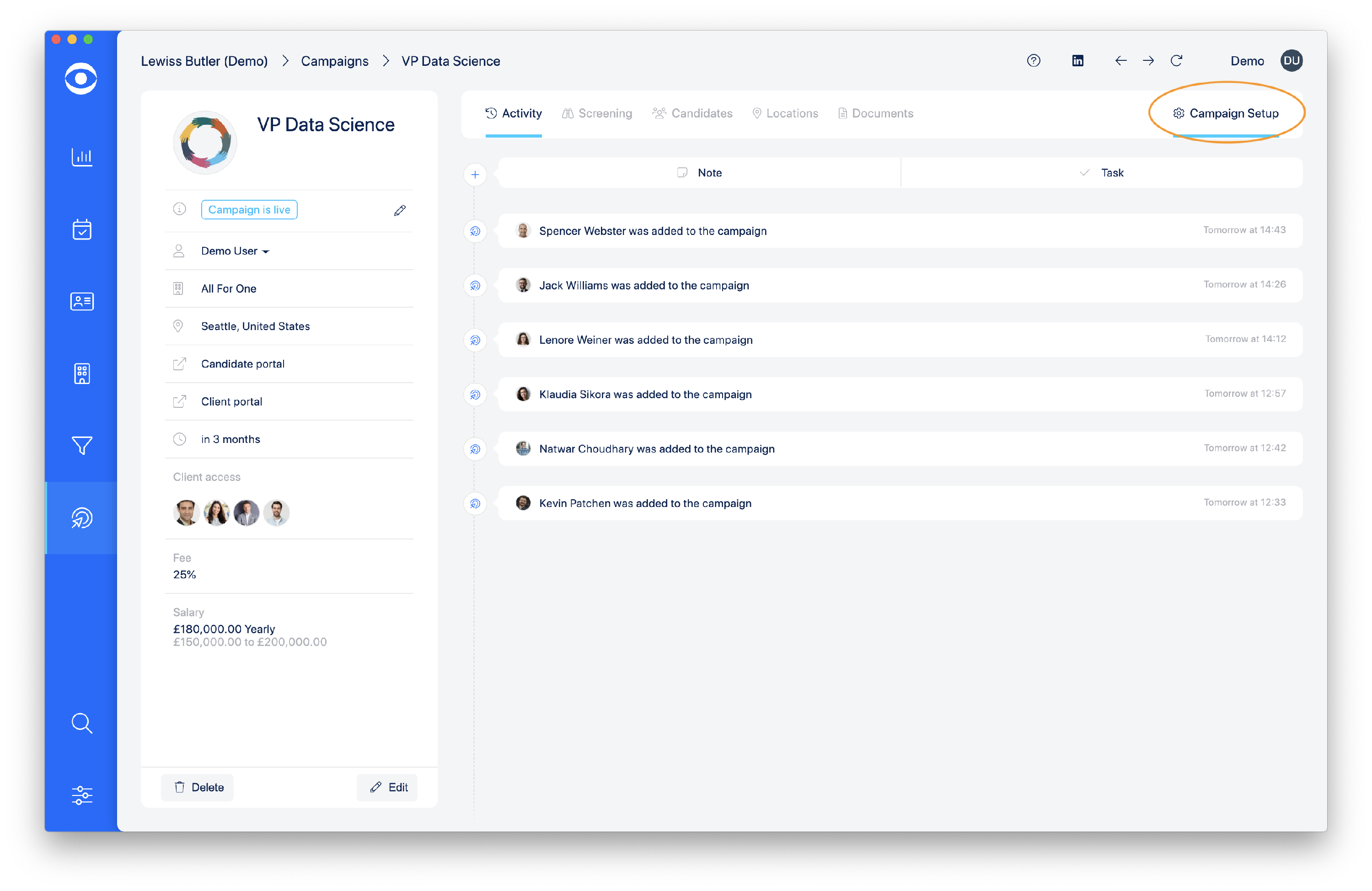
On the Campaign page click on Campaign setup on the top right corner.
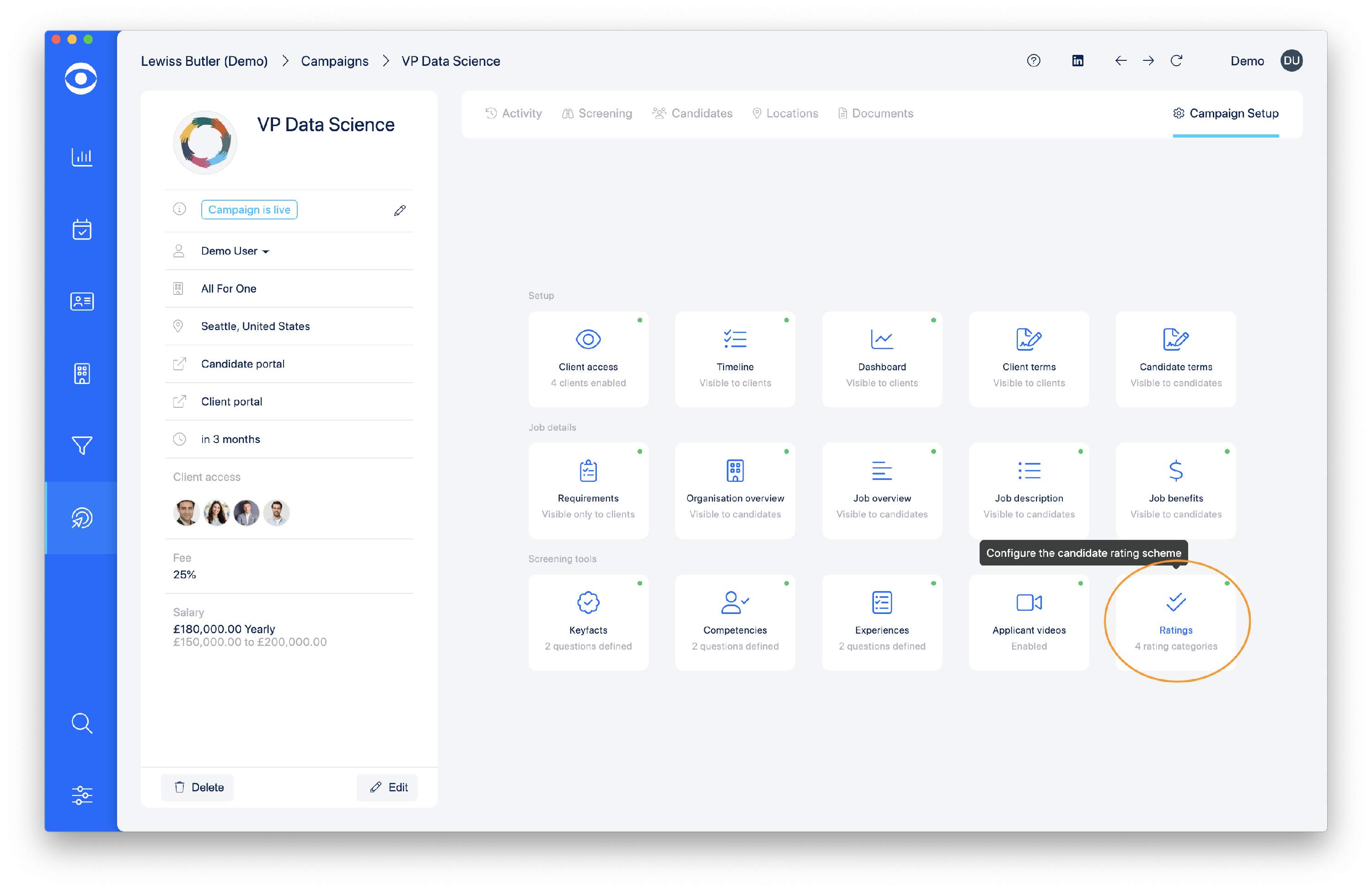
In the Screening tools section, click on the Ratings tile.
In the Ratings popup window, navigate to Should ratings attributes be enabled? and select Yes from the dropdown menu.

Click here to read more about Creating Campaign Elements - Ratings