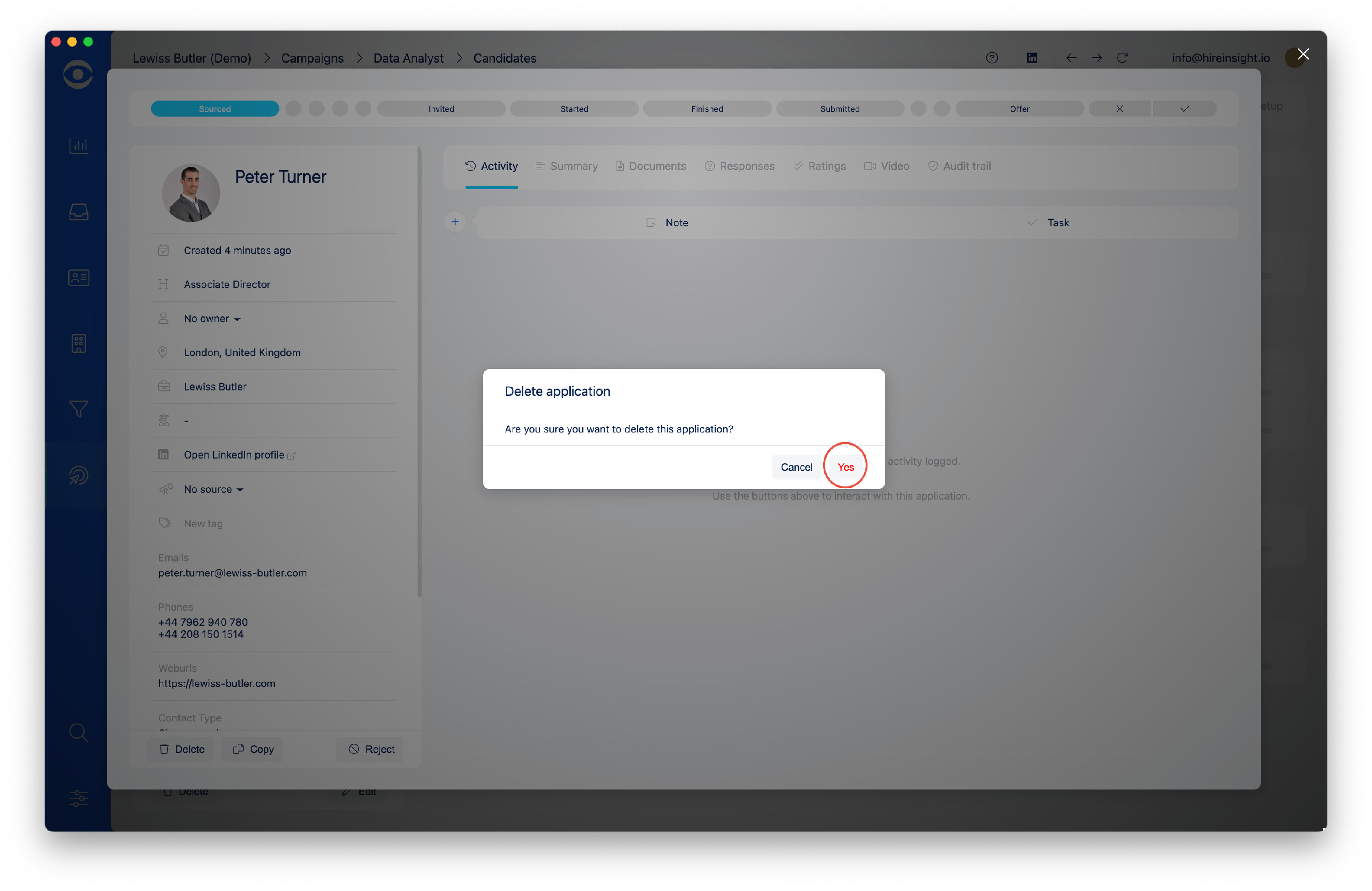
How to Delete a Candidate from a Campaign
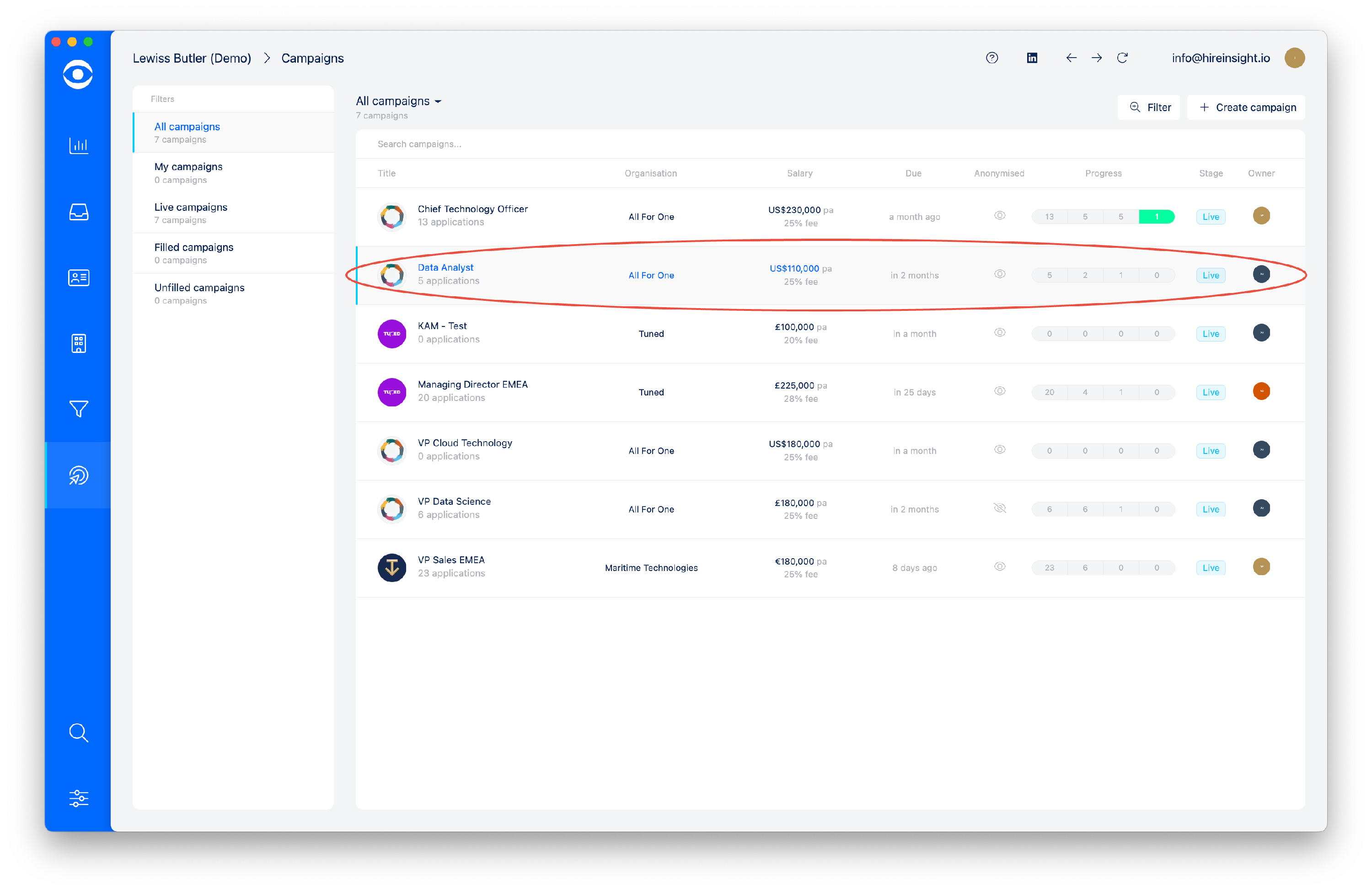
Click on Manage Campaigns on the lefthand toolbar.

Select the Campaign in which you want to delete the Candidate.
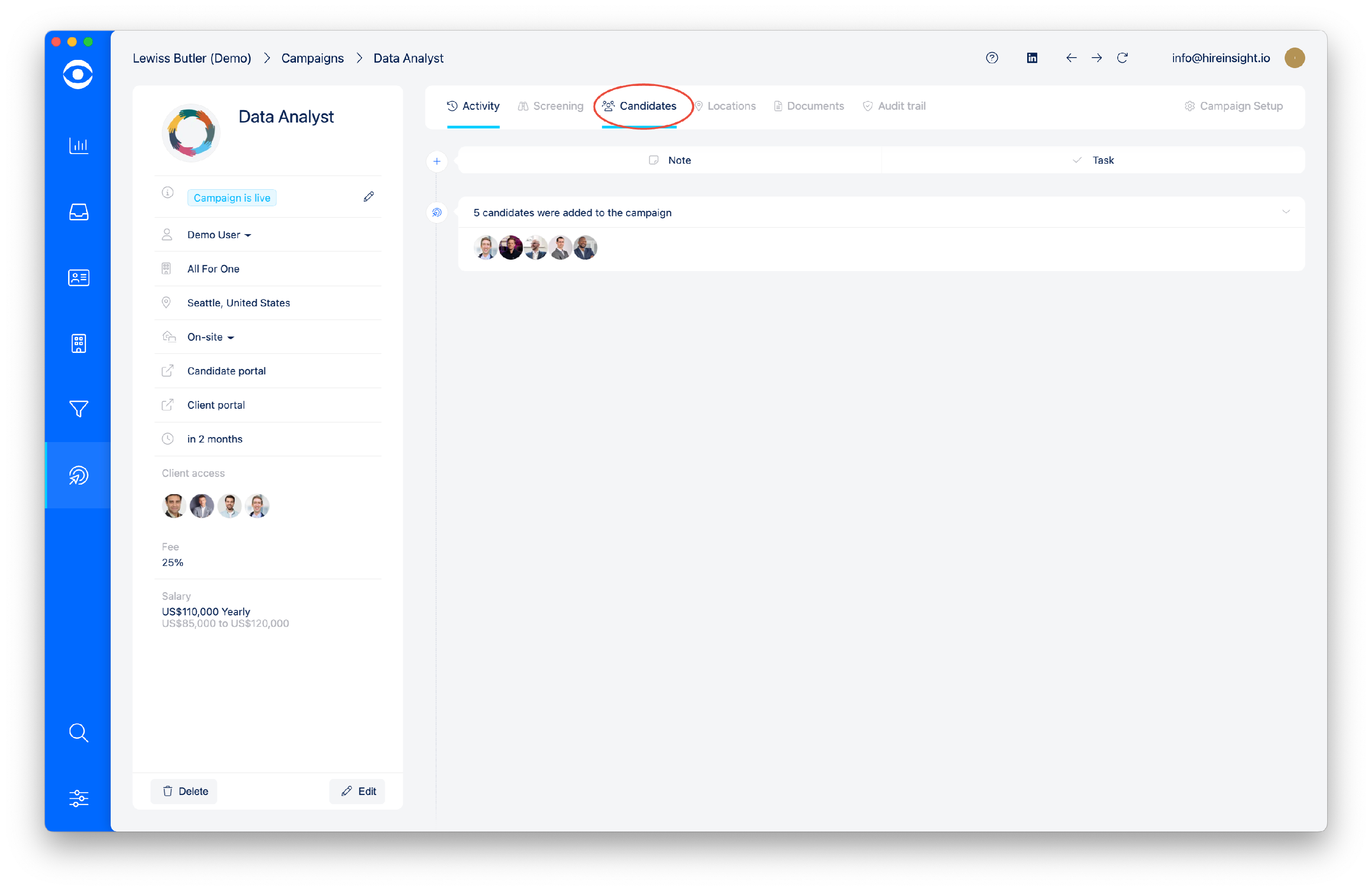
Click on the Candidate tab at top of the page.
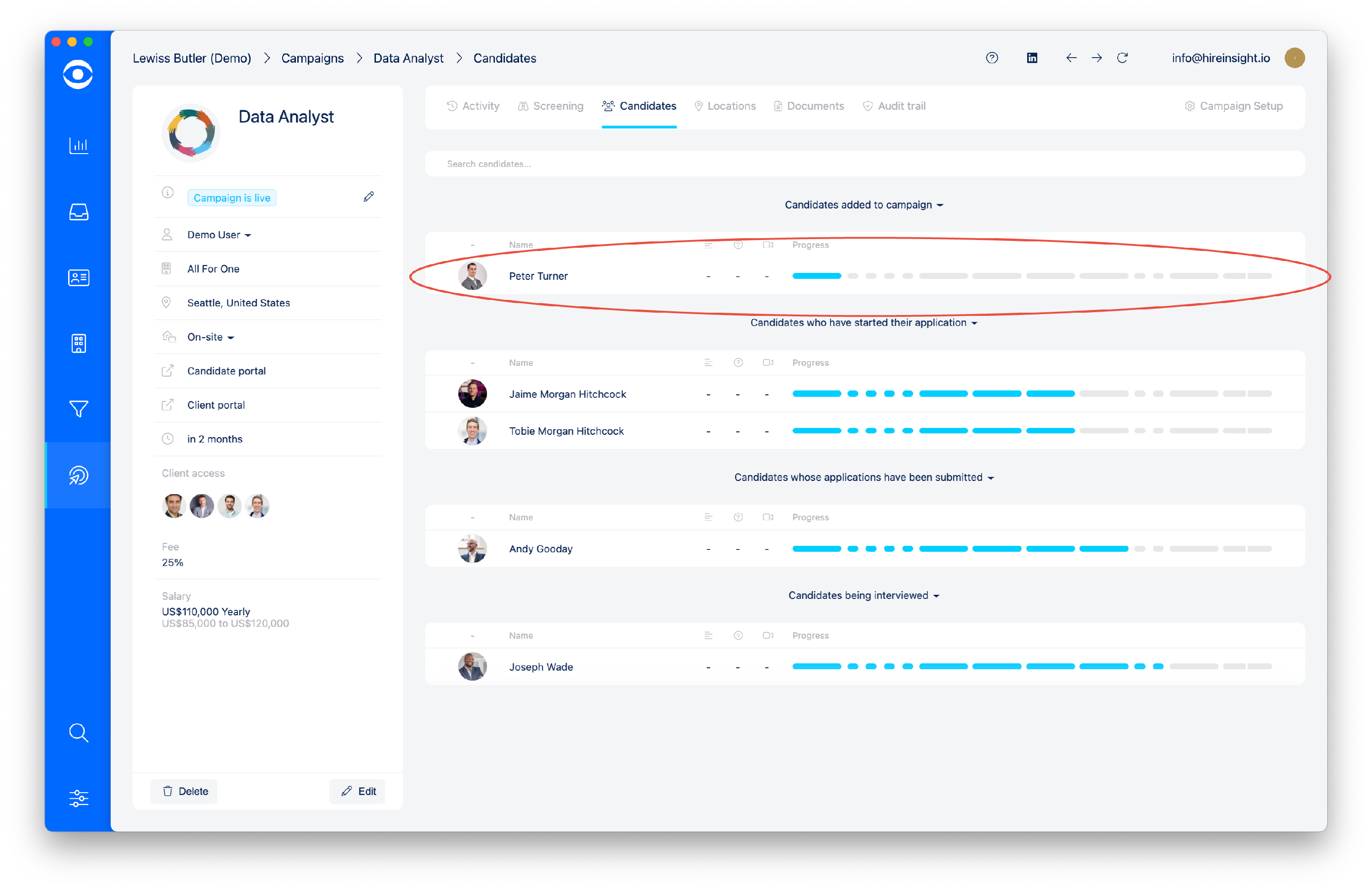
Select the Candidate whom you want to delete from the Campaign.
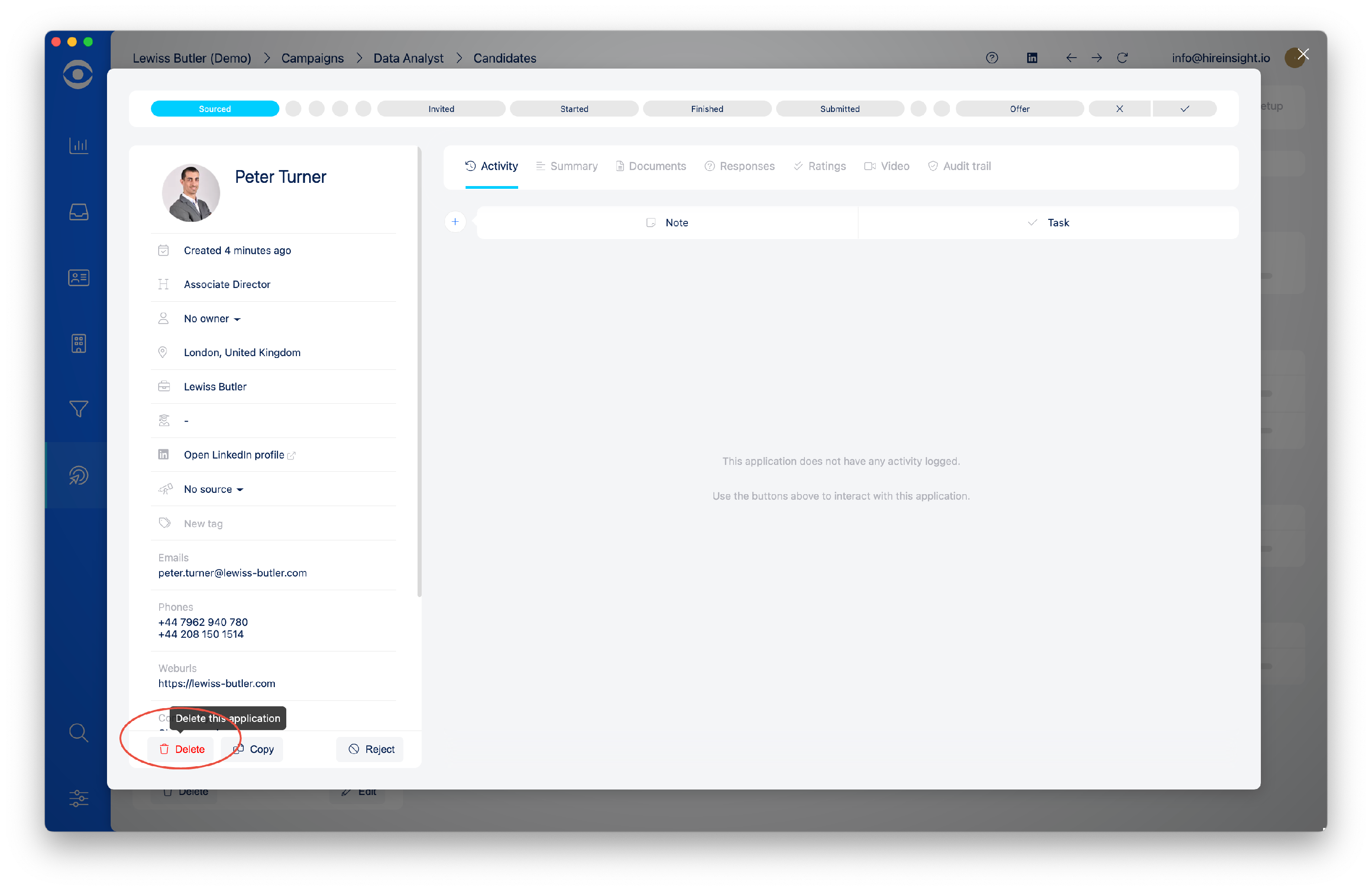
In the Candidate window, click on the Delete this application button in the lower left of the lefthand pane. The Candidate's application will be removed from the Campaign and no longer visible in the Client portal.
A warning window will popup, to delete the application click on Yes.