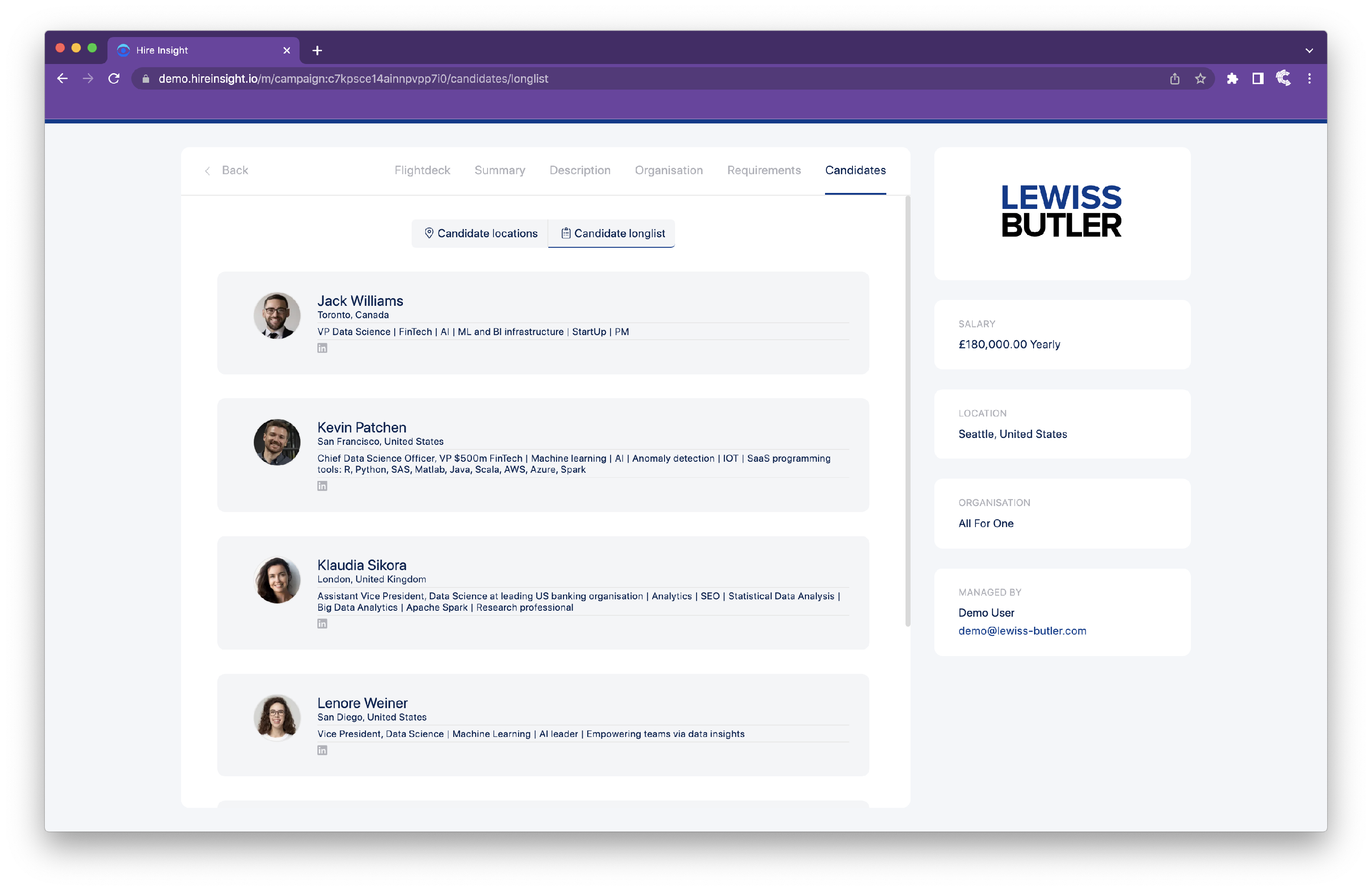
How to Anonymise the Candidate Longlist
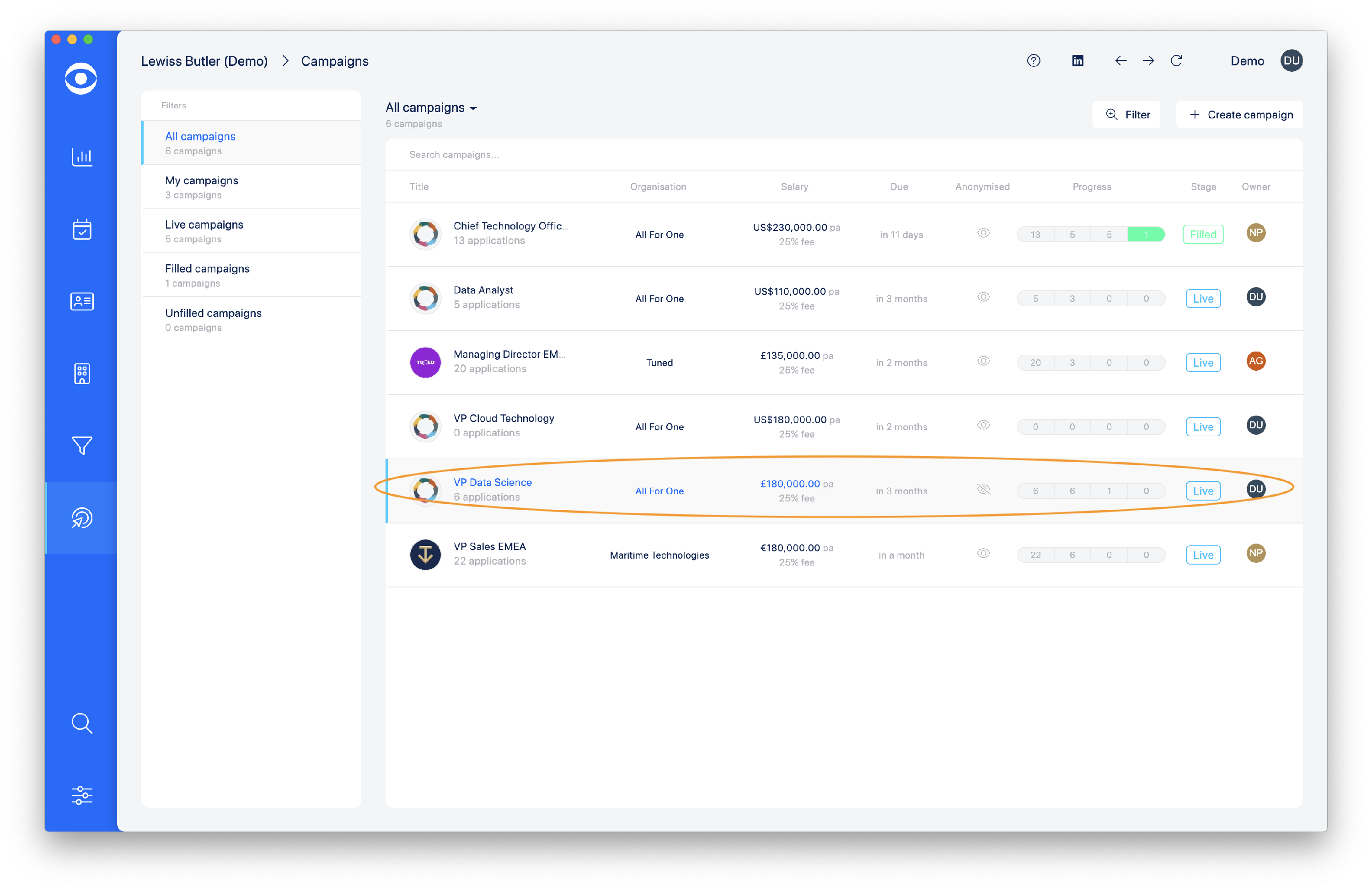
Click on Manage campaigns in the lefthand toolbar.

Select the Campaign for which you want to anonymise the Candidate longlist.
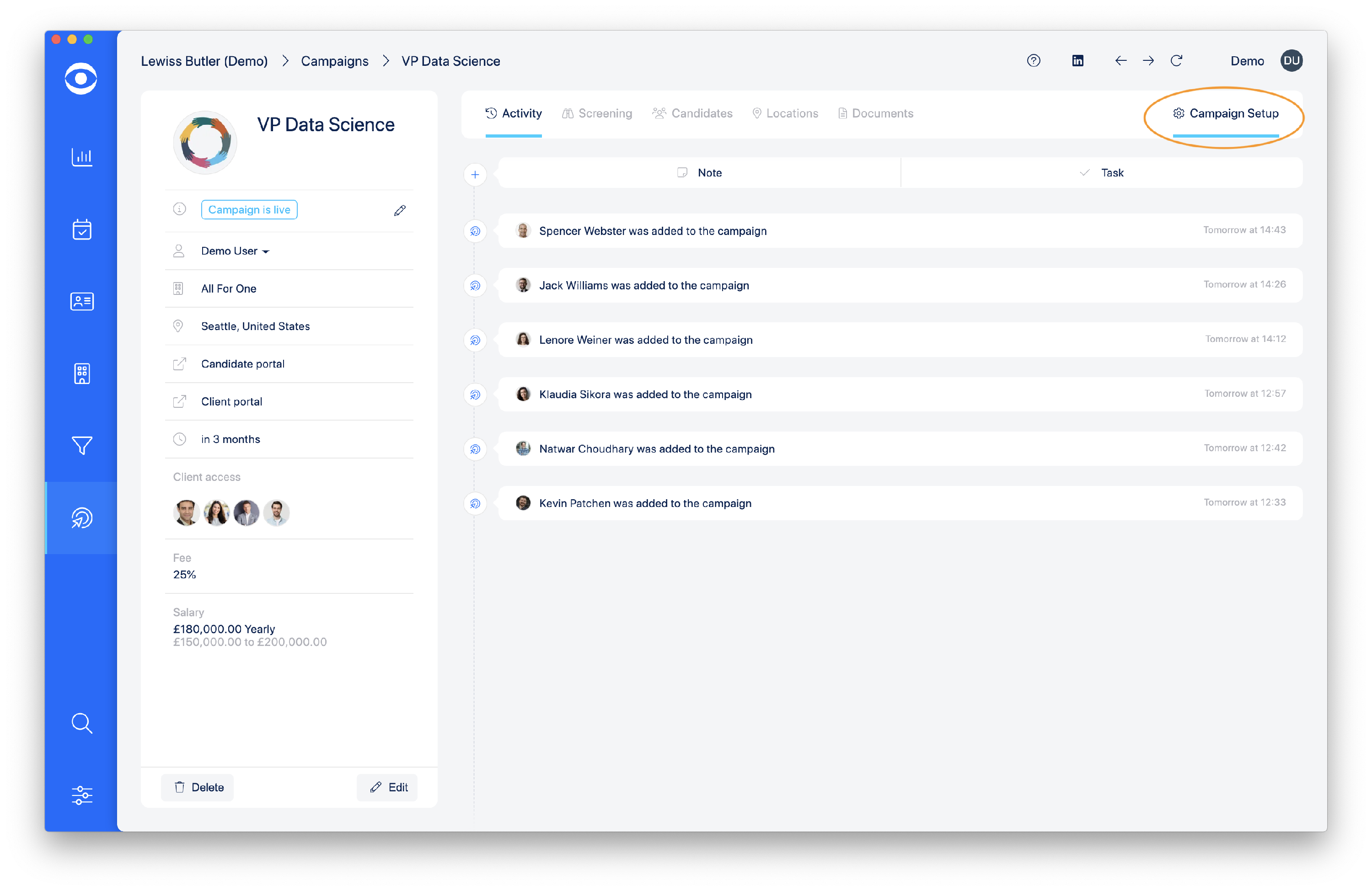
Click on Campaign setup at the top right of the page.
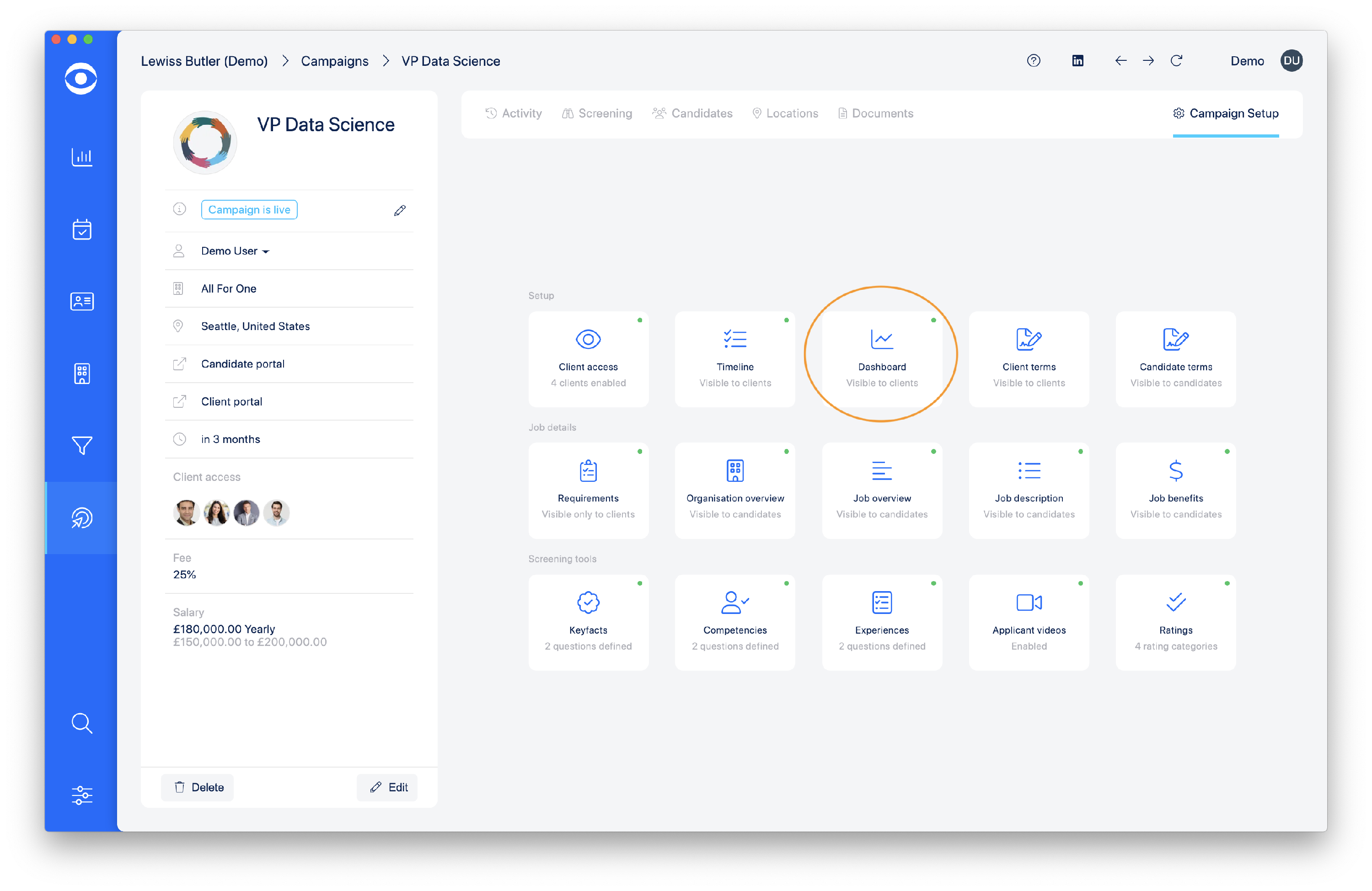
In the Setup tiles, click on the Dashboard tile.
In the Dashboard popup, Click on the Candidates tab.
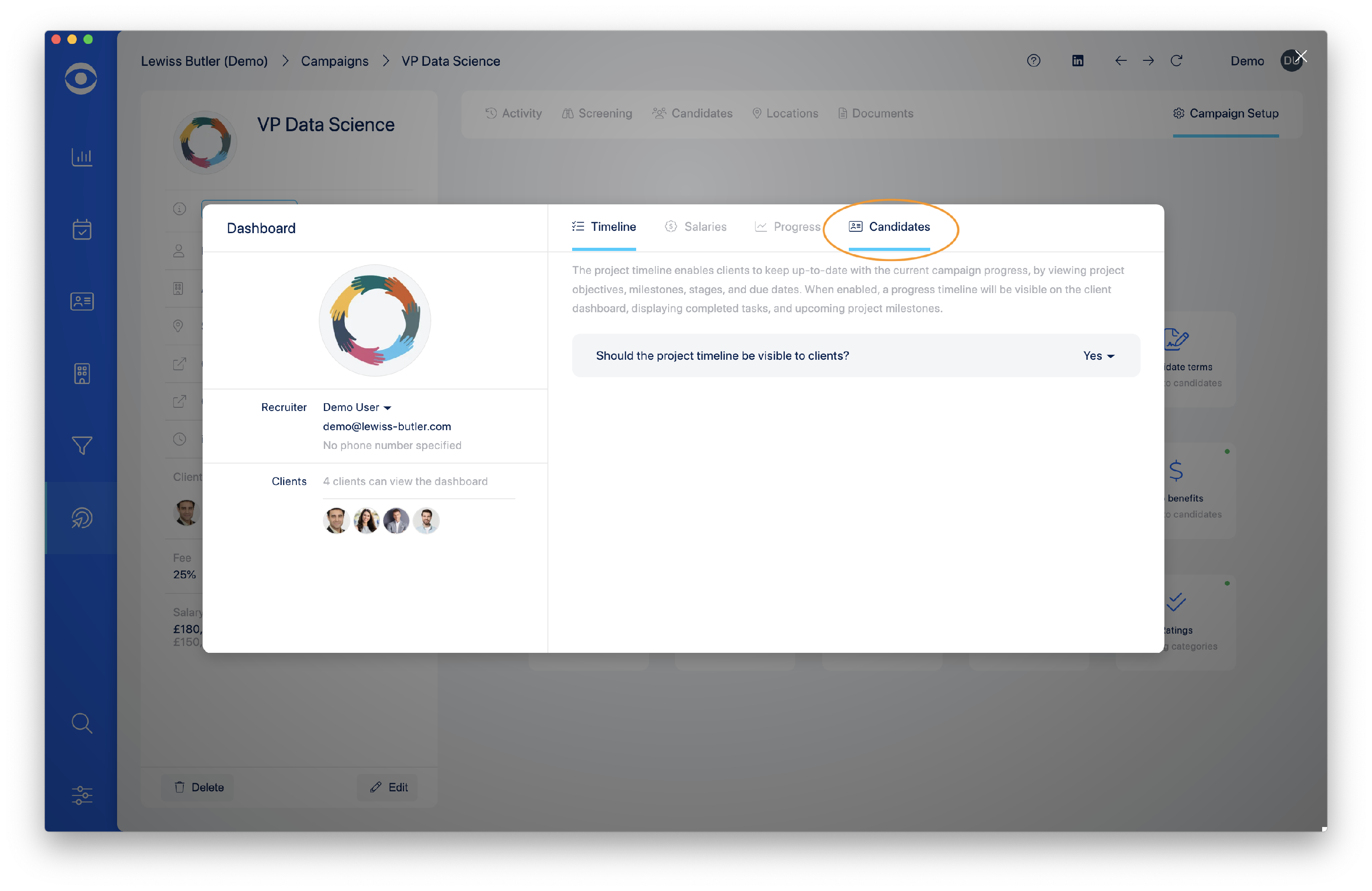
In the Candidate window, navigate to 'Should the candidate details be anonymised when presented to clients?' and select Yes.

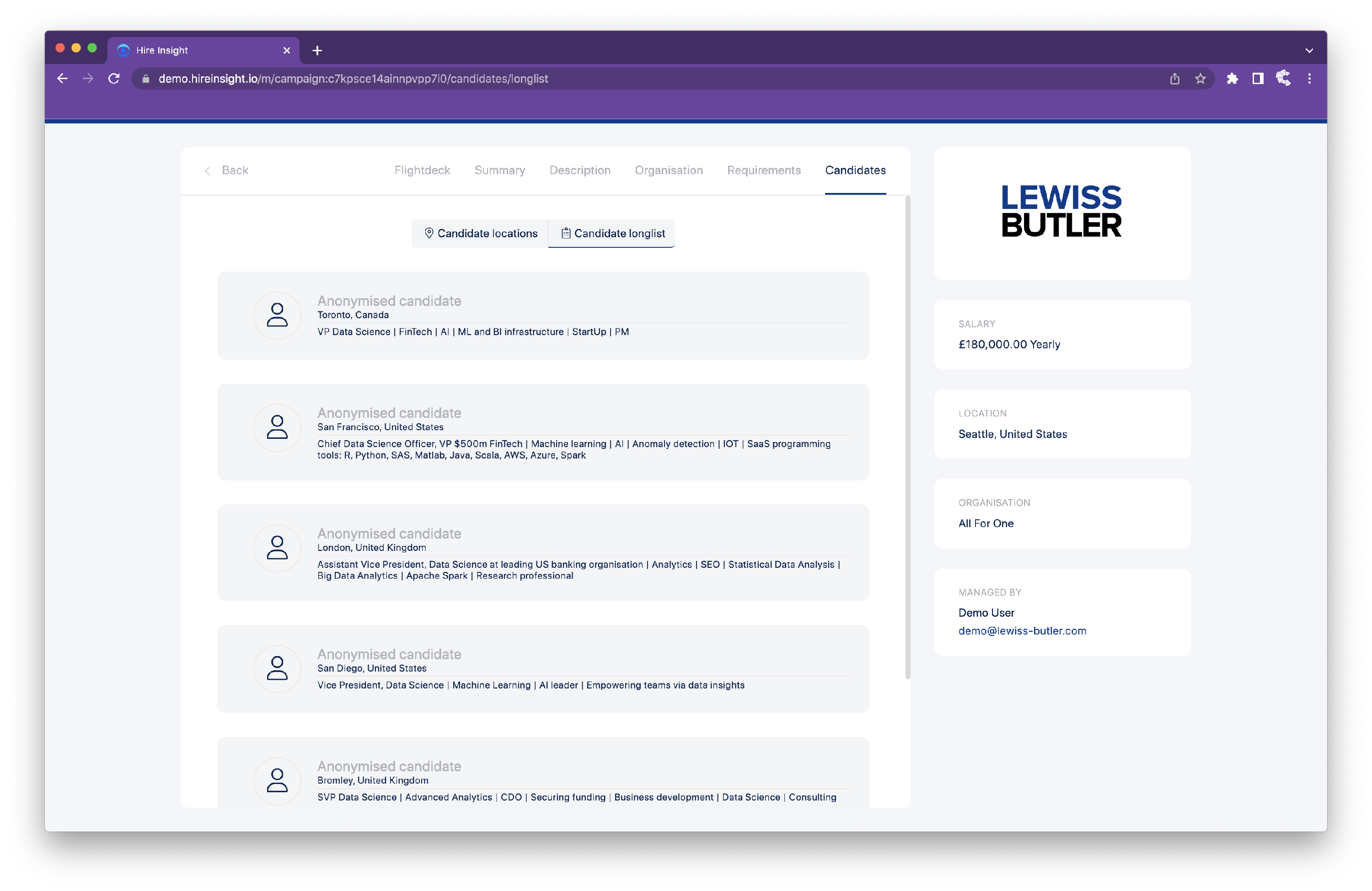
In the Client Portal the Candidate longlist will now only show anonymised details.
To enable the Client to see the Candidate details in the longlist, select No in the Candidate page of the Hire Insight Desktop App.
Candidate details will now be visible in the Client Portal longlist.